
VPS Tutorials
Deploying the Dify AI Application Platform on a VPS (2026): A Guide to Building a Private RAG Knowledge Base, Workflows and Agents
Dify is not n8n, and it is not Open WebUI. It is more like an AI application platform that runs on a VPS: knowledge base Q&A, RAG retrieval, Agents, workflows and model integrations all happen in one backend. This article explains clearly what scenarios Dify suits, how to choose VPS specs, how to deploy with Docker Compose, how to prevent OOM on 4GB of RAM, and how to build your first private knowledge base.
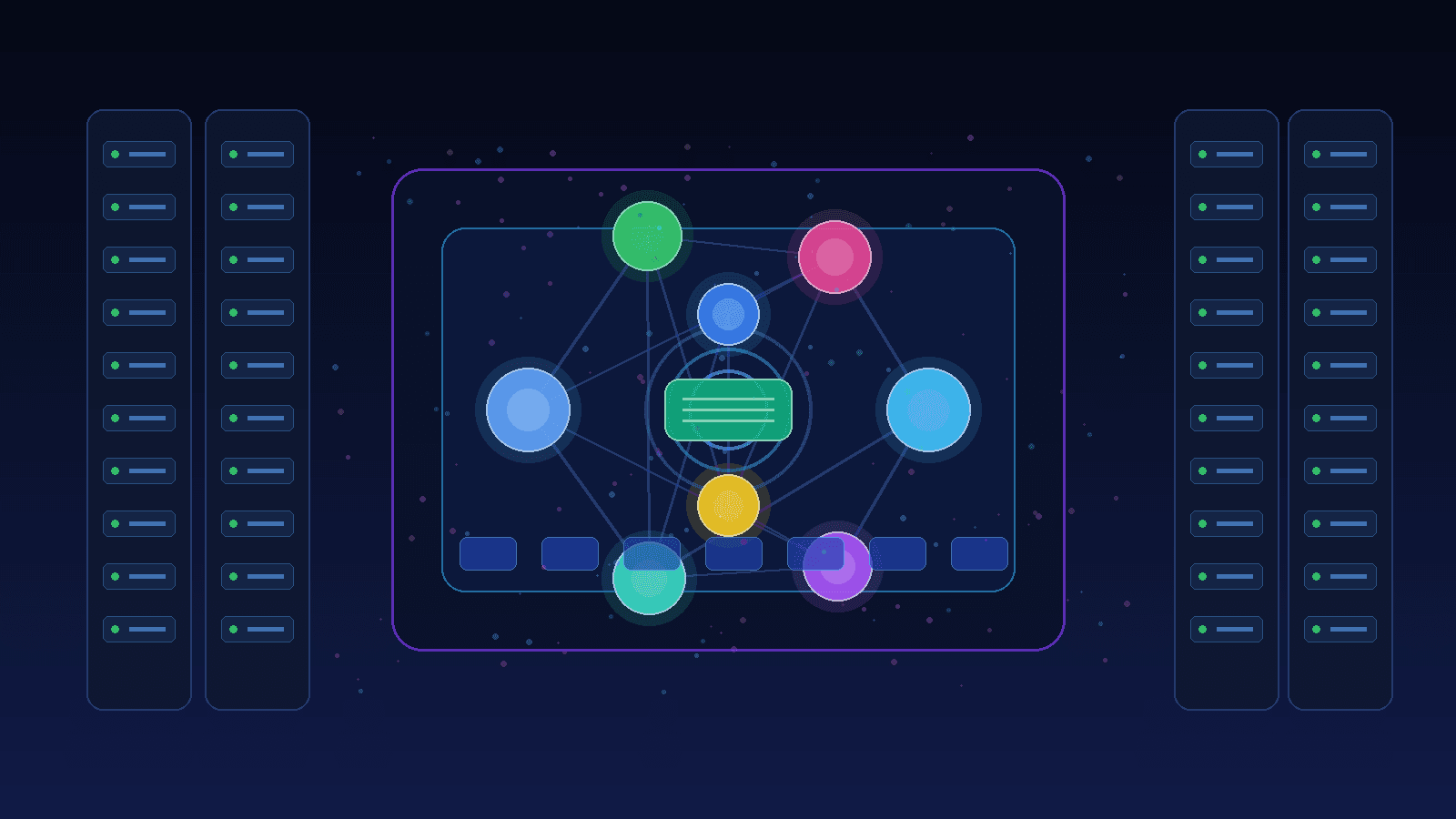
Dify has become popular very quickly over the past two years, not because it built yet another chat interface, but because it bundles together what many people actually want: knowledge base, RAG, Agent, workflows, model integrations and API publishing.
If you have already played with n8n or Ollama + Open WebUI on a VPS, you may ask: so what exactly does Dify add?
One sentence to explain:
- n8n is more like an "automation pipeline", good at connecting various systems together;
- Open WebUI is more like an "AI chat frontend", suitable for chatting with local models;
- Dify is more like an "AI application backend", suitable for knowledge base Q&A, customer service bots, document retrieval and internal assistants.
So Dify does not replace n8n, nor does it replace Open WebUI. It is better suited to one thing: turning AI capabilities into an application that can genuinely be used by others.
Don't rush to deploy. Dify is considerably heavier than n8n, and more complex than an ordinary chat UI. The following scenarios are the ones that are really worth it:
| Scenario | Value of Dify |
|---|---|
| Internal company document Q&A | Upload PDFs, Markdown and web content to build a RAG knowledge base |
| Customer service bots | Connect FAQ, product docs and ticket knowledge bases |
| Content generation tools | Write articles, rewrite titles, generate summaries, batch polish |
| AI workflows | Multi-step prompts, conditional branches, tool calls |
| A unified entry point for the team | Backend management of apps, models, Keys and logs |
If you just want to chat with models yourself, Open WebUI is lighter. If you just want to connect Telegram, Webhooks, spreadsheets and email together, n8n is more suitable.
But if you want to "upload a pile of materials and then have the AI answer questions based on the materials", Dify is very handy.
The commonly cited official minimum requirement for Dify is 2 cores and 4GB, but in real use, 4GB is the bottom line, not the comfortable line.
Dify's default Docker Compose brings up a group of services: API, Worker, Web, PostgreSQL, Redis, vector database, Sandbox, Nginx, plugin-related services and so on. It is not a single-container small tool.
I suggest choosing like this:
| Purpose | Recommended specs |
|---|---|
| Trial, external API models | 2 cores 4GB, Swap must be enabled |
| Long-term personal use | 2-4 cores 8GB |
| Small team knowledge base | 4 cores 8GB and up |
| Large documents, multiple users, frequent indexing | 4 cores 16GB is more stable |
| Running Ollama local models on the same machine | 16GB and up, the more the better |
Many people get tripped up not because the CPU is insufficient, but because memory is insufficient. Dify may normally only use 2-4GB, but during document splitting, Embedding and indexing it can suddenly spike. Don't force it onto 1C1G or 1C2G tiny instances; in the end the OOM Killer will most likely kill the worker.
If the budget is limited, rather choose 2C4G + Swap than torture yourself with a 1G machine.
The following uses an Ubuntu/Debian VPS as an example.
First update the system:
apt update && apt upgrade -y
Install Docker:
curl -fsSL https://get.docker.com | bash
systemctl enable --now docker
Install the Compose plugin:
docker compose version
If no version is output, install it:
apt install -y docker-compose-plugin
For a 4GB memory machine, it is recommended to enable Swap first:
fallocate -l 4G /swapfile
chmod 600 /swapfile
mkswap /swapfile
swapon /swapfile

echo '/swapfile none swap sw 0 0' >> /etc/fstab
Confirm:
free -h
Swap is not a performance miracle, but it can prevent Dify from being killed directly by the system when indexing documents.
Dify officially recommends starting from the Docker configuration in the repository. The process is roughly:
cd /opt

git clone https://github.com/langgenius/dify.git
cd dify/docker

cp .env.example .env
Then first modify .env. At least pay attention to these:
vim .env
Suggested checks:
SECRET_KEY: do not use the default value;CONSOLE_WEB_URL: backend address;APP_WEB_URL: address users use to access the app;FILES_URL: file access address;- Database password: do not use the default weak password;
- Worker concurrency: don't set it too high on small-memory machines.
Start:
docker compose up -d
View containers:
docker compose ps
View logs:
docker compose logs -f api
The first startup will be relatively slow, especially pulling images and initializing the database. Don't hit Ctrl+C just because nothing happens for a minute.
In production, don't let users access random ports directly. It is recommended to use Nginx or Caddy to reverse proxy to Dify's Web service.
If you already have Nginx, you can write a basic configuration like this:
server {
    listen 80;
    server_name dify.example.com;

    client_max_body_size 100m;

    location / {
        proxy_pass http://127.0.0.1:80;
        proxy_set_header Host $host;
        proxy_set_header X-Real-IP $remote_addr;
        proxy_set_header X-Forwarded-For $proxy_add_x_forwarded_for;
        proxy_set_header X-Forwarded-Proto $scheme;
    }
}
If you use Dify's built-in Nginx container, be careful that the ports don't conflict with the host Nginx for 80/443. Many deployment failures are because two Nginx instances both want to listen on 80.
The simplest approach is:
- Dify internal services only listen on local ports;
- Host Nginx handles HTTPS uniformly;
- If uploading documents, increase
client_max_body_size.
Certificates can use Certbot:
apt install -y certbot python3-certbot-nginx
certbot --nginx -d dify.example.com
Dify's core selling point is the knowledge base. A minimal usable flow is:
- Create a knowledge base in the backend;
- Upload PDFs, Markdown, TXT or web content;
- Set the segmentation method;
- Choose an Embedding model;
- Wait for indexing to complete;
- Create a chat app and associate the knowledge base;
- Test whether questions can hit the document content.
For Chinese documents, it is recommended not to make segments too long. You can start with this configuration:
| Parameter | Suggestion |
|---|---|
| Segment length | 300-600 Chinese characters |
| Overlap ratio | 10%-15% |
| Retrieval method | Prefer hybrid retrieval if available |
| Top K | Start with 3-5 |
| Similarity threshold | Low first, then high, to avoid finding nothing at the start |
If your documents are product descriptions, tutorials or FAQs, segments can be shorter; if they are long reports, papers or contracts, segments can be slightly longer, but pay attention to context continuity.
Many people feel RAG is "inaccurate" the first time they use it. The reason is usually not that the model is bad, but that document segmentation is too coarse, headings are not included, the Embedding model is not suitable for Chinese, or the retrieval threshold is set too strictly.
Dify supports multiple model providers. Common choices:
| Choice | Suitable scenario |
|---|---|
| DeepSeek | Chinese Q&A, low-cost use |
| OpenAI / Claude | More stable quality, higher cost |
| Gemini | Long-context scenarios |
| Aggregation platforms such as SiliconFlow | Want to connect open-source and domestic models |
| Ollama | Keep data off the local machine as much as possible, but VPS specs must be sufficient |
If the VPS only has 4GB or 8GB, I don't recommend running large models on the same machine from the start. Connect external APIs first, get Dify running stably, then consider Ollama.
If you already have the AI API gateway from the previous article, you can point Dify's model provider to your own New-API / One-API gateway, so that models, Keys and usage statistics are managed uniformly.
4GB can run it, but you need to hold back a bit.
Suggested actions:
# 看内存
free -h

# 看容器资源
docker stats
Then control Worker concurrency in .env or the Compose configuration. Fields may change between versions; before deploying, check the current official documentation and .env.example. The principle is: don't let the worker process too many tasks at the same time on a small machine.
Also:
- Don't upload thousands of pages of documents at once;
- Test indexing in small batches first;
- Use external APIs for Embedding as much as possible, don't force large models to run on the same machine;
- Regularly clean up unused documents and apps;
- Back up PostgreSQL, don't just back up the Docker Compose files.
The most important things in Dify are the database, uploaded files and configuration.
At minimum back up:
- PostgreSQL data;
- Docker volumes;
.env;- Uploaded file directory;
- Custom plugin or extension configuration.
A simple PostgreSQL backup idea:
mkdir -p /opt/backups/dify

# 容器名以 docker compose ps 实际输出为准
docker exec -t docker-db-1 pg_dump -U postgres dify \
  > /opt/backups/dify/dify-$(date +%F).sql
Then use rclone to sync to object storage or another server. Backups kept only on the same VPS are meaningless; if the disk dies, they all disappear together.
This is also a very practical way to use them.
Dify handles "AI thinking":
- Reading the knowledge base;
- Generating replies;
- Determining user intent;
- Handling complex prompts.
n8n handles "action execution":
- Listening to forms, Webhooks and email;
- Calling the Dify API;
- Writing results back to Notion, Feishu, WeCom or databases;
- Running scheduled tasks.
For example: a customer submits an after-sales issue, n8n receives the Webhook, sends the question to Dify, Dify queries the product knowledge base to generate an answer, and n8n then sends the result to the customer service group. This combination is smoother than using n8n alone or Dify alone.
First check the worker logs:
docker compose logs -f worker
Common causes are insufficient memory, wrong Embedding configuration, wrong model provider Key, or file format parsing failure.
Check Nginx:
client_max_body_size 100m;
Also check Dify's own and reverse proxy layer limits. The Cloudflare free plan also has upload size limits; don't blame all problems on Dify.
First check whether the VPS is too small:
docker stats
If PostgreSQL, worker and api are all competing for memory, a 4GB machine will be noticeably laggy. You can enable Swap, but for long-term high load it is still recommended to upgrade to 8GB.
Don't rush to change the model. Check in order:
- Whether the document was indexed successfully;
- Whether the retrieval results hit the correct paragraphs;
- Whether the segments are too long or too short;
- Whether the Embedding is suitable for Chinese;
- Whether the prompt requires "answer only based on the knowledge base".
RAG problems are often retrieval problems, not generation problems.
If you just want to try Dify, a 2C4G VPS can work, but be sure to enable Swap and don't upload too many documents at once.
If you plan to use it long-term, especially for a team or customers, going straight to 4C8G will save you a lot of trouble. Dify is not the kind of tool that runs comfortably on a 512MB tiny instance; it is more like a complete AI application backend.
I would implement it like this:
- Start testing with 2C4G, use 8GB for the long-term environment;
- Deploy the official version with Docker Compose;
- Use Nginx/Caddy for HTTPS;
- Get external API models working first;
- Upload documents in small batches to test RAG;
- Tune segmentation, Embedding and Top K;
- Back up PostgreSQL and volumes every day;
- If you already have n8n, use n8n to call the Dify API for automation.
Dify's real value is not "yet another AI chat site", but letting you connect your own documents, business processes and models together. For VPS users, it is one of the most worthwhile self-hosted AI projects to explore in 2026.