

Featured topic 8 articles
Build and Launch a Website with AI
Publish your first AI-built website, portfolio, or small tool. Turn a preview into a shareable link, choose hosting and a domain, and plan for costs, access, and updates.
Explore topicPlease wait while we load the content.
VPS reviews · Tutorials · Technical articles
246 articles about hosting reviews, deployment and buying advice.
Featured topic 8 articles
Publish your first AI-built website, portfolio, or small tool. Turn a preview into a shareable link, choose hosting and a domain, and plan for costs, access, and updates.
Explore topic
Use the preview URL, production domain, and deployment history to find why an AI-built site still shows old content. Roll back on Vercel or Netlify and verify the site afterward.
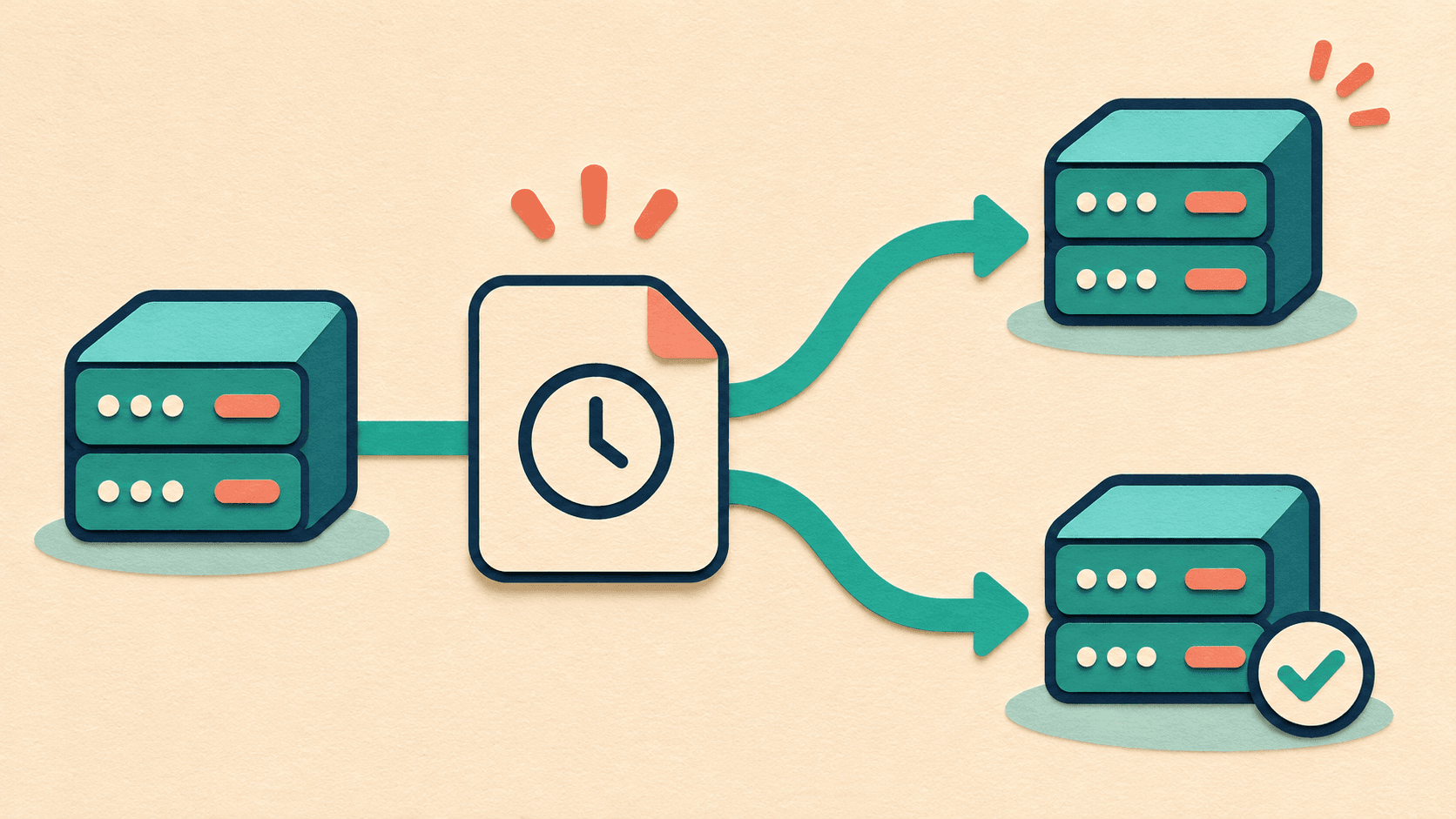
Check which disks a VPS snapshot covers, preserve newer data, then restore the original server or create an isolated test VPS. Verify SSH, storage, and the site before switching traffic.
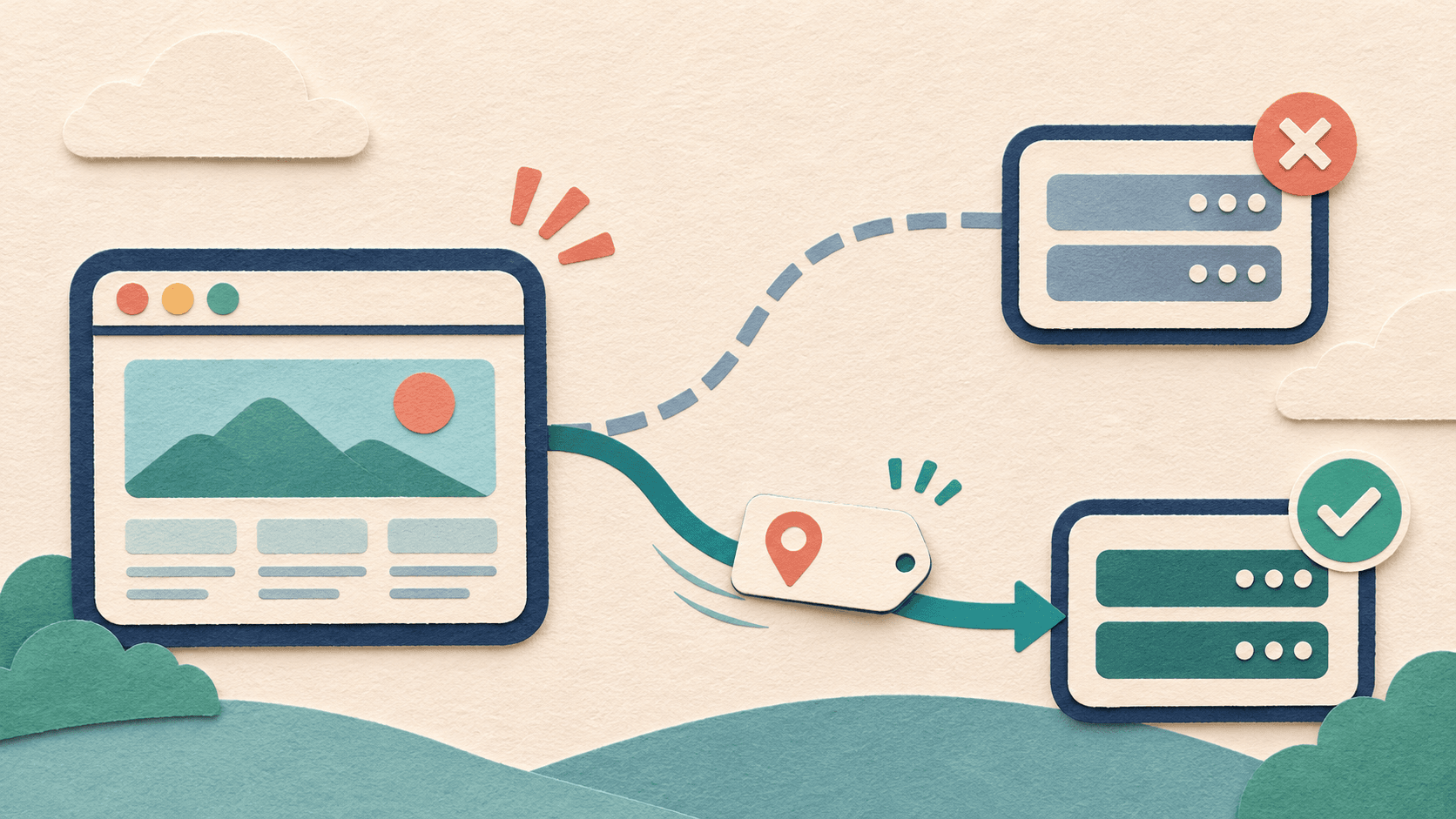
Check access after a VPS IP change in order: login at the new address, domain targets, proxy origins and HTTPS, followed by a validation checklist for subdomains, IPv6 and application settings.

For beginners launching a site, troubleshoot an AI website missing from Google by checking public access, verifying ownership, inspecting URLs, requesting crawling and submitting a sitemap in sequence.
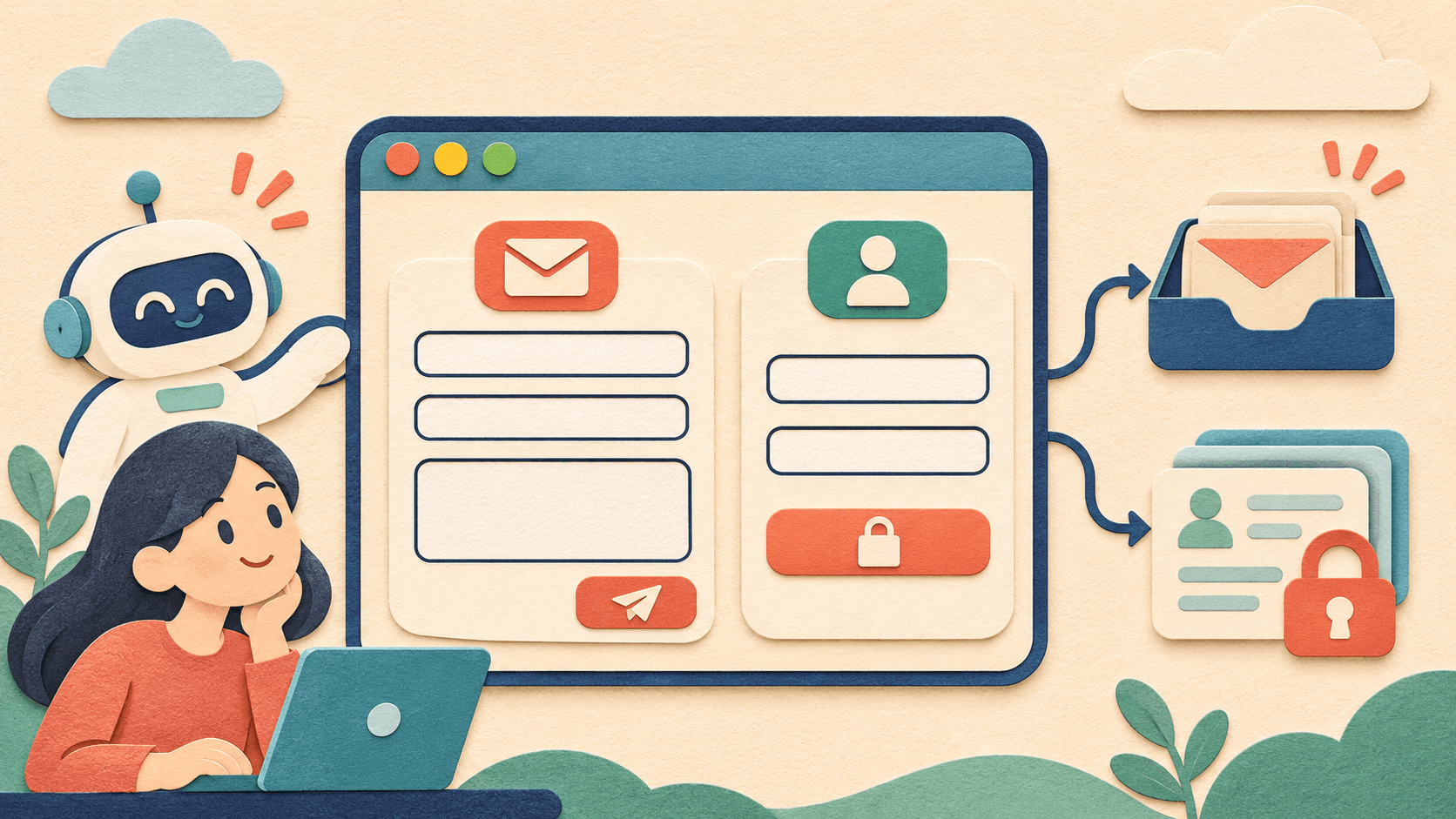
Using a portfolio contact form and private member records as examples, learn where submitted data goes, how authentication and access permissions work, and how to validate the production site with two test accounts.
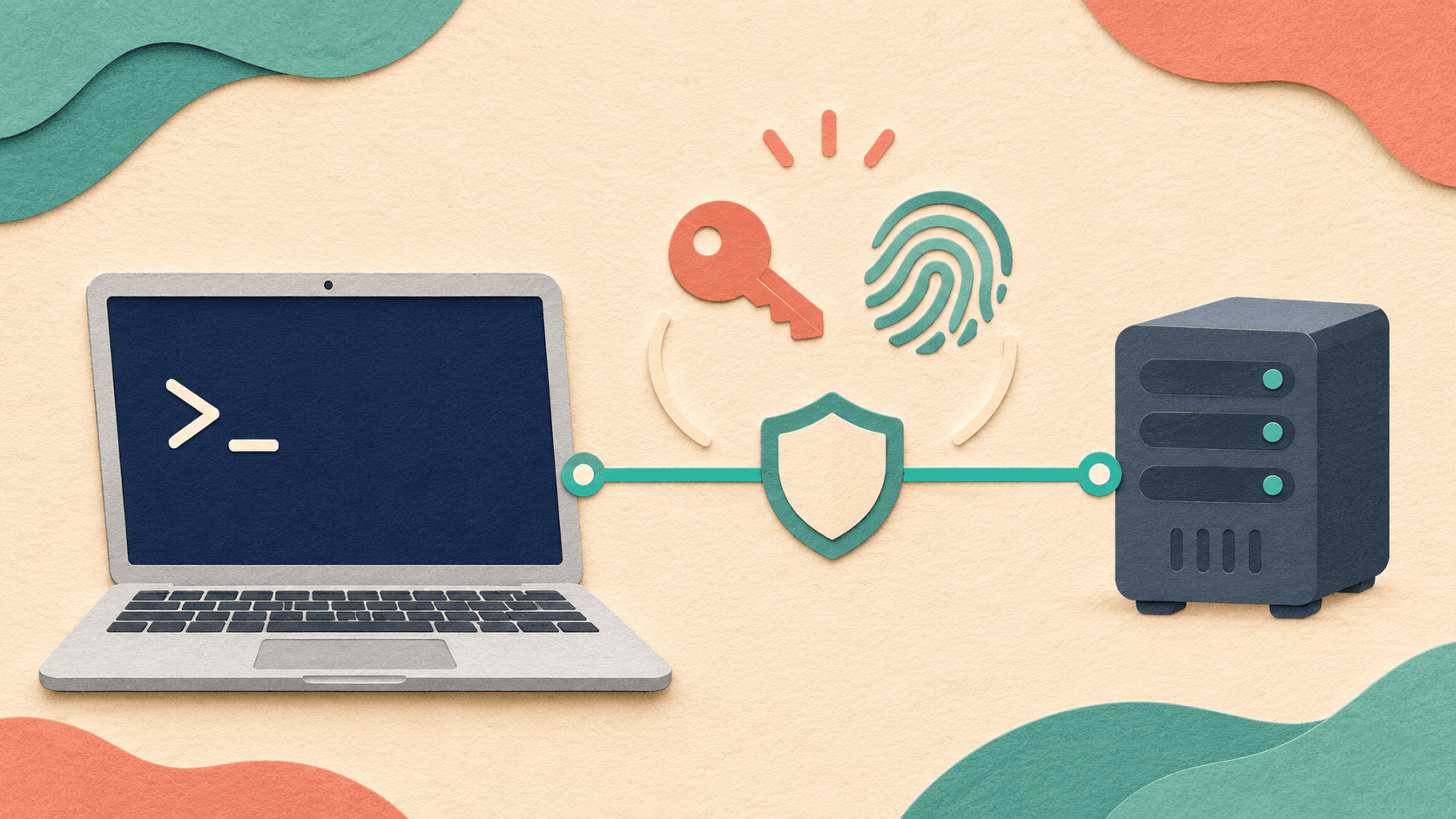
Make your first Linux VPS SSH connection with macOS Terminal. Enter address, port, username, password or private key, and distinguish network, authentication and host-identity errors.
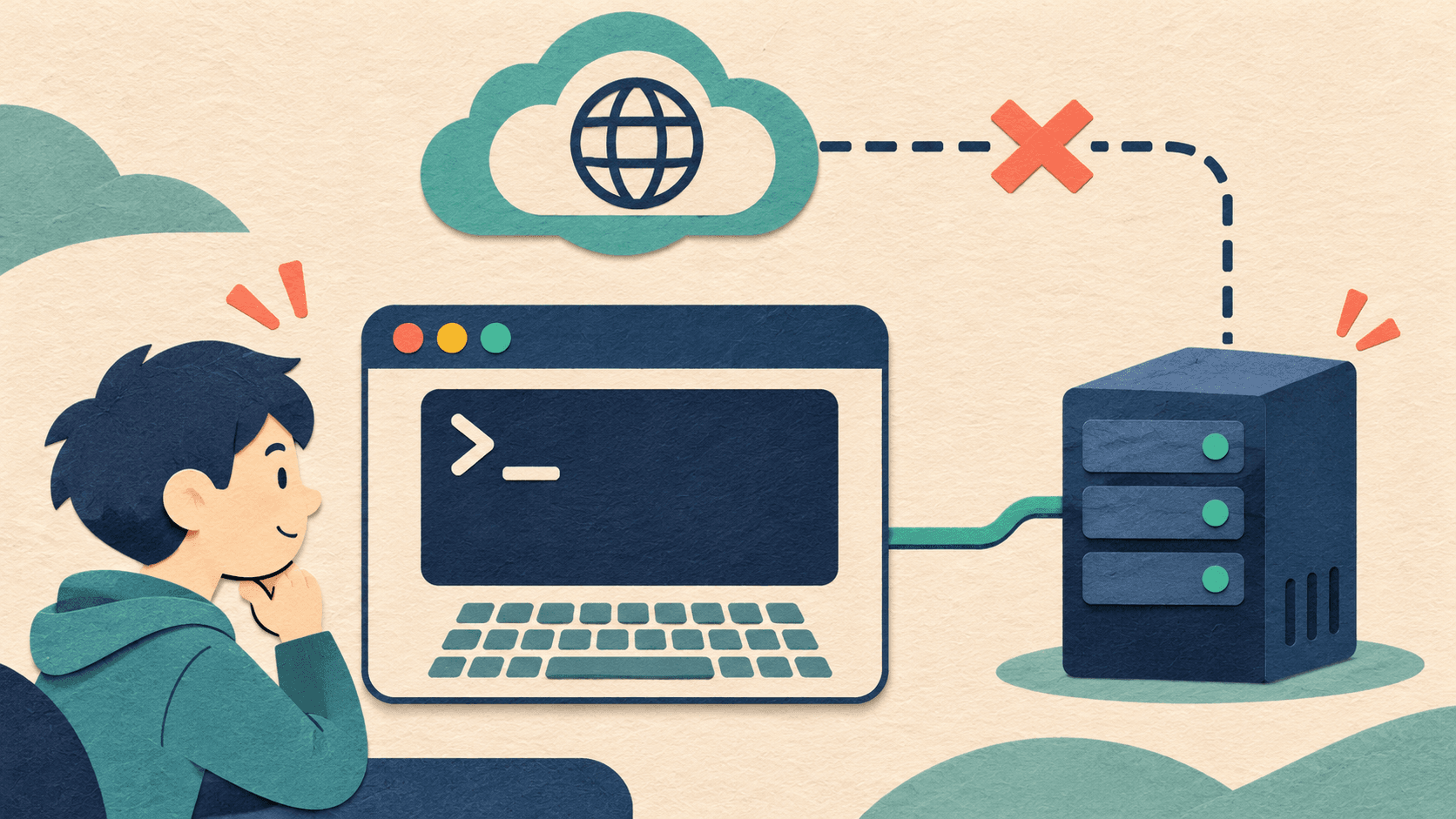
For first-time console users, distinguish browser SSH from out-of-band consoles, handle login, black-screen and keyboard problems, and verify SSH and application access after recovery.
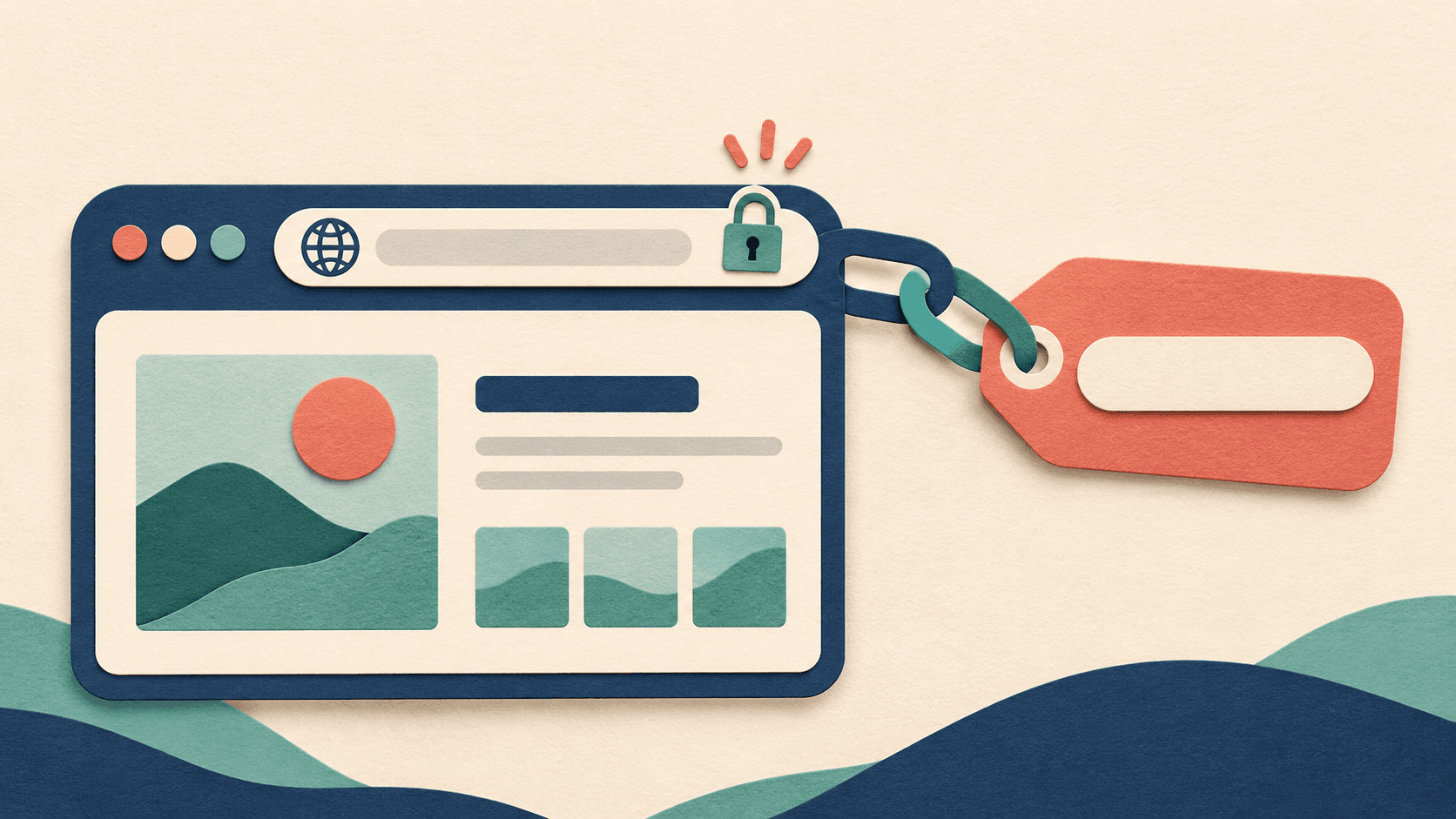
Start with a published AI website. Using v0 and Netlify, choose its address, add a domain, enter DNS records and check HTTPS, redirects and public access.

For first-time public portfolios, prepare real content and prompts, publish to production, check mobile presentation, separate public access from internal review and validate future updates.