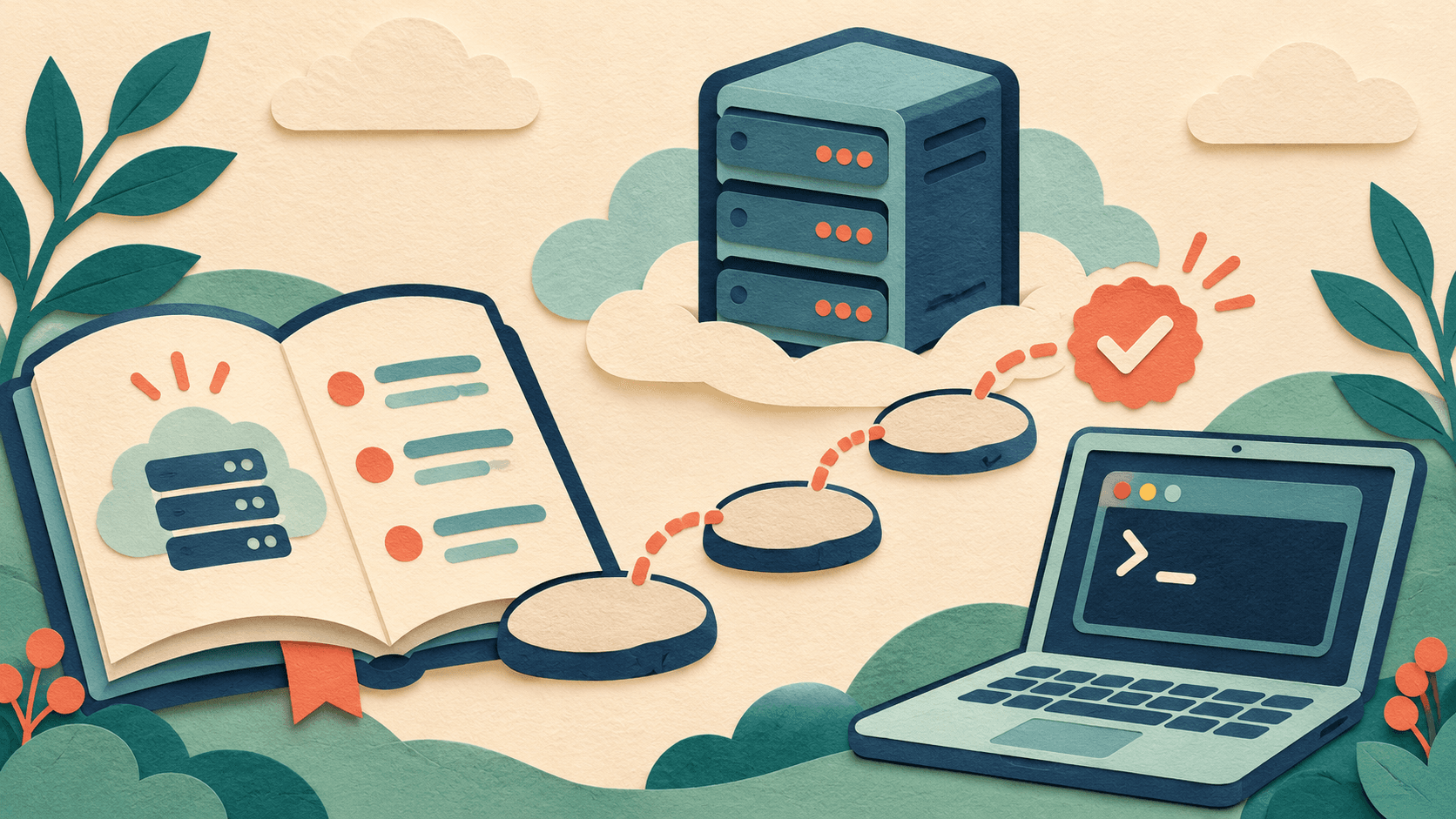
Use these guides to configure, optimize, and maintain a VPS. Start with whatever you need to do today, whether you’re connecting for the first time, deploying an app, setting up backups, or tracking down an error.
Using a VPS for the first time
Check the operating system, server address, port, and sign-in method. Try signing in and out, then upload and download a file. You can manage a Linux VPS from a Windows computer. If the server itself runs Windows and you need its desktop, look for a Remote Desktop guide. Check which operating system the instructions assume on each end.
Before and after deployment
A website or app can involve a domain, HTTPS, listening ports, a runtime, and persistent data. Before following a guide, check the software versions, directories, and existing configuration. If a step overwrites files, changes permissions, or restarts a service, make sure you know where the data is and how you can restore it.
Start with the error
A failed connection, full disk, out-of-memory error, unreachable app, and database error each have their own starting point. Record the exact message and when it happened, then use the results of each check to narrow down the cause. Once the service starts, check that people can reach it and make time for updates and backups.