
VPS Tutorials
Do you need a domain name for a VPS? (2026): using an IP address and when a domain is worthwhile
Buying a VPS does not always require buying a domain. A use-case table explains remote login, personal scripts, test pages and public websites; check renewal prices, existing subdomains and management access before deciding.
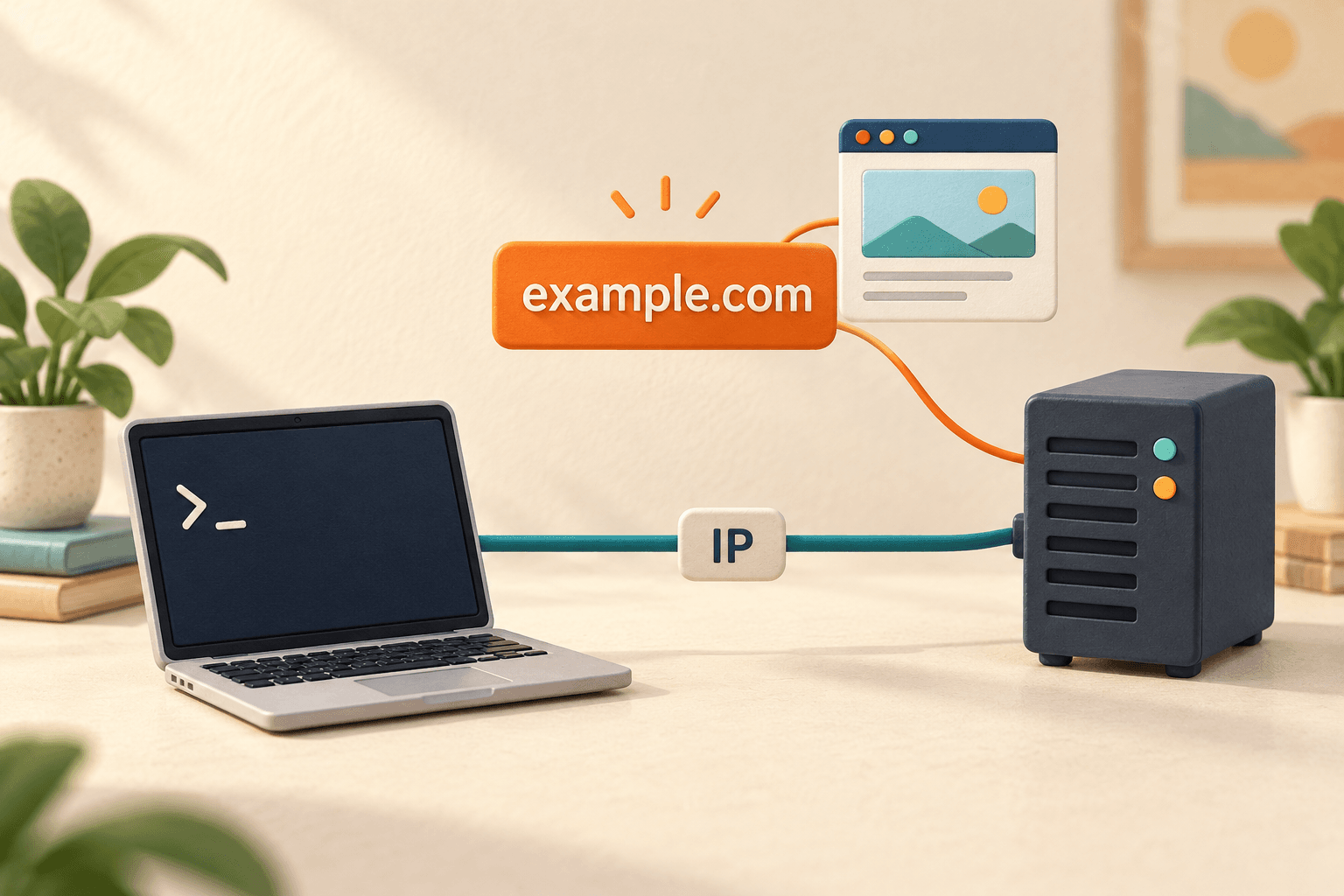
Buying a VPS does not necessarily mean you also need to buy a domain name. If you only want to log in remotely, learn Linux, transfer files or run your own scripts, the server IP address is usually enough. Consider a domain when you plan a public website intended to last.
Do not rush to put “server, domain and certificate” into the shopping cart together. Decide by use case below to understand what can wait and what you should prepare in advance.
| What you want to do with the VPS | Is a domain needed? | A beginner's approach |
|---|---|---|
| SSH login, learning Linux and transferring files | Usually no | Connect with the provider's IP address and login credentials |
| Personal scripts, scheduled tasks and development tests | Usually no | Get the program running first and configure it as the software requires |
| Temporarily open a test webpage | You can usually wait before buying | Test if the software supports IP access and the network permits the connection |
| A blog, portfolio or company website | Recommended | Give visitors a memorable address for long-term use |
| An application that must be publicly accessible | Depends on the application | Follow its documentation if it requires a fixed domain, HTTPS or a login callback URL |
If you just want to learn to use a VPS, a domain can wait; if you have decided to run a lasting website, include one in your budget. These are use-case recommendations, not mandatory requirements for every application.
You do not need complex terminology. Distinguish these three things:
- VPS: the server that runs your website or programs. You install and start the required software on it.
- IP address: an address used for network connections. The purchase page or server control panel usually provides usable connection details.
- Domain name: a memorable name such as
example.com, which DNS can resolve to a server address.
A domain and a server are separate services. Buying a domain does not automatically give you a VPS, and buying a VPS does not mean you own a domain registered in your name. If a plan includes a domain, check the included period, renewal rules and management permissions separately.
Think of DNS as looking up an address by name. It directs visitors using that name to the appropriate service, but it does not install your website. See the official DNS explanation for the concepts.
SSH tools normally let you enter the server IP address, username, port and password or key directly. You do not need to register a domain first. For a phone, see the beginner steps for connecting to a VPS.
If the connection fails, check the IP address, login details and server status first. Buying a domain cannot fix a server connection problem.
Having a public IP does not mean entering it into a browser will display a webpage. A web service must be running, the software must permit that access method and the relevant network access must be allowed.
Suppose you bought an empty server with Linux installed and have not deployed a blog. If the browser cannot open a website, that does not demonstrate you “forgot to buy a domain.”
Some applications support temporary testing through http://IP:端口; others require a site address to be configured first. Follow the application's own introductory documentation. Do not open every port just to make a page load.
If a script only connects outward to other services and does not expose an address for other people to visit, it usually does not need a dedicated domain. You can start by learning the command line, organizing files and running development tasks.
However, if an application explicitly needs a public callback or a fixed HTTPS address, prepare it as required. “Personal use” does not always mean “no domain needed.”
It is memorable and easy to share. A clear name is easier to recognize in a message to friends, on a business card or on a social profile.
You can keep the address when changing servers. After moving to another VPS, update the domain's DNS records. Visitors keep using the same domain; website files and data must still be migrated separately.
It is easier to follow common HTTPS and application-address tutorials. Many introductory website guides assume a domain, which makes matching their steps easier. After buying it, you still need DNS records, site configuration and certificate setup.
One old claim needs correcting: “HTTPS is impossible without a domain” is no longer accurate. Let's Encrypt made IP address certificates available in 2026, supporting IPv4 and IPv6; see the official announcement. These certificates have a short lifetime, and you must check tool support and automatic renewal. For a first public website, this guide still recommends the common domain-based approach.
A first-year promotion does not mean every later year will be as cheap. Confirm registration price, renewal price, billing period and any additional services in the cart.
Do not register many domains at once for names you cannot yet use. Build a website with one first, then decide whether to add others. The ICANN domain renewal FAQ also explains that first-year and renewal fees may differ.
Suppose you already own and manage example.com. A personal tool could use tools.example.com. You can usually add a record in the existing domain's DNS settings instead of registering a new domain for every small project.
For a free subdomain supplied by someone else, establish who controls it, whether long-term use is allowed and whether you can keep using it later. Addresses containing dots do not necessarily come with the same management rights.
Keep the domain in an account you can access over the long term, maintain a working contact email, enable the account's supported two-factor authentication and set expiry reminders. Your domain and VPS may be on two different platforms; check renewal for each.
After registration, point the domain to the actual service address. Before ordering, confirm the control panel provides DNS management or lets you use another DNS service when needed. Registrars can have different restrictions.
After buying, follow the tutorial for pointing a domain to a VPS. You do not have to study every record type while choosing a domain.
- Write down your purpose: learning Linux or publishing a website?
- Confirm you can log in to the VPS: verify the machine and login credentials first.
- Read the application's getting-started requirements: does it explicitly need a domain or HTTPS address?
- Prepare a domain when needed: check whether an existing domain or subdomain is enough before registering another.
- Verify each part after deployment: the website running, DNS pointing correctly and HTTPS working are separate checks.
Usually no. Register a domain on one platform, buy a VPS on another and connect them with DNS records. What matters is being able to manage DNS and having the server's actual usable address.
No. One VPS can run multiple websites, and the web service can route requests by domain. Whether it has enough capacity depends on resources and application needs; see the guide to multiple websites on one VPS.
Usually no. Keep the existing domain, migrate the site and update DNS. Retain the old server until the new site has been confirmed working, so the address does not switch before the content is ready.
No. Domain registration, DNS configuration and website deployment are separate steps. Registering a name does not generate a website, and pointing a domain at an IP does not install a blog or application.
If you just want to get started with a VPS, begin by logging in and running your first program. When you decide to provide a lasting public address, choose a domain you can manage with affordable renewals.