
VPS Tutorials
Docker Bypasses UFW: How to Close Exposed Ports on a VPS
Find why a Docker service remains reachable despite UFW rules, choose loopback binding or private container networking, and verify the result from outside your VPS.
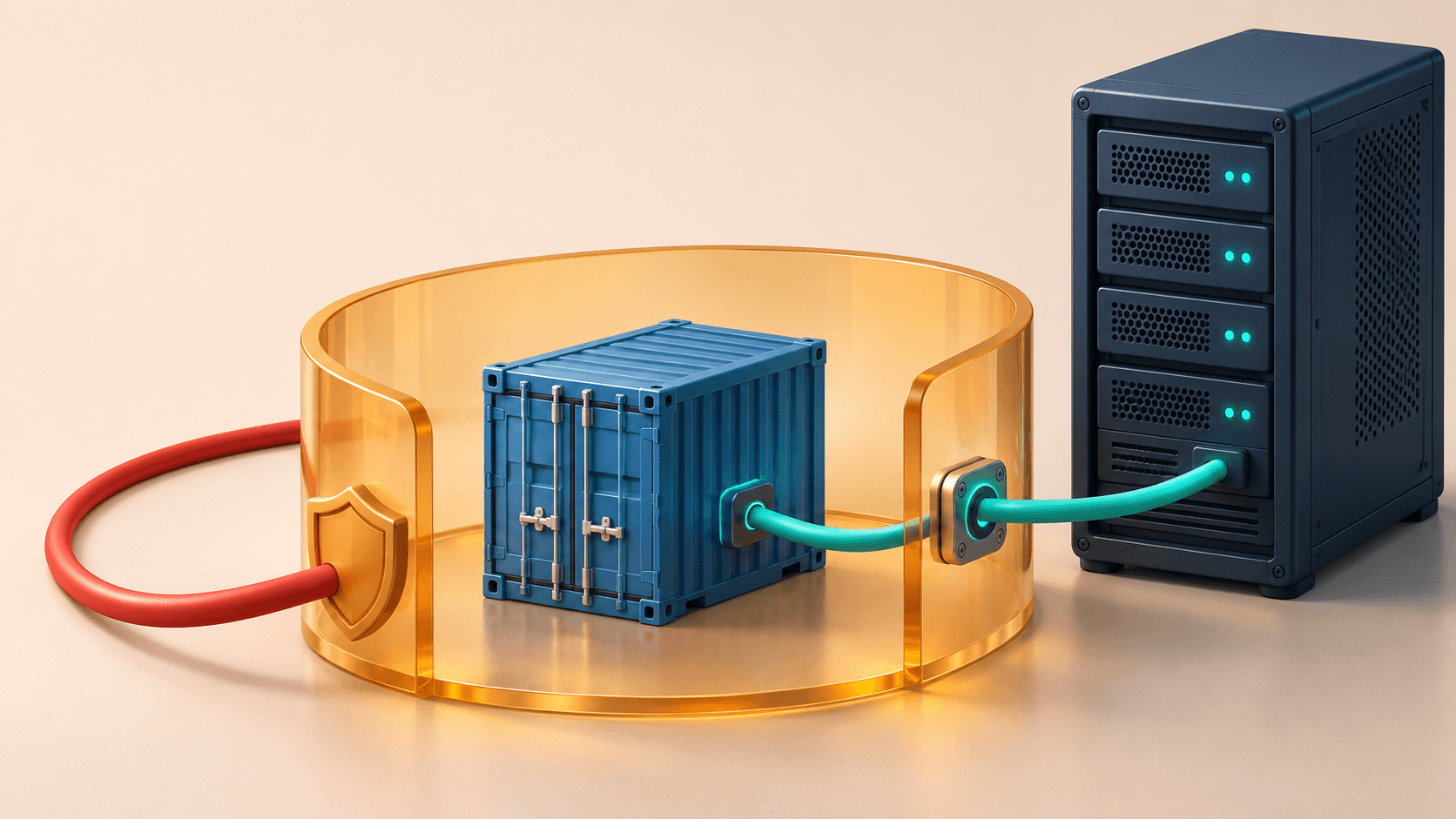
You allow only SSH and HTTPS in UFW, yet http://YOUR_SERVER:8080 still responds. Check Docker's published ports. A mapping such as 8080:80 can expose the service through Docker's forwarding rules despite the host firewall policy.
Bind a host-only backend to 127.0.0.1; remove its ports mapping when only other containers need it. Keep public mappings for actual public entry points and apply source restrictions where needed.
This guide covers ordinary rootful Docker Engine on Linux with bridge networking and Compose. Swarm, rootless, host networking and custom direct routing require separate review. These are documented procedures, not tests performed on your server.
For the initial host policy, start with UFW setup and SSH access. This guide focuses on a Docker port that remains reachable after UFW is configured.
Docker documents the UFW interaction: published container traffic can be diverted through NAT before reaching the host INPUT rules. A clean ufw status is therefore insufficient evidence.
On the VPS:
docker version --format '{{.Server.Version}}'
docker ps --format 'table {{.Names}}\t{{.Ports}}'
docker compose ps
sudo ufw status verbose
0.0.0.0:8080->80/tcp publishes host port 8080 to container port 80. Look for IPv6 mappings too. From another machine, replace these documentation addresses with your server's real addresses:
curl --connect-timeout 5 --max-time 8 -I http://203.0.113.10:8080
curl -g -6 --connect-timeout 5 --max-time 8 -I 'http://[2001:db8::10]:8080'
Use the second test only if IPv6 is configured. A 401, 403 or 404 still proves HTTP reachability. Test the origin IP separately when the hostname goes through a CDN.
| Consumer | Configuration |
|---|---|
| Nginx/Caddy on the host | Publish to loopback |
| Proxy or app in the same Docker network | Remove backend ports; connect by service name |
| Temporary admin access | Loopback plus SSH tunnel |
| Fixed remote clients | Provider firewall source allowlist, covering both IP families |
For a Compose service named web listening on container port 80, change only its existing port section:
ports:
  - "127.0.0.1:8080:80"
Keep its image, environment and persistent mounts. From the original project directory, retaining any original project-name and -f options:
docker compose config --quiet
docker compose up -d --no-deps --force-recreate web
docker compose ps
curl --connect-timeout 5 -I http://127.0.0.1:8080
Expect a brief interruption. Confirm required data is in persistent storage: files only in the old container's writable layer do not survive recreation. Do not run down -v. A plain restart does not apply a changed port binding.
Host Nginx can proxy to http://127.0.0.1:8080. A containerized proxy cannot use its own localhost to reach this host endpoint. Instead, join proxy and backend to the same user-defined network, remove backend ports, and proxy to http://web:80. Keep the application listening on a container-reachable address. expose is optional documentation, not authentication or isolation.
For temporary local access, run this on your laptop, replacing the login and address:
ssh -N -L 18080:127.0.0.1:8080 [email protected]
Open http://127.0.0.1:18080. Add -p for a custom SSH port.
Use a supported, patched Engine release. Docker versions before 28.0.0 had a localhost-publishing issue involving neighboring hosts on the same L2 network; see the Engine 28 release notes. Custom direct-routing configurations also need their own audit.
A provider firewall filters traffic before it reaches Docker. Preserve SSH management access and check IPv4, IPv6 and protocol separately. For host-level filtering, inspect configuration and rules:
sudo systemctl cat docker
sudo cat /etc/docker/daemon.json
sudo iptables -S DOCKER-USER
sudo nft list tables
The configuration file may not exist. An iptables version string mentioning nf_tables identifies its compatibility implementation, not necessarily Docker's selected native backend.
With the iptables backend, user filtering belongs in DOCKER-USER. Packets have already undergone DNAT: with 8080:80, matching destination port 8080 directly can miss them. Original destination matching uses conntrack. Scope rules to the intended interface, destination, source and connection state; see Docker with iptables.
Docker's native nftables backend is currently documented as experimental and does not create a DOCKER-USER chain. Use your own table with appropriate forward hooks and priorities, following Docker with nftables. Do not edit Docker-owned tables or paste iptables rules into an unrelated backend.
Retest the origin's public IPv4 and applicable IPv6 from outside. The private port should no longer accept connections while HTTPS, login and database connectivity still work. Inspect merged Compose settings and old containers for duplicate mappings. Repeat after a planned restart to confirm persistence; a timeout alone could also be a routing problem.
Do not disable Docker's firewall management with "iptables": false as a shortcut; it can break container networking. Avoid flushing firewall tables or opening every port.
Continue with production Compose settings, unreachable-service diagnosis, and Docker disk cleanup.
Checked 2026-11-20 against the linked Docker documentation, port publishing, Compose ports and Compose recreation.