
VPS Recommendations
VPS Promo Code Guide (2026): Discount Roundup and Renewal Pitfall Guide
This isn't just a list of promo codes—it gives you an actionable method for screening VPS discounts: first calculate the total cost of the first order and renewal, then verify terms, taxes and overage traffic, and finally control risk with a 7-day acceptance test and migration drill. It's for users who want long-term stability and budget savings without getting blindsided by renewal pricing.
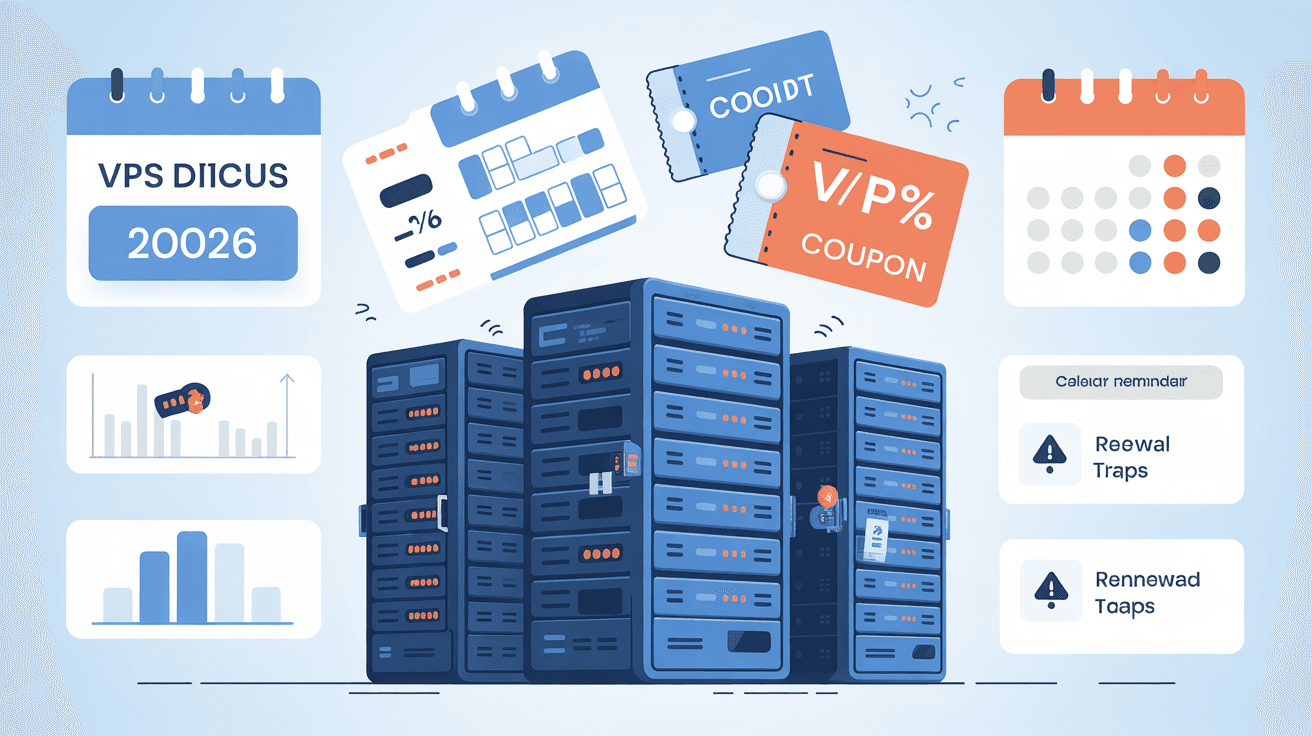
When many people look for VPS promo codes, their first instinct is "the bigger the discount, the better."
But I suggest you look at it the other way around first: a discount is only the entry point—renewal, traffic overage, taxes and portability are where the real long-term costs lie.
This article doesn't pile up flashy offers; instead it gives you an actionable method:
- How to judge whether a discount is worth it
- When to place orders during Black Friday/Cyber Monday (BF/CM)
- How to avoid common promo code term traps
- How to minimize risk with a 7-day verification process
When you see "70% OFF," don't get excited yet—calculate these 4 numbers first:
- Total first-order price (tax included)
- Total renewal price (tax included)
- Traffic overage cost (estimated by your business peak)
- Migration cost (time + downtime risk)
The truly cost-effective option is usually not the one with the highest discount percentage, but the one that:
- Has controllable renewal price increases
- Has transparent terms
- Has data center routes matching your main user distribution
- Can be migrated to an alternative node within 1 hour
If you haven't done this kind of accounting yet, read these first:
| Type | Common Form | Suitable For | Biggest Risk |
|---|---|---|---|
| New user trial/credits | Sign-up credits | New project PoC, short-term stress testing | Price jumps after expiry |
| Promo code discount | Limited-time code, campaign page | Users with a clear target configuration | May not stack, may not be transferable |
| Black Friday/Cyber Monday annual promotion | Annual/multi-year monthly billing discounts | Medium-to-long-term stable business | Large gap between renewal and first-order price |
| Referral program rebates | Invite rebates, credits for both parties | Team/classmate collaborative purchasing | Has threshold conditions, not credited instantly |
These 6 points are the most easily overlooked in various official terms:
- Promo codes are usually single-use: the same account usually cannot redeem repeatedly.
- Non-transferable: many platforms explicitly prohibit reselling or transferring discount benefits.
- Has an expiry date: failing to redeem within the validity period makes it void.
- Cannot stack with other campaigns: you may see two campaigns but can actually only choose one.
- Only applies to specified services: not all product lines can be discounted.
- Taxes are usually not included in the discount: the tax-included total on the checkout page may be higher than you expect.
References (official pages, recommended to double-check before ordering):
- DigitalOcean Promotional Credit & Discount Terms
https://www.digitalocean.com/legal/promotional-credit-discount-terms - DigitalOcean Referral Program (referral program and conditions)
https://www.digitalocean.com/referral-program - Vultr Billing Docs (entry to docs on promo codes, billing and overage billing)
https://docs.vultr.com/support/platform/billing - Hetzner VAT explanation (tax rate differences by region)
https://docs.hetzner.com/general/billing-and-account-management/billing-at-hetzner/value-added-tax/
Note: Campaign terms change; any discount description of "fixed amount/fixed duration" is subject to the official page on the day of ordering.
4) How to Buy More Safely During Black Friday/Cyber Monday (BF/CM): Not the Fastest, but the Best Value
Based on historical patterns, common BF/CM patterns are:
- Early warm-up (1-2 weeks before the campaign)
- Official campaign period (Black Friday to Cyber Monday)
- Extension period (a few campaigns extend to early December)
Practical advice:
- Make a candidate list in advance (at least 3 providers)
- Calculate the renewal price first, then look at the first-order price
- Prioritize portable options (with snapshots/backups/scripted deployment)
- Don't tie your only production service to a campaign machine
If you prefer locking in long-term costs in one go, continue reading:
Here's a directly usable scoring model (100 points):
| Dimension | Weight | Criteria |
|---|---|---|
| Total cost controllability | 40 | Whether first order + renewal + taxes + overage traffic are transparent |
| Network and data center match | 25 | Whether your target users actually have stable access |
| Terms reliability | 20 | Whether validity period, stacking rules and scope are clear |
| Migration friendliness | 15 | Whether backups/snapshots/quick rebuild are supported |
Below 70 points, not recommended for production.
| Role | Recommended Strategy | Why |
|---|---|---|
| Student/self-learner | Prioritize "monthly billing + portable," avoid long contracts | Projects change a lot; renewal and migration risk outweighs configuration gains |
| Individual developer | Use trials/discounts for PoC first, decide within 7 days whether to move to production | Get trial-and-error benefits while avoiding long-term binding to unstable campaign machines |
| Small team/outsourcing | Lock 1 primary host + 1 cold standby first, use campaign machines only for edge tasks | Reduce single points of failure, avoid passive business interruption when the campaign ends |
| Content site/e-commerce site owner | Look at routes and availability first, then discounts | Access stability directly affects conversion; discount is not the first metric |
- SSH key login
- Disable direct root login
- Minimal UFW allow rules
- Basic Fail2Ban rules
Reference:
traceroute -n <VPS_IP> | head -n 20
mtr -rwzc 200 <VPS_IP>
Record average latency, 99th percentile and packet loss—don't test only once.
- Run one test during the day + one during evening peak
- Record CPU/memory/disk IO peaks
- Observe whether continuous jitter occurs
- Estimate the monthly bill based on 1.5x peak traffic
- Add taxes and backup costs
- Compare whether the renewal price is still acceptable
Goal: complete one round of "backup -> restore on new machine -> switch traffic" within 60 minutes.
If you can't do this step, it's not recommended to keep core business on a campaign machine long-term.
| Item | Value to Record | Notes |
|---|---|---|
| Campaign name | e.g., BF/CM 2026 | Record source link |
| First-order amount | Tax-included total | Not the displayed page price |
| Renewal amount | Tax-included total | Required |
| Traffic quota/overage fee | TB + unit price | Estimate with 1.5x peak |
| Additional fees | Backup/IP/snapshot/control panel | Most easily missed |
| Refund/cancellation policy | Days + conditions | Key to risk fallback |
| Expiry reminder | Date + days in advance | Recommend 14 days in advance |
The value of this template: you can quickly see whether "this discount actually saves money or just pushes risk later."
Below are directions the content site has tracked long-term with relatively transparent information:
- Vultr Review and Discount Watch
- DigitalOcean Review and Developer Scenarios
- Linode/Akamai Review and Stability Orientation
- US VPS Routes and Data Center Selection
- Annual VPS Plan Ideas
External links (subject to official homepages; campaigns change quickly):
- I've seen the renewal price, not just the first-order price
- I've confirmed the discount validity period/whether it stacks
- I've confirmed the tax rules and settlement currency
- I've estimated the traffic overage cost
- I've completed network and performance testing
- I've prepared a backup and migration runbook
Once these 6 items are done, your probability of falling into "discount traps" drops by an order of magnitude.
If the renewal price, routes and stability still hold, it's still worth buying. Conversely, for options with only "big discounts" but expensive renewals, don't make an impulse purchase just because of a temporary offer.
Not necessarily. Annual billing assumes you can accept the plan for at least 6-12 months and that you've completed network and migration verification. Otherwise, annual billing just buys out the risk in one go.
Yes, but three conditions must be met:
- Have monitoring and alerting;
- Have backups and have done a recovery drill;
- Have an alternative node that can be switched within 60 minutes.
If any one is missing, it's recommended to use it as a verification environment first.
Use the scoring model in this article, especially the 40-point "total cost controllability" item: put taxes, overage traffic, backups and renewal into the same table for comparison—the result will be very intuitive.
The most reliable strategy for choosing VPS discounts in 2026 is not "chasing the biggest discount," but:
- Calculate total cost first
- Then look at term details
- Finally back it up with a 7-day acceptance test and migration drill
That way, what you get isn't a "cheap for a moment" campaign machine, but infrastructure that delivers sustainably.