
VPS Tutorials
Fix Docker Pull Failures on a VPS: Timeouts, 429 and x509 (2026)
Identify the actual daemon, separate host and daemon networking, check Hub quotas, repair trusted certificates and verify the intended image.
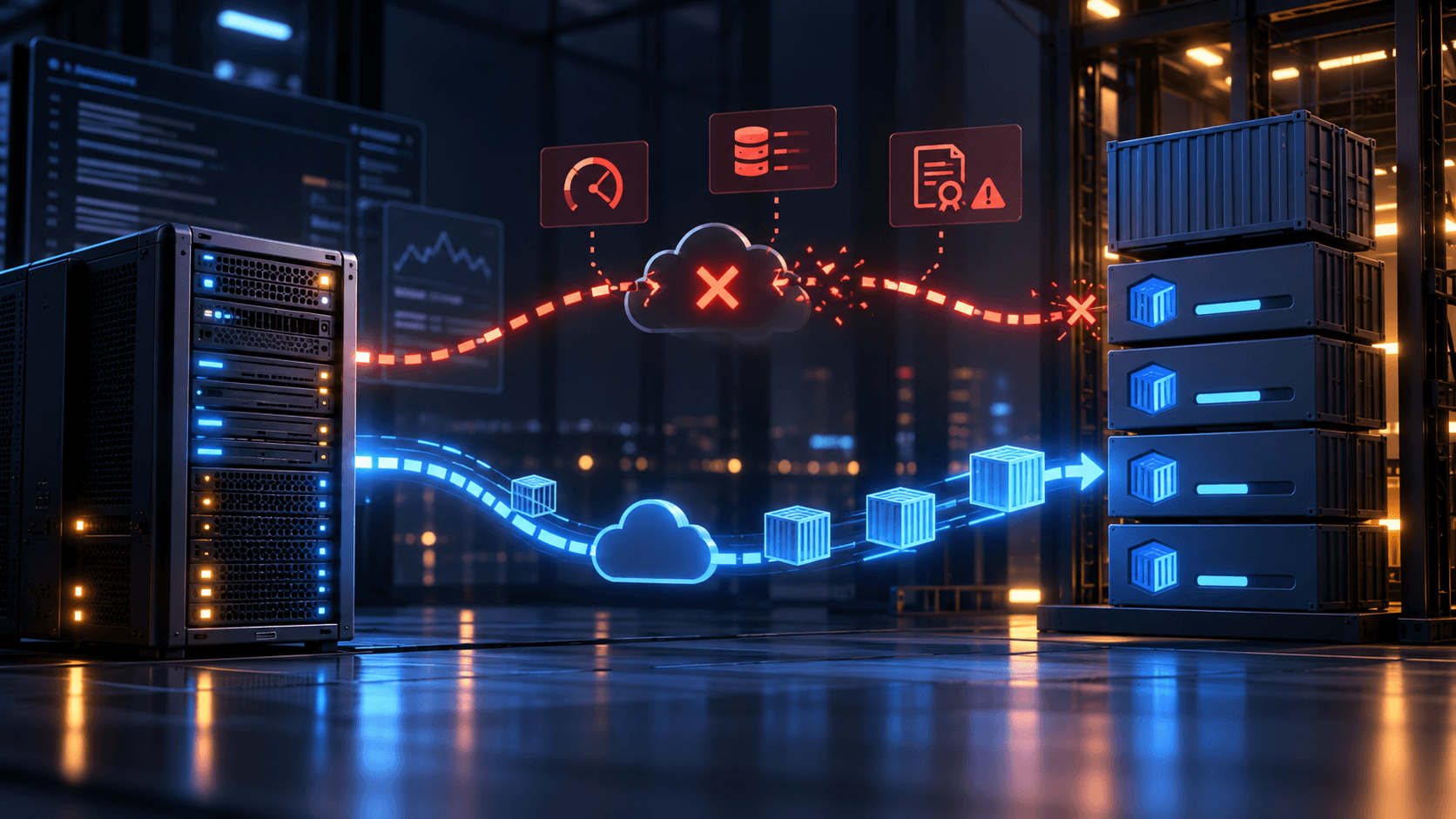
A docker pull that stalls at Pulling fs layer and returns i/o timeout, TLS handshake timeout, 429 Too Many Requests or x509: certificate signed by unknown authority needs diagnosis by error type. Do not paste an unknown mirror into /etc/docker/daemon.json: a bad configuration can stop Docker or send image requests to an untrusted service.
This Ubuntu/Docker Engine guide distinguishes host networking, daemon proxies, Hub limits, registry certificates and storage. If pulling works but running containers cannot resolve domains, use container networking troubleshooting.
Record versions, context, service state and one failure without changing configuration:
docker version
docker context ls
sudo systemctl status docker --no-pager
docker pull hello-world:latest
sudo journalctl -u docker -n 100 --no-pager
If docker version cannot reach the daemon, repair service/access first. If docker context ls selects another host, investigate that daemon's machine. A working laptop curl does not prove the VPS dockerd can reach Hub.
| Error | Likely layer | Next check |
|---|---|---|
lookup registry-1.docker.io: no such host | Host DNS | getent, resolvectl, provider DNS |
dial tcp ... i/o timeout, TLS handshake timeout | Outbound 443, proxy or path | curl -4/-6 versus daemon proxy |
You have reached your pull rate limit | Hub pull quota | Authentication, repeated pulls and reset window |
Bare 429 Too Many Requests | Hub abuse limit or intermediary | Full response and logs |
x509: certificate signed by unknown authority | CA trust or inspection proxy | Registry/CA identity |
manifest unknown, pull access denied | Name, tag or permission | Image path and account |
no space left on device | Storage/inodes | Actual Docker data directories |
Run on the VPS host:
getent ahosts registry-1.docker.io
getent ahosts auth.docker.io
curl -4 -sS -o /dev/null -w 'IPv4 HTTP %{http_code}, connect %{time_connect}s, TLS %{time_appconnect}s\n' --connect-timeout 10 https://registry-1.docker.io/v2/
curl -6 -sS -o /dev/null -w 'IPv6 HTTP %{http_code}, connect %{time_connect}s, TLS %{time_appconnect}s\n' --connect-timeout 10 https://registry-1.docker.io/v2/
An unauthenticated request to /v2/ normally returns 401. That establishes DNS/TCP/TLS for the test, not image authorization. If curl -4 succeeds and curl -6 times out, investigate IPv6 with logs/provider settings rather than disabling it globally. If both fail, check outbound firewall/security groups, proxy, DNS and Hub reachability.
curl inherits the shell proxy; Docker's daemon performs the pull. A successful shell test can coexist with an unconfigured daemon. Conversely, a configured daemon can work while shell curl fails. Treat the results as separate paths.
For a trusted, necessary HTTP proxy, follow daemon proxy guidance for /etc/docker/daemon.json. Back up first. Retain existing log-driver/registry-mirrors and merge only proxies:
sudo install -d -m 755 /etc/docker
if [ -f /etc/docker/daemon.json ]; then sudo cp -a /etc/docker/daemon.json "/etc/docker/daemon.json.bak.$(date +%F-%H%M%S)"; fi
sudo nano /etc/docker/daemon.json
For an existing proxy at proxy.example.com:3128, the JSON example is:
{
  "proxies": {
    "http-proxy": "http://proxy.example.com:3128",
    "https-proxy": "http://proxy.example.com:3128",
    "no-proxy": "localhost,127.0.0.1,.internal.example.com"
  }
}
Replace the example with a reachable trusted endpoint. https-proxy starting with http:// is valid for an HTTP CONNECT proxy forwarding HTTPS. Add private registries to no-proxy only if directly reachable. Restrict files containing proxy credentials and exclude them from repositories/logs/screenshots.
Validate before a planned restart, which can interrupt containers:
sudo python3 -m json.tool /etc/docker/daemon.json >/dev/null
sudo dockerd --validate --config-file=/etc/docker/daemon.json
sudo systemctl restart docker
sudo systemctl status docker --no-pager
docker pull hello-world:latest
If dockerd --validate fails, restore/repair before restarting. systemd environment configuration is another supported method, but matching daemon.json settings take precedence. ~/.docker/config.json mainly configures new containers and builds; it does not replace dockerd pull settings. See CLI proxy guidance. Desktop/rootless installations need their own settings and service commands.
The Hub usage page currently lists a six-hour quota of 100 unauthenticated pulls per IPv4 address or IPv6 /64, and 200 for authenticated Personal users. Paid plans differ and fair-use rules apply; consult live terms. Shared egress can exhaust anonymous quota.
If the full error says You have reached your pull rate limit, authenticate your account with docker login on the VPS and remove unnecessary recurring pulls. A short 429 Too Many Requests may instead be abuse limiting, separate from the six-hour quota. Stop retry loops, inspect Hub troubleshooting and logs, then reduce requests/concurrency or wait/contact the service. An unverified mirror does not repair authorization or establish reliable deployment.
A self-managed or trusted Hub pull-through cache can be added by merging registry-mirrors into daemon.json; see registry mirrors. It applies to Hub images, not every registry. Investigate ghcr.io separately. Keep TLS validation and verify mirror ownership/maintenance.
For x509, check timedatectl status and whether the failing peer is Hub, an inspection proxy or a private registry. For an internal CA, install the verified CA, not an arbitrarily renamed server leaf, at /etc/docker/certs.d/<仓库域名:端口>/ca.crt; omit the port for default 443. Linux Engine treats .crt files there as CA roots. See registry certificate guidance. Inspection proxies also need appropriate host trust. Do not hide unknown issuers with insecure-registries.
For no space left on device, locate the real storage rather than assuming /var/lib/docker. Newer Engine setups can store image content under containerd:
docker info --format 'Docker Root Dir: {{.DockerRootDir}}'
df -h / /var/lib/docker /var/lib/containerd 2>/dev/null || true
df -i /
docker system df
Identify the full filesystem/directory before expanding it or removing confirmed unused images. Keep docker system prune -a --volumes away from production volumes containing database/application data. After repair, use docker pull <镜像:固定版本> to retest. Pin production versions/digests and retain rollback artifacts.
docker pullsucceeds anddocker image inspect <镜像:版本>shows the image.sudo journalctl -u docker -n 50 --no-pagerhas no recurring proxy/TLS/limit errors.docker infoidentifies intended mirrors, Docker Root Dir and runtime; temporary changes are managed.- Existing containers remain healthy and
docker compose pull/updates are repeatable.
One curl returning 401 is insufficient. The target image must pull through the target VPS daemon. For subsequent container DNS/bridge failures, use this guide.
References: daemon proxies, Hub limits, mirrors, registry certificates.