
VPS Tutorials
WebSocket fails on Nginx: WSS, Upgrade, paths and idle disconnects
Locate handshake failures or later disconnects, configure WSS and Upgrade headers, then check paths, Origin, authentication, heartbeats and reconnection.
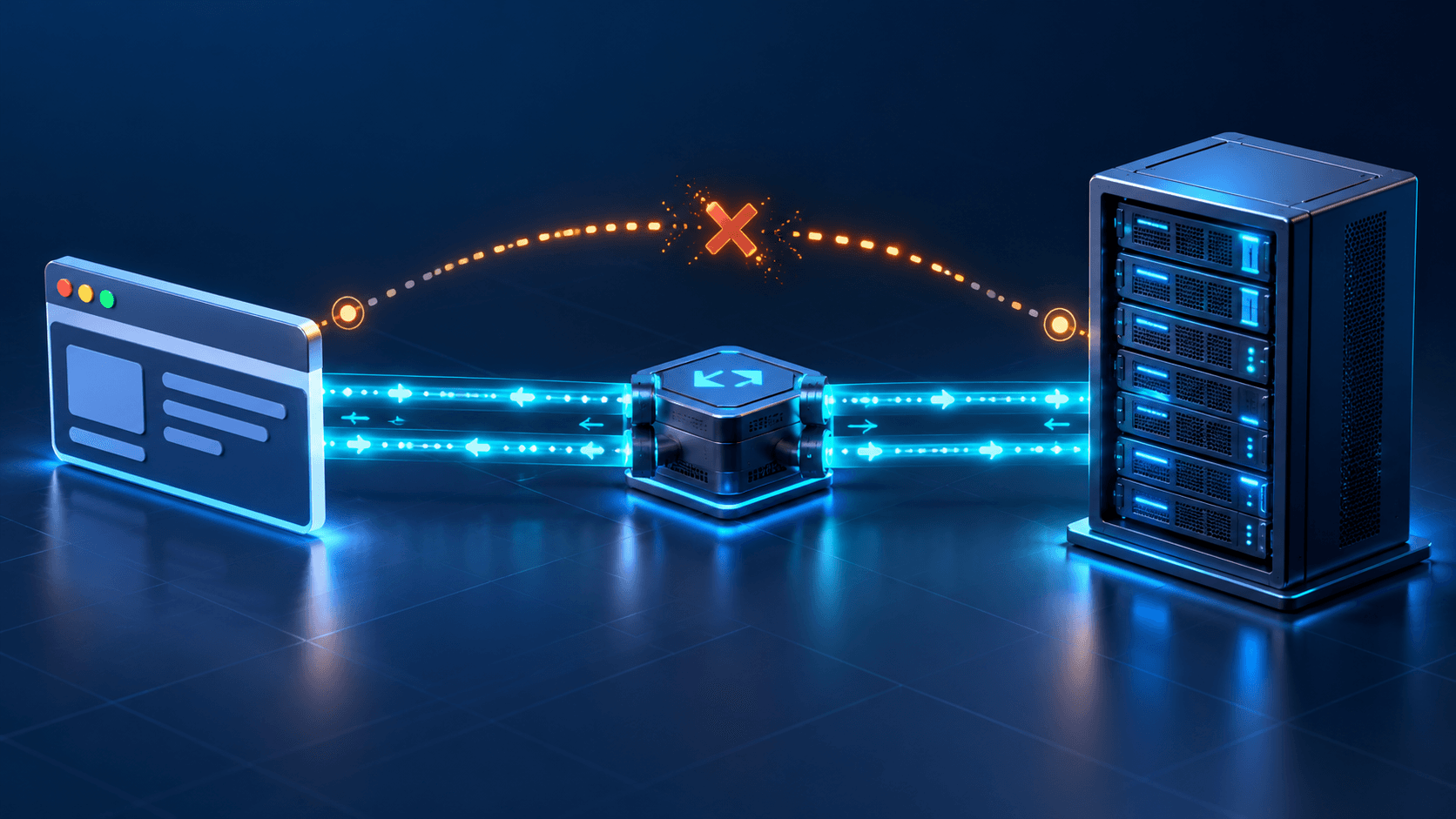
The page loads, but chat, a remote terminal or notifications keep waiting. Filter WS in browser Network tools. A connection that never opens and one that opens then disconnects require different checks. Record the handshake status and disconnect interval before editing the proxy.
This guide uses the common HTTP/1.1 Upgrade chain: browser → HTTPS/WSS ingress → Nginx → local application. The example backend is 127.0.0.1:3000 with path /ws/; replace domain, port and endpoint for your application.
HTTP/1.1 WebSocket Upgrade normally returns 101 Switching Protocols before frames are exchanged; see RFC 6455. An ordinary 200 is not a successful upgrade.
| Symptom | Check first | Next step |
|---|---|---|
| Mixed Content before handshake | HTTPS page using ws:// | Correct wss:// endpoint |
| 200 or 404 | Home page, wrong route or rewritten path | Final URL and proxy_pass |
| 301/302 | Hostname, slash, HTTPS or login redirect | Request the final endpoint directly |
| 400/426 | Upgrade headers, protocol version or application requirements | Proxy and application logs |
| 401/403 | Session, Origin, subprotocol or WAF | Identify the rejecting layer |
| 502 | Backend state, listening address or port | Verify Nginx can reach it |
| 101, then disconnect after idle time | Read timeout, heartbeat or earlier gateway | Compare intervals and limits |
Match request time and endpoint with application logs. A status code can originate from different components. Redact cookies and tokens before sharing a handshake.
Use a wss:// endpoint with a valid matching certificate rather than public ws://. See MDN's client guide. In the actual frontend's developer tools, you can observe:
const ws = new WebSocket("wss://ws.example.com/ws/");
ws.addEventListener("open", () => console.log("connected"));
ws.addEventListener("message", event => console.log("received", event.data));
ws.addEventListener("close", event => console.log("closed", event.code, event.wasClean));
ws.addEventListener("error", () => console.log("check Network and server logs"));
This is diagnostic code. Keep required login, subprotocol and dedicated-client behavior; do not paste backend keys into the browser. The browser WebSocket constructor cannot set arbitrary Authorization headers like fetch.
A working website certificate does not prove a different WebSocket subdomain has valid DNS, TLS and origin connectivity. For redirects into login or loops, see redirect troubleshooting.
Upgrade and Connection are hop-by-hop headers, so the proxy must explicitly carry the upgrade intent; see Nginx WebSocket proxying. Place this map in http {}, outside server {}. Reuse an equivalent existing map instead of redefining the variable:
map $http_upgrade $ws_connection_upgrade {
    default upgrade;
    ''      close;
}
Merge this location into the existing HTTPS server, retaining its certificates and other settings:
location /ws/ {
    proxy_pass http://127.0.0.1:3000;
    proxy_http_version 1.1;
    proxy_set_header Upgrade $http_upgrade;
    proxy_set_header Connection $ws_connection_upgrade;
    proxy_set_header Host $host;
    proxy_set_header X-Forwarded-Proto $scheme;
    proxy_read_timeout 90s;
}
It explicitly uses HTTP/1.1 to the backend and Connection: close when no Upgrade is present. Do not force Connection: upgrade over the whole website. The 90-second timeout is illustrative, to be aligned with heartbeat and earlier gateways.
proxy_pass has no trailing slash, so incoming /ws/echo remains /ws/echo upstream. A slash can replace the location prefix; see proxy_pass semantics. If the application accepts only /socket, copying /ws/ does not make the endpoints agree.
With an earlier TLS-terminating load balancer, $scheme describes what Nginx receives, not necessarily the browser's scheme. Pass external scheme through the actual trusted chain rather than trusting public client-supplied forwarding headers.
Back up the site file, verify the effective source and check syntax before loading:
sudo nginx -t
sudo systemctl reload nginx
Panels, Ingress controllers and container deployments may generate configuration elsewhere. Edit the source they actually use.
This credential-free request uses the protocol's example Sec-WebSocket-Key:
curl --http1.1 -i --max-time 5 'https://ws.example.com/ws/' \
  -H 'Origin: https://app.example.com' \
  -H 'Connection: Upgrade' \
  -H 'Upgrade: websocket' \
  -H 'Sec-WebSocket-Version: 13' \
  -H 'Sec-WebSocket-Key: dGhlIHNhbXBsZSBub25jZQ=='
Check 101, Upgrade, Connection and the correct Sec-WebSocket-Accept. The command observes for five seconds; a successfully opened connection can still end with a curl timeout when that period expires. Do not use -L to hide redirects or -k as proof of certificate validity.
This checks headers, not the entire message protocol. Use the real application client to send and receive a message, then verify useful operation after reconnecting.
Socket.IO has its own path, versions, heartbeat and message format; it is not an arbitrary native WebSocket endpoint. Use the matching client and Socket.IO proxy instructions.
proxy_read_timeout measures the interval between reads, not total connection lifetime. If the backend stays silent, the proxy can close it. A repeatable idle interval is useful evidence.
Protocol Ping/Pong and an application's JSON heartbeat are different. The native browser API cannot directly send a protocol Ping. The server can send Ping, or the application's existing heartbeat protocol can produce responses. Repeated client traffic with no backend response may not reset the proxy's upstream-read timer.
Align heartbeat interval, response wait and the shortest idle limit in the chain. Avoid multi-day timeouts that conceal a stuck backend and retain useless connections. Use a framework's real settings rather than copying another service's seconds.
For Cloudflare, also inspect the domain's WebSocket setting and security rules. Cloudflare's documentation notes that infrastructure updates can interrupt connections, so clients still need reasonable reconnection behavior.
Native WebSocket does not become valid by adding fetch-style Allow-Origin headers. Keep server checks of Origin and identity. Diagnose ordinary HTTP CORS separately with the CORS guide.
For handshake 403, inspect allowed frontend origins, login-cookie delivery, required subprotocol and earlier gateways. Compare layers while preserving authentication.
1006 means abnormal closure without a normal close frame. It is not an application code sent in a server close frame; see CloseEvent codes. Check last message, backend restart/OOM, proxy logs and CDN events. The code alone cannot identify a firewall or Nginx fault.
Confirm Upgrade succeeds with the intended path, Origin and identity. Exchange messages in both directions. Then test the expected idle period and a deliberate network interruption/recovery for reconnect and session continuation.
The source article reports six isolated loopback checks using Nginx 1.19.6 and a mock backend: handshake/headers, text-frame echo, ordinary HTTP, rejected origin, wrong path and wrong version. Ordinary requests returned 200, rejected origin 403, wrong path 404 and wrong version 426. One text frame completed a round trip. This did not test TLS, CDN, browser behavior, long idle periods or real login sessions.