
VPS Recommendations
Is a 1GB VPS enough? Choosing 1GB, 2GB or 4GB for a website (2026)
Choose a starting RAM size for a small Linux VPS by workload. Compare static pages, WordPress, a control panel and a small store, then check upgrade terms and everyday operations before committing.
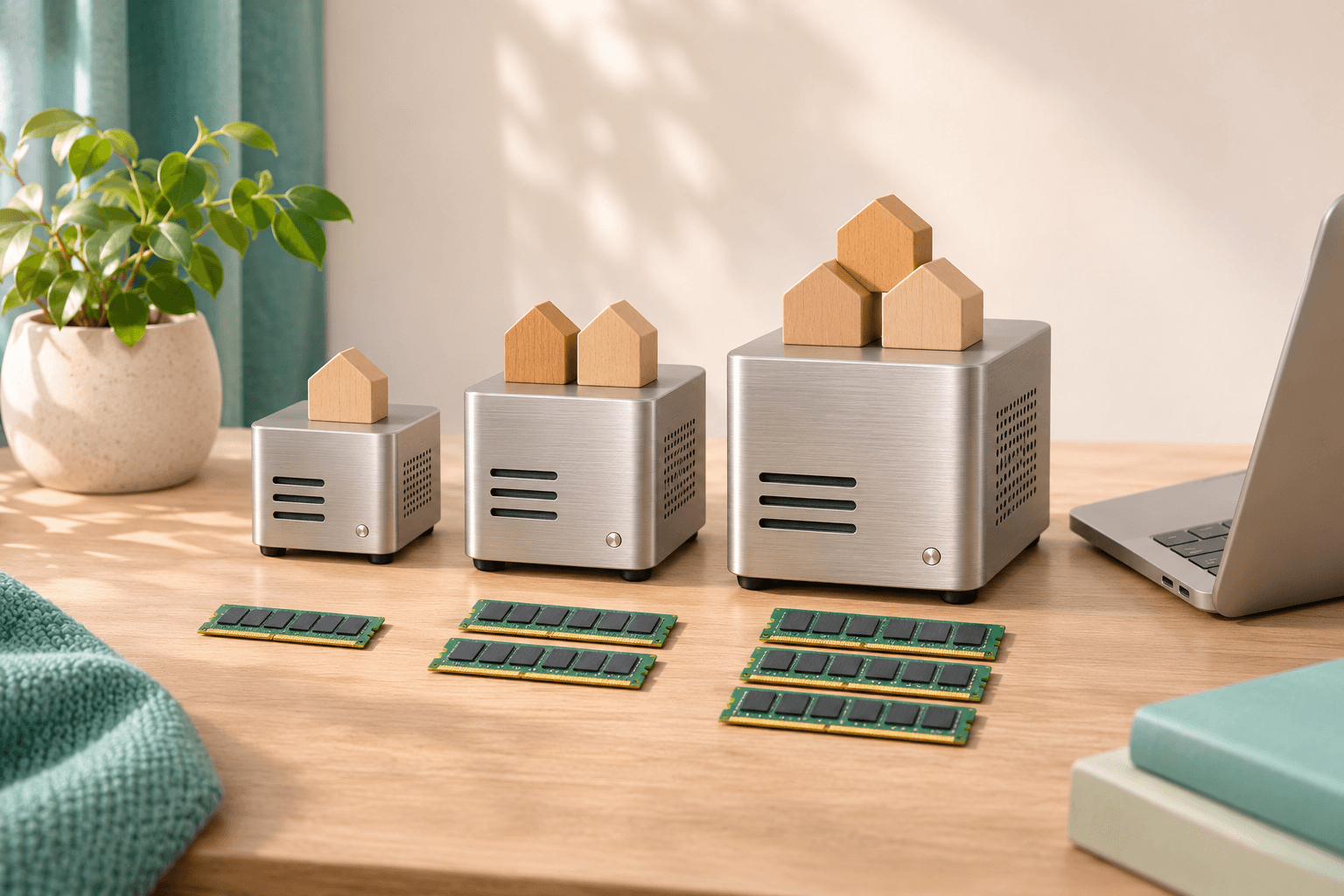
Consider 1GB for Linux practice, a static website or a narrowly scoped lightweight service. Compare 2GB plans for a first WordPress site with a control panel. For a small store or heavier plugins, start evaluating 4GB and check the application's actual needs.
These are buying starting points for a Linux VPS, not performance guarantees. Windows desktops, game servers and video workloads need their own sizing.
| What you want to run | RAM tier to compare first | What needs checking |
|---|---|---|
| SSH practice, Linux learning, occasional small scripts | 1GB | OS image and application requirements |
| Prebuilt HTML pages | 1GB | Build elsewhere if building needs substantially more memory |
| One simple WordPress blog | 2GB | Caching, plugins and a local database |
| A panel plus WordPress and regular media uploads | 2GB or more | Headroom during updates and backups |
| A small shop, page builder or heavier multilingual setup | Evaluate 4GB or more | Search, cart, checkout and background work |
| Several applications or batch image processing | Application-specific; possibly above 4GB | Each service and overlapping peak tasks |
These tiers are editorial guidance, not official minimums. RAM is separate from storage and network bandwidth.
Serving files that have already been generated can be much lighter than generating a page and querying a database for each request. A small learning environment or single-purpose service can also make sensible use of a small instance.
The harder case is putting a panel, database, PHP, WordPress and multiple plugins together. Installation may succeed while updates, imports or image processing leave very little memory available.
A brochure page and a shop with customer accounts can receive the same daily traffic and still perform very different amounts of work. This comparison describes workloads; it is not a benchmark.
If keeping the software footprint small appeals to you, consider 1GB after checking requirements. If you mainly want to publish articles, compare the cost of 2GB as well.
The WordPress requirements page lists a suitable PHP and database environment plus HTTPS. It does not promise that a fixed amount of total VPS RAM will support every site.
The WordPress Hosting Handbook discusses memory allowed for PHP execution. Your operating system, database, web service and other running tasks also need memory.
Likewise, the WooCommerce requirement for a WordPress memory limit of at least 256MB does not mean a complete store fits on a 256MB VPS.
Our suggestion to compare 2GB for a simple blog and evaluate 4GB for a store is a practical starting point. Themes, extensions and real operations determine whether it is enough.
A panel simplifies administration, but its installation requirement does not size everything it will manage.
For example, 1Panel v2 recommends at least 1GB of available memory. Available memory after the OS is running is different from the advertised total memory of an instance.
The Ubuntu Server requirements distinguish installation methods. The cloud-image minimum listed for Ubuntu 24.04 amd64 should not be treated as spare capacity for a complete website. Check the documentation for your chosen release.
If the concern is a panel and database competing for memory, another vCPU does not solve the missing RAM. A 1-vCPU, 2GB instance can therefore be worth comparing with a 2-vCPU, 1GB instance for a simple website.
Sustained calculation is a different workload. CPU performance and how resources are shared matter there. Read shared versus dedicated VPS CPU before paying for a larger core count.
A distant region, large images or a slow external service can also make a site slow. More RAM does not automatically fix those problems.
- Write down the actual stack, including the database, panel and background jobs.
- Ask whether an upgrade preserves the instance and IP, requires downtime or expands storage irreversibly.
- Check renewal prices, backups, panel licences and applicable taxes on the checkout page.
- Confirm who installs, updates and restores the software.
- Compare a shorter billing commitment while learning; check refund and cancellation rules separately.
If software maintenance is the main uncertainty, read what to do after buying a VPS you cannot manage.
Use your real theme, extensions and content. Open the homepage on a phone, save a post, upload a normal image and run a routine backup or update. Observe responsiveness and the panel's CPU, available-memory and disk readings.
For a store, test search, cart and checkout in a test environment or test payment mode. Avoid creating unintended real orders.
Linux uses otherwise idle RAM for cache. A high “used” reading alone does not prove a shortage. Look for recurring low available memory alongside slow operations, service restarts or failures. A short successful check also does not prove peak capacity.
There is no universal visitor-to-RAM conversion. Cached pages, logged-in sessions and live product searches behave differently. Test your actual workload when capacity matters.
Swap can help with some memory pressure, but it uses storage and is not equivalent to additional physical RAM. Persistent pressure and poor responsiveness need investigation.
No universal 4GB rule applies. The applications inside the containers, their documented requirements and simultaneous tasks matter more than the number of containers.
If the requirements are met and normal operations remain healthy, keep observing it. If an upgrade becomes necessary, check VPS upgrade risks and downtime and prepare a recoverable backup first.
For a first ordinary blog, put 2GB, clear renewal terms, a workable upgrade path and suitable maintenance arrangements on the comparison list. Choose a smaller or larger tier when the workload supports that decision.
Sources checked November 24, 2026. This is buying guidance, not an in-house benchmark or a concurrency guarantee.