
VPS Tutorials
What Is the Difference Between KVM and OpenVZ? Why Virtualization Type Matters When Choosing a VPS
KVM and OpenVZ are two different VPS virtualization technologies: one is a full virtual machine, the other is container-based. Understand the difference and choose the right architecture.
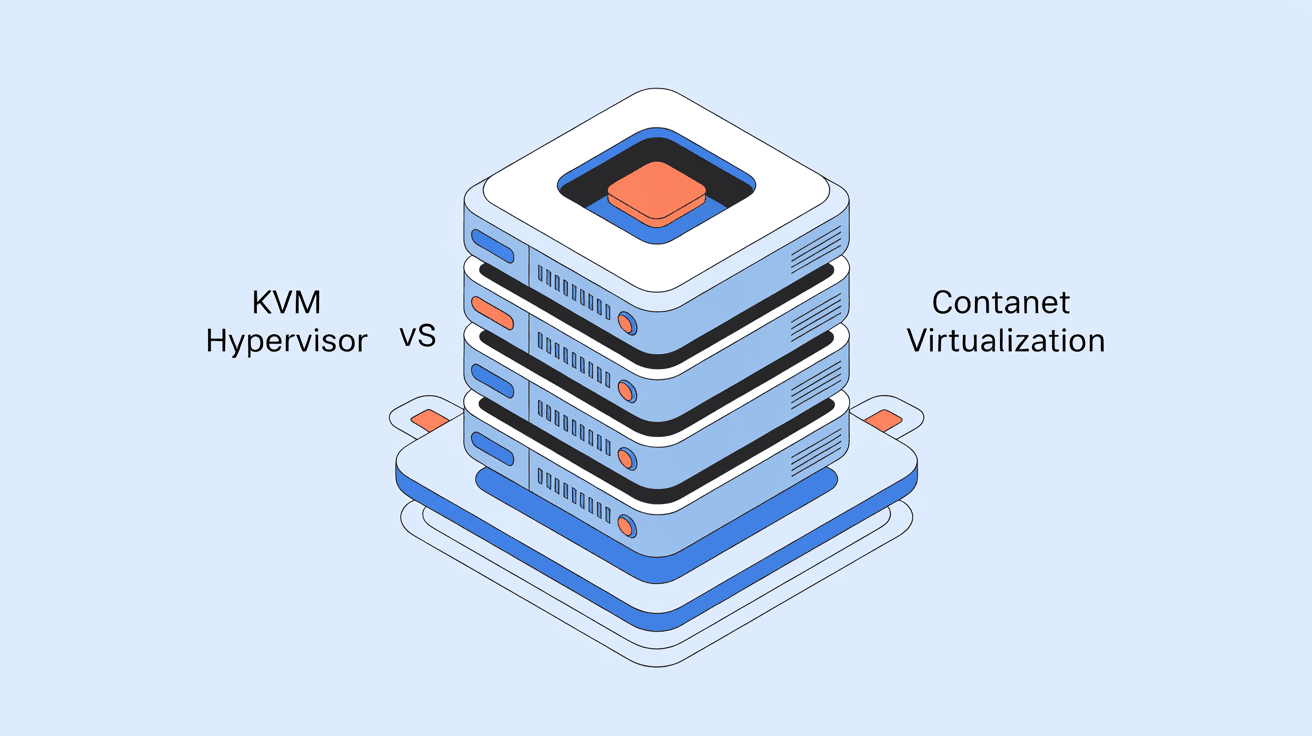
When buying a VPS, you often see two terms: KVM and OpenVZ. Some providers even make a point of emphasizing a pure KVM architecture, as if it were a major selling point.
What exactly is the difference between these two? Which one should you choose? Let's make this clear today.
If you can choose KVM, choose KVM. The reason is simple: KVM is a true virtual machine, it can install any system, enable BBR, and install Docker, with basically no restrictions. Although OpenVZ is cheap, it has many limitations and can't do many things.
The situation in 2025 is: mainstream VPS providers are basically all KVM now, and OpenVZ is becoming rarer. Unless your budget is extremely tight, there is no need to consider OpenVZ.
KVM stands for Kernel-based Virtual Machine, a virtualization technology built into the Linux kernel.
You can think of it as installing multiple complete computers on a physical server. Each VPS has its own independent kernel and independent system, and they are thoroughly isolated from each other.
Features of KVM:
- A fully independent virtual machine with its own kernel
- Can install any operating system (Linux, Windows, FreeBSD, etc.)
- Can freely modify kernel parameters (such as enabling BBR acceleration)
- Can run container technologies such as Docker and Kubernetes
- Good resource isolation; neighbors' overselling does not affect you much
- Can mount an ISO and install the system yourself
OpenVZ is a virtualization technology based on Linux containers, where all VPSs share the same kernel.
As an analogy: if KVM is living in a detached house, OpenVZ is living in a shared rental. Everyone shares one house structure (the kernel), but each has their own independent room (user space).
Features of OpenVZ:
- Shares the host kernel and cannot change the kernel yourself
- Can only install Linux, and the version is limited by the host
- Cannot modify kernel parameters, so many optimizations cannot be done
- Cannot install Docker (or requires special methods)
- Poor resource isolation, easily dragged down by oversold neighbors
- Cheap price and high resource utilization
KVM: Yes. It only takes a few commands to enable BBR, and network speed can improve quite a bit.
OpenVZ: No. Because BBR is something at the kernel level, OpenVZ cannot change the kernel. Some providers enable BBR on the host, and all VPSs can use it, but that depends on luck.
KVM: No problem at all; install and use it normally.
OpenVZ: In theory OpenVZ 7 can, but many providers use the old OpenVZ 6, which cannot install it. Even if it can be installed, various strange problems often occur.
KVM: Yes. Although most providers offer Linux images by default, KVM technically supports any system. Some providers also offer Windows Server images.
OpenVZ: No. OpenVZ is Linux at the bottom layer and can only run Linux distributions.
This is a big problem.
Because OpenVZ has high resource utilization (sharing the kernel saves resources), many providers oversell severely. Dozens or hundreds of VPSs are packed onto the same physical machine, and as a result every VPS lags.
Although KVM also has overselling, because each VPS occupies more resources, the room for overselling is relatively limited, and the experience is usually better than OpenVZ.
For VPSs with the same configuration:
- OpenVZ: possibly $2-3/month
- KVM: usually from $4-5/month
OpenVZ is genuinely cheap, but the limitations mentioned above are also real.
Before buying, check the provider's page; the virtualization type is usually clearly marked.
After buying, run this inside the VPS:
sudo dmidecode -s system-product-name
If the output contains the word KVM, it is a KVM architecture.
You can also check the kernel version:
uname -r
If the version is very old or contains the word openvz, it is most likely OpenVZ.
By the way, some providers use LXC or LXD, which are also container virtualization technologies with a principle similar to OpenVZ (sharing the kernel).
Simply remember: if you see KVM or QEMU, you can relax; if you see OpenVZ, LXC, or LXD, pay attention to those limitations.
The king of value for money, with especially strong Black Friday deals. The entire lineup uses KVM architecture, and the cheapest plan can be bought for around $10/year.
A veteran provider with good stability. Its CN2 GIA routes are well done, but the price is on the expensive side.
The three major cloud service providers, all KVM, with flexible hourly billing. Suitable for scenarios where you need to turn machines on and off at any time.
It's 2025. Unless your budget is extremely limited and you just want to run a simple script, choose KVM directly.
OpenVZ's slight price advantage comes at the cost of a bunch of limitations and possible overselling problems; it's not worth it.
Remember one principle: cheap goods are not good, but expensive ones are not necessarily good either. Choosing a KVM provider with a good reputation is much less troublesome than agonizing over OpenVZ.