
VPS Recommendations
Multi-IP VPS Recommendations for Site Networks (2026): Cost-Effective Plans for Multi-Site and Agency Work
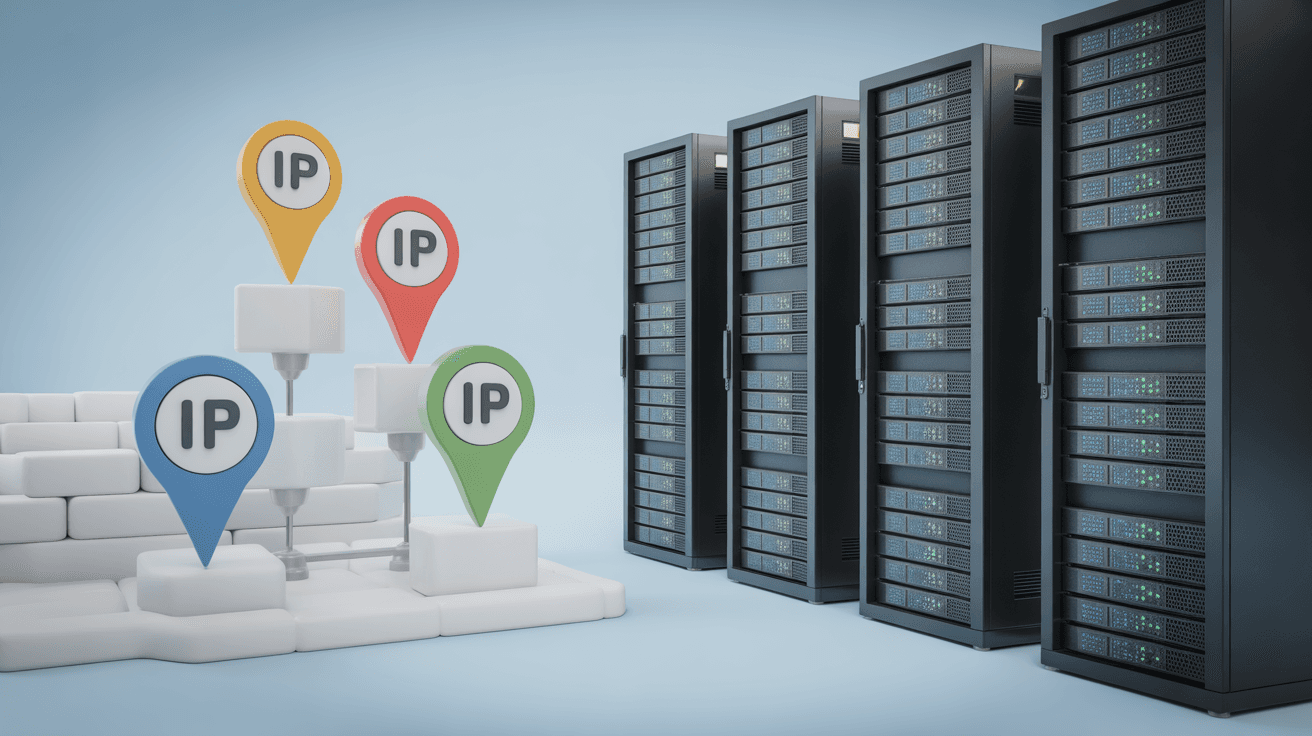
Multiple IPs are better suited to business isolation and availability fallback for "multi-site/proxy/agency" scenarios: dedicated IPs, dedicated reverse-proxy entry points, backup IPs, and clearer failover. This article explains that what you really need from multiple IPs is not quantity, but the delivery form (additional IP vs. /29 routing), the cost structure, and a pre-purchase checklist; it also offers a sustainable multi-site deployment and maintenance approach.
Let me start with something unpopular:
If by "site network" you mean building spam sites or piling up links to each other, multiple IPs will not make it "safe."
But if you are in these more normal scenarios, multiple IPs are actually very practical:
- Agencies/proxies: isolate entry points for different client sites
- Multiple brands/business lines: problems in one do not drag down the others
- Availability fallback: quickly switch when an IP has connectivity issues
- Compliance requirements: some businesses require fixed egress/dedicated entry points
This article focuses on "how to buy without stepping into traps and how to use it sustainably," not on stacking black-hat tricks.
Vendors usually offer multiple IPs in just two ways:
- You get one extra IPv4 (usually /32)
- It is added directly to the same network card
Pros:
- Simple
- Quick to get started
Cons:
- Each IP is billed separately, and it gets expensive fast
- You get a public subnet
- The vendor routes this subnet to your machine
Pros:
- Unit price is usually more cost-effective
- Better suited for long-term maintenance of 5-10 sites
Cons:
- Configuration is more error-prone (routing, source addresses, egress selection)
If you do not distinguish between these two, you will easily run into this later: you bought the IPs, but they are unreachable from outside.
The on-site deployment configuration tutorial is here:
- VPS multi-IP configuration tutorial: adding secondary IPs and specifying source addresses for egress
Before buying multiple IPs, I suggest you list out the cost structure:
- Machine monthly fee
- Extra IPv4 monthly rental (some charge per IP)
- Possible setup fee (one-time)
- Your future migration cost (migrating with a bunch of IPs is more troublesome)
If you want to get the accounting clear, I suggest reading this "real cost" approach first:
- Are these IPs IPv4 or IPv6 (many people think they bought IPv4, but end up with an IPv6 block)
- Delivery method: additional IPs or a /29 routed to you
- Whether reverse DNS (PTR/rDNS) is supported (you will need it for email/stricter businesses)
- Whether IP replacement is allowed (critical when some IPs have connectivity issues)
- Whether the data center location matches your target users (do not regret it after buying)
- How stable it is during evening peak hours (packet loss/jitter will make you misjudge it as "blocked")
For IP/data center selection ideas, refer to:
The real value of multiple IPs lies in:
- Entry isolation (a problem with site A does not affect site B)
- Failover (switch to a backup IP when an IP is unreachable)
A very practical approach:
- One entry IP (or a group of entry IPs) per site
- Unified reverse-proxy layer (Caddy/Nginx), but separate configurations
- Set DNS TTL shorter (faster switching during failures)
If you encounter a situation where "an IP is unreachable only from specific networks," do not immediately say it is blocked.
First troubleshoot according to this process:
Here is a simple judgment:
- You only have 1-2 sites: do not bother with multiple IPs for now; keeping the site stable is more important
- You have 5 or more sites, or agency/proxy business: the isolation value of multiple IPs is very high
The key to multiple IPs is not "buying," but "long-term maintenance."
Once you think through the delivery form, cost structure, and switching strategy, multiple IPs will become an asset rather than a burden.