
VPS Tutorials
How to Prevent Runaway Bills on Pay-As-You-Go Cloud Servers (2026): A Complete Guide to Budgets, Alerts, and Cap Strategies
Many people using pay-as-you-go cloud servers for the first time underestimate the power of "attached resources that keep charging on top": instances left undeleted, snapshots piling up, and sudden spikes in origin-pull and traffic. Usually it's not because they deliberately spend money, but because they never treat budgets and alerts as part of the system configuration. This article covers budget setup, three-tier 50/80/100 alerts, forecast-based reminders, and automated stop-the-bleeding actions, and explains clearly how to minimize the risk of runaway bills in a pay-as-you-go environment.
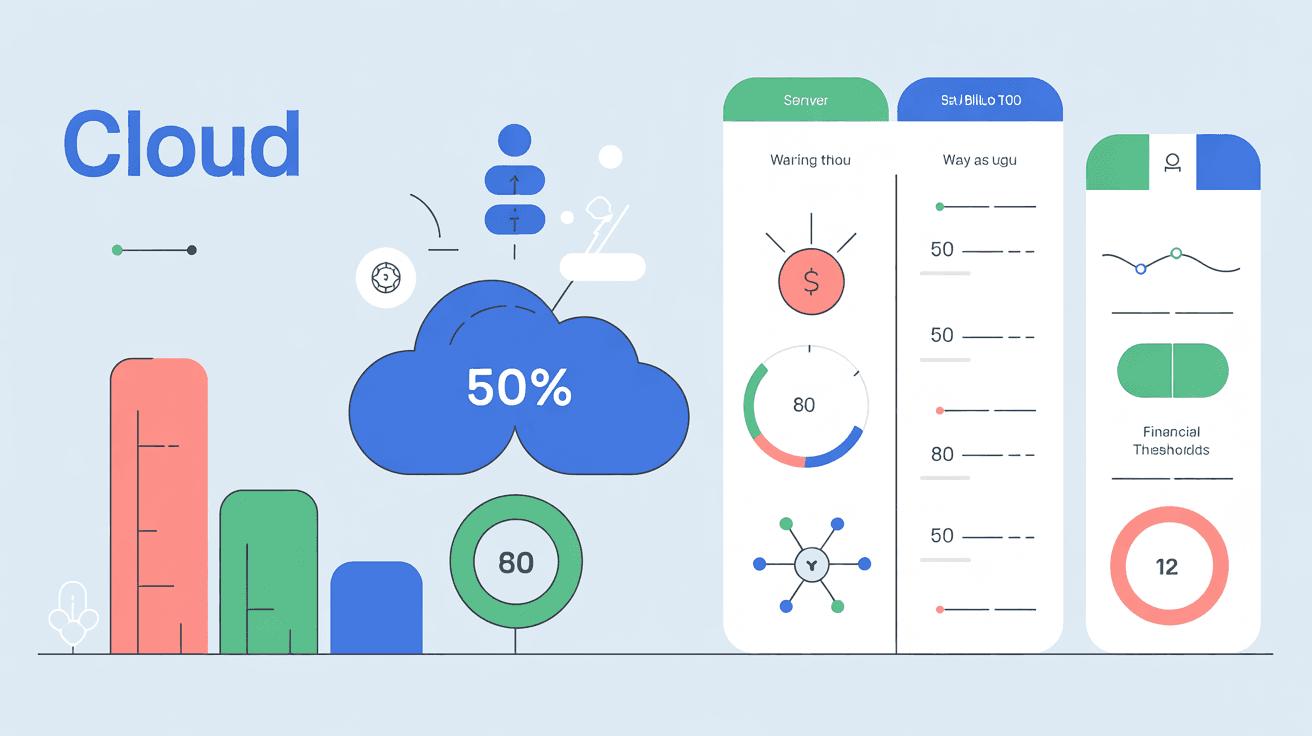
Many people using pay-as-you-go cloud servers for the first time have an illusion:
- Just shut it down when I'm not using it
- Let me turn it on and try it first, and look at the bill later
- I'm only running a small project, it won't cost much
But reality often turns out to be:
- A test instance left undeleted, running for half a month
- Snapshots, disks, bandwidth, and EIP all billed together, costing more than the machine itself
- Object storage origin-pull, logs, monitoring, databases, and other attached resources quietly grow more charges
- You think "a budget reminder is enough," but bill updates are delayed, and by the time you get the email you're already over
The scariest part of this kind of problem isn't "expensive," it's:
Runaway pay-as-you-go billing usually isn't because you deliberately spend money, but because you haven't made "cost control" part of your system configuration.
This article is dedicated to making that clear: how to prevent runaway bills on pay-as-you-go cloud servers, how to set budgets, how to configure alerts, and what actually counts as a truly effective cap strategy.
1. The Conclusion First: What Really Works Isn't "Checking the Bill at Month-End," but Three-Tier Early Warning + Automated Actions
If you only remember one sentence, remember this:
In a pay-as-you-go environment, the most reliable approach isn't "using less," but setting up budgets, threshold alerts, and automated controls in advance.
Many people have only one way to prevent runaway bills:
- Relying on themselves to remember to check the console
This is almost certainly not enough.
Truly effective control needs at least three layers:
| Layer | Purpose |
|---|---|
| Budget | Define an acceptable ceiling for yourself |
| Alert | Get notified before overspending |
| Action | Automatically stop the bleeding when things approach runaway |
If the last layer is missing, what you usually have is just "being notified that you're about to overspend," not "actually preventing it."
Because its biggest difference from a monthly VPS is:
- It's not one machine at one fixed price
- Instead, many resources are billed together, stacked by usage
Common billing sources include:
- Instance runtime
- Disk capacity and snapshots
- Public bandwidth or outbound traffic
- EIP / load balancer / NAT gateway
- Object storage requests and origin-pull
- Logs, monitoring, databases, backups
So what often really blows up the bill isn't the cloud server itself, but:
- You forgot what other resources are still attached behind it
- Instance forgotten to be shut down/deleted
- Disks and snapshots piling up
- Traffic spiking but nobody watching alerts
- Test environments cloned out and never reclaimed
- Alerts sent to email, but nobody actually handles them
This is also why "I clearly only started one small machine, why is the bill so high" happens over and over.
Many people configuring a budget for the first time do only one thing:
- Set a monthly budget ceiling, e.g.
$100
This is of course better than doing nothing, but it's far from enough.
Budgets should be split into at least the following three types:
For example:
- The whole account no more than
$100per month
This is suitable for overall control.
For example:
- Development environment
$20 - Production environment
$60 - Experiments and PoC
$20
This is suitable for pinpointing "which part is burning money."
If the platform supports budgets by tag / label / resource group dimension, it's best to split by tag:
env:prodenv:devteam:seoteam:tooling
This way you won't just know "it's over," but also "who went over."
Because a total budget only tells you:
- The whole thing is already dangerous
But it can't help you quickly determine:
- Whether it's instances, disks, databases, or traffic that's running away
4. How to Configure Alerts So They Actually Mean Something? 50% / 80% / 100% Three Tiers Recommended
This is basically the most practical general-purpose approach.
Purpose: Early reminder
What you should do at this stage:
- Confirm whether the current growth rate is normal
- Check whether any new resources went live recently
- See whether someone forgot to clean up a test environment
Purpose: Enter the intervention stage
At this point you shouldn't just "know about it," but start acting:
- Manually investigate high-cost resources
- Stop unnecessary instances
- Pause high-risk test tasks
- Verify bandwidth, traffic, and snapshot growth
Purpose: Stop the bleeding or strong reminder
The focus at this stage is:
- Not sending another "FYI" email
- But having the system trigger real control actions
For example:
- Send urgent Slack / Feishu / DingTalk notifications
- Trigger automated functions
- Execute shutdown, tagging, or permission tightening on development environments
Because cloud provider billing data usually isn't updated in real time at second-level granularity.
If you only first learn about it at 100%, it's often already too late.
The good things about AWS are:
- Budget thresholds are relatively mature
- Supports forecasted cost (forecast-based alerts)
- Can connect to SNS, Lambda, Chatbot
- Can perform automated control actions in some scenarios
The most valuable point is that it not only tells you "how much you've already spent," but also tries to tell you:
- Based on the current trend, you're very likely to go over
This is far more useful than after-the-fact alerts.
Azure budgets can also do:
- Actual cost alerts
- Forecast cost alerts
- Action Group integration
But it leans more toward:
- Notification and integration
Rather than naturally helping you do a "hard cap."
Whether AWS or Azure, the budget itself is usually not a hard shutdown switch.
That is to say:
- Budget != automatic cap
If you really want to prevent bill explosions, you must connect the three yourself:
- Budget
- Alert
- Automated action
Many people talk about a "cap strategy" but actually mean only:
- Send me an email after I go over
That's not a cap, that's a reminder.
Production environments usually can't be crudely shut down, so the strategy should be:
- Multi-tier budget alerts
- Forecast alerts
- High-priority notifications
- Automated actions after manual confirmation
For example:
- Pause scaling policies
- Tighten creation permissions for high-cost resources
- Temporarily freeze test project quotas
These environments are best suited for automated control.
For example, after exceeding a threshold:
- Automatically stop instances
- Automatically tag
- Automatically prohibit creating new resources
This is the type most easily forgotten.
The best approach isn't "remind me to delete it," but:
- Set TTL by default
- Automatically shut down on expiry
- Automatically notify on expiry
If you often run short-term experiments, this mechanism is extremely valuable.
Many runaway bills aren't because the VM itself is too expensive, but because nobody watches the pile of resources beside it.
The most common are:
- Data disks
- Snapshots
- Backups
- Object storage
- Traffic and origin-pull
- Log services
- NAT / load balancer / EIP
The instance is deleted, but:
- The disk isn't deleted
- The snapshot is still there
- The EIP is still billed
- Object storage origin-pull is still running
As a result, you think you've "already shut down the machine," but the bill keeps growing.
So budget monitoring can't just watch compute, it must also watch:
- storage
- network
- backup
- observability
If you don't want to build a too-complex FinOps system, you can follow this approach directly.
- Set a monthly total budget
- Configure 50% / 80% / 100% alerts
- Dual-channel notifications via email + IM
- Monthly total budget + project budget + tag budget
- Actual cost alerts + forecast cost alerts
- Simultaneous notifications via Slack / Feishu / DingTalk / email
- Automatic stop of development environments when exceeding thresholds
- Periodic cleanup of idle disks and snapshots
- Budgets integrated with automated functions
- Creation approval or permission restrictions for high-cost resources
- Default TTL for all experiment environments
- A weekly cost inspection
The goal of this configuration isn't "making the bill always the lowest," but:
Making bill growth predictable, alertable, and intervenable.
This question is crucial.
If your alert system meets any of the following, it's most likely just for show:
Many people simply don't check their inbox at the first opportunity.
An alert without an owner is about the same as no alert.
This is usually too late.
This is the easiest way to miss the real growth source.
You think it will automatically stop, but on the day you actually go over budget the function never executed.
Ask yourself these 3 questions:
- If costs suddenly doubled tonight, who would know within 10 minutes?
- If nobody is online, what would the system do automatically?
- If the instance is deleted but the disk and snapshot aren't, can your budget system detect it?
If you can't answer two of these three questions, your cost control isn't truly usable yet.
No. Most cloud platforms' budgets are essentially more about alerting and observation, not a natural "automatically shut down when reached." To truly prevent runaway, you need to connect budgets, notifications, and automated actions.
Because billing data usually has update delays, and you may have set only a single threshold, or only sent email without an instant handling chain.
Very much worth it. Many runaway bills aren't caused by production environments, but by development, test, and PoC environments forgotten to be cleaned up.
First set up a total budget and the 50% / 80% / 100% three-tier alerts, then route notifications to channels you'll actually check, rather than leaving them only in your inbox.
The most dangerous thing about pay-as-you-go cloud servers isn't "expensive," but that they keep accumulating while you're not paying attention.
The truly reliable control approach isn't checking the bill at month-end, nor relying on self-discipline, but:
- Set budgets first
- Then set up multi-tier alerts
- Finally connect automated actions
In one sentence:
Preventing runaway bills doesn't rely on a thrifty mindset, but on configuring "budgets, reminders, and stop-the-bleeding actions" in advance.
If you haven't yet been taught a lesson by pay-as-you-go billing, the most worthwhile thing to do isn't to stay optimistic, but to set up your budget alerts and development environment automatic shutdown strategy today.