
VPS Tutorials
Self-Hosted AI API Gateway on a VPS (2026): One-API / New-API, Unified Models, Key Management, Rate Limiting and Billing
Want to unify OpenAI, Claude, Gemini, DeepSeek, Qwen, Doubao and other models behind a single API entry point? This article covers when a self-hosted AI API gateway on a VPS makes sense, how to choose between One-API and New-API, Docker Compose deployment, channel configuration, key management, rate limiting, logging and a security checklist.
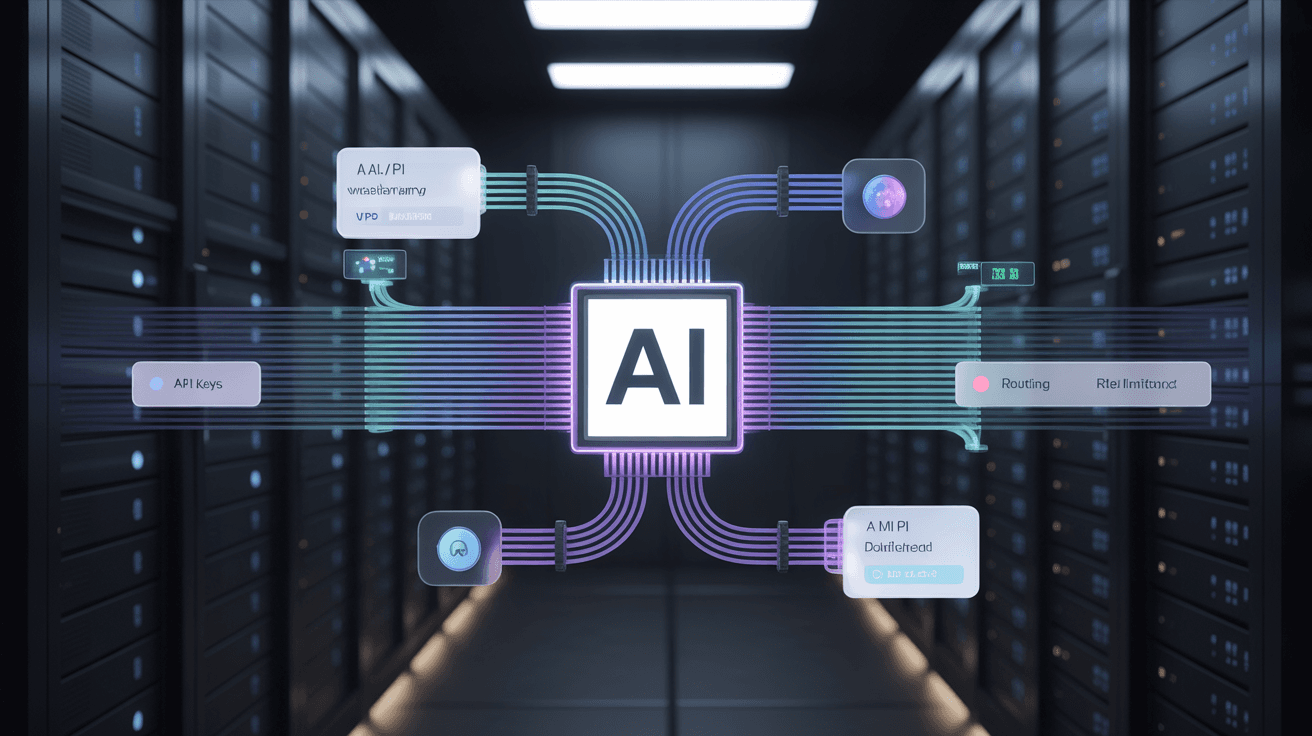
Most people start out with AI APIs by hardcoding the OpenAI, Claude or Gemini endpoint directly in their code. That's fine when you have few projects, but once you have three or four model providers, two or three projects and a dozen API keys, things start to get messy:
- One project uses the OpenAI format, another uses the Claude format;
- A colleague has the master key, and at the end of the month nobody can say who spent what;
- DeepSeek is cheap, but sometimes you want automatic fallback to another model;
- You want to hand out keys to customers or internal tools without exposing the real upstream keys;
- Your budget is limited, and you want per-key quotas, rate limits and logs.
That's where an AI API gateway comes in. Simply put, you build your own "model entry point": the backend connects to multiple model providers, and the frontend exposes only one unified API address. From then on, the application side only needs to change base_url instead of editing code everywhere.
In 2026, the two most common choices for self-hosting an AI API gateway in the Chinese-speaking community are still One-API and New-API. One-API is the veteran project: lightweight and easy to understand. New-API is an active fork derived from One-API with more features, support for protocol conversion between OpenAI, Claude, Gemini and others, and a better fit for multi-user, multi-channel, multi-model scenarios.
Let's start with the conclusion: not everyone needs to self-host.
If you just use ChatGPT personally, or occasionally call DeepSeek from a script, the official API is enough. Self-hosting a gateway just adds a layer of maintenance overhead.
But the following situations are a great fit:
| Scenario | Value of a self-hosted gateway |
|---|---|
| Multiple model providers | Manage OpenAI, Claude, Gemini, DeepSeek, Qwen, Doubao and other channels from one entry point |
| Shared across multiple projects | Issue a separate key per project, and disable it individually if something goes wrong |
| Internal team use | See usage, quotas and where spending comes from |
| Redistributing to customers | Don't expose the real upstream API keys |
| Cost control | Set quotas, rate limits and model permissions per key |
| Compatibility layer | Let tools that only support the OpenAI format access more models |
The most typical usage I've seen: New-API runs on a VPS, and the company's internal Dify, LobeChat, script jobs and customer-service bots all go through this unified entry point. You can see at a glance in the backend how many tokens each one uses. If a channel misbehaves, you lower its weight or temporarily disable it, and the application code doesn't need to change.
The two projects have very similar names, but their positioning is no longer quite the same.
| Comparison | One-API | New-API |
|---|---|---|
| Target users | People who want lightweight, simple and stable | People who want more models, a more complete backend and more active maintenance |
| Project maturity | Veteran project with clear logic | More active community, faster feature iteration |
| Deployment | Docker / single binary | Docker / Docker Compose / panel / cluster |
| Protocol support | Mainly OpenAI-compatible | Stronger multi-protocol conversion for OpenAI, Claude, Gemini and more |
| Feature complexity | Lower | Higher |
| License | MIT | AGPL-3.0 |
My advice is straightforward:
- Personal use, just unifying a few OpenAI-compatible endpoints: One-API is enough;
- Team use with multiple models, multiple keys, usage statistics and protocol conversion: prefer New-API;
- Commercial secondary development or closed-source distribution: be sure to read the license carefully; New-API is AGPL-3.0, don't overlook this pitfall.
The official One-API repository is songquanpeng/one-api, and the more active New-API one is currently QuantumNous/new-api. Before deploying, check the README and official docs first, because environment variables, image names and database support change between versions.
The AI API gateway itself doesn't run models; it only forwards requests and records usage, so it doesn't demand much from the VPS. The real cost is the upstream models, not the gateway.
I suggest choosing like this:
| Use case | Recommended specs |
|---|---|
| Personal use | 1 core 1GB can run it, 2GB is more stable |
| Small internal team | Start with 2 cores 2GB |
| Multi-user distribution + MySQL | 2 cores 4GB is more comfortable |
| High concurrency or commercial service | Separate database + reverse proxy + monitoring; don't skimp and tough it out |
20GB of disk is enough to start. Don't keep logs forever, or a few months later you'll find the database is much bigger than the program.
Ubuntu 22.04/24.04 or Debian 12 is recommended. Container deployment is the least hassle and makes later migration easy.
Below I'll use New-API as the example. One-API works similarly, with slightly different images and environment variables.
First prepare the directory:
mkdir -p /opt/new-api
cd /opt/new-api
Write a minimal working docker-compose.yml:
services:
  new-api:
    image: calciumion/new-api:latest
    container_name: new-api
    restart: unless-stopped
    ports:
      - "3000:3000"
    environment:
      - SQL_DSN=root:change_this_password@tcp(mysql:3306)/new-api
      - TZ=Asia/Shanghai
    depends_on:
      - mysql

  mysql:
    image: mysql:8
    container_name: new-api-mysql
    restart: unless-stopped
    environment:
      - MYSQL_ROOT_PASSWORD=change_this_password
      - MYSQL_DATABASE=new-api
      - TZ=Asia/Shanghai
    volumes:
      - ./mysql:/var/lib/mysql
Start it:
docker compose up -d

docker compose logs -f new-api
Then visit:
http://你的服务器IP:3000
After the first login, do three things immediately:
- Change the default admin password;
- Disable public registration you don't need;
- Set up a reverse proxy and HTTPS; don't leave port 3000 exposed long-term.
If you use Nginx, you can reverse proxy like this:
server {
    listen 80;
    server_name api.example.com;

    location / {
        proxy_pass http://127.0.0.1:3000;
        proxy_set_header Host $host;
        proxy_set_header X-Real-IP $remote_addr;
        proxy_set_header X-Forwarded-For $proxy_add_x_forwarded_for;
        proxy_set_header X-Forwarded-Proto $scheme;
    }
}
Then get a certificate with Certbot or acme.sh. Don't run production over HTTP only.
Deploying the gateway is only the first step; the real time goes into channel configuration.
Common channels can be grouped like this:
| Channel type | Examples | Notes |
|---|---|---|
| Official OpenAI | GPT-4o, GPT-4.1, etc. | Expensive but stable; watch billing limits |
| OpenAI-compatible | DeepSeek, Moonshot, OpenRouter, etc. | Base URLs differ; model names must match |
| Claude | Anthropic Claude | Protocol isn't fully identical to OpenAI; New-API is easier |
| Gemini | Google Gemini | Some models have long context, but check the rate limits carefully |
| Domestic models | Qwen, Doubao, Zhipu, Wenxin, etc. | Auth and model names often differ; don't copy OpenAI parameters blindly |
When configuring, group by "purpose" rather than dumping all channels in at once:
- Low-cost chat: DeepSeek / Qwen / Doubao;
- High-quality writing: Claude / GPT;
- Long-context processing: Gemini / Claude long-context models;
- Test environment: cheap models with quota limits;
- Production environment: stable channels with separate keys.
This makes troubleshooting much easier later.
The biggest benefit of self-hosting a gateway for many people isn't saving money, it's "taking back control of permissions."
The right approach is:
- Real upstream API keys live only in the gateway backend;
- Issue a separate key for each project, each user and each environment;
- Set quotas, expiration times and model permissions on keys;
- Track usage separately by purpose, e.g.
dify-prod,lobechat-home,crawler-test; - If something goes wrong, disable a single key without affecting other projects.
Don't use one key for everything. Especially when you put keys into frontend projects, public GitHub repositories or third-party plugins, a leak is only a matter of time.
If you're the only user, rate limits can be loose. But as soon as others use it, rate limiting must be on.
I suggest controlling from these dimensions:
| Control | Suggestion |
|---|---|
| Requests per minute | Prevent scripts stuck in loops from burning through quotas |
| Daily quota | Prevent a single user from using up the budget |
| Model permissions | Regular users can only use cheap models; expensive models are authorized separately |
| Channel weight | Prefer cheap channels, use expensive ones as fallback |
| Failure retries | Don't retry infinitely; upstream 429s only get worse |
A real pitfall: a script had its exception retry written wrong, and after a model endpoint returned 500 it retried dozens of times per second. Without gateway rate limiting, the upstream bill would look terrible. With a gateway, at worst that key gets rate-limited, and the whole system doesn't get dragged down.
Most OpenAI-compatible tools only need two changes:
API Key: 你在网关里生成的 Key
Base URL: https://api.example.com/v1
For example, in Python:
from openai import OpenAI

client = OpenAI(
    api_key="sk-your-gateway-key",
    base_url="https://api.example.com/v1"
)

response = client.chat.completions.create(
    model="deepseek-chat",
    messages=[{"role": "user", "content": "写一段 VPS 备份脚本说明"}]
)

print(response.choices[0].message.content)
Tools like Dify, LobeChat, Cherry Studio and LibreChat can usually also be configured with an OpenAI-compatible address. Fill in your gateway address and you can unify multiple models behind it.
An AI API gateway exposed to the public internet carries no less risk than an ordinary website. At minimum, do these:
- Strong password for the admin backend, and enable 2FA if possible;
- Don't expose the backend on the default path, or add another layer with Cloudflare Access / Basic Auth;
- Add basic rate limiting at the Nginx layer;
- Only open 80/443, don't expose 3000 directly;
- Don't use the example
change_this_passwordas your database password; - Back up MySQL regularly;
- Log abnormal usage, e.g. a sudden spike on a particular key;
- Set budget alerts on the upstream platforms too; don't rely only on the gateway.
Simple Nginx rate limiting example:
limit_req_zone $binary_remote_addr zone=aiapi:10m rate=10r/s;

server {
    listen 443 ssl http2;
    server_name api.example.com;

    location / {
        limit_req zone=aiapi burst=20 nodelay;
        proxy_pass http://127.0.0.1:3000;
    }
}
This isn't a universal defense, but it blocks some script misuse and low-cost scanning.
The gateway itself can be rebuilt; the database is what matters most.
I suggest backing up once a day:
mkdir -p /opt/backups/new-api

docker exec new-api-mysql mysqldump \
  -uroot \
  -p'change_this_password' \
  new-api > /opt/backups/new-api/new-api-$(date +%F).sql
Then sync offsite with rclone or object storage. Don't keep backups only on the same VPS; if the disk dies, it's as if you had no backup.
Migration is usually three steps:
- Install Docker on the new server;
- Copy
docker-compose.ymland the MySQL data/backup; - Switch DNS to the new server.
If the business is important, restore on the new machine first and confirm the backend, keys, channels and logs all work before switching the domain.
The upstream calls it deepseek-chat, and your application writes gpt-4, so of course it errors. Confirm the model mapping in the gateway first, then change the application config.
Some reverse proxies or CDNs buffer responses, turning streaming output into a single burst. In Nginx you can turn off proxy buffering:
proxy_buffering off;
429 is mostly upstream rate limiting or balance issues. Check the channel logs first, then the application logs; don't restart the container right away.
Check these three things:
docker compose ps
ss -lntp | grep 3000
ufw status
A healthy container doesn't mean the port is reachable; also check the firewall and the cloud provider's security group.
If you just want to quickly unify multiple AI APIs, I suggest going straight to New-API. It has more complete features and a more active community, which suits the multi-model mixed environment of 2026.
If you care a lot about simplicity, lightness and a permissive license, One-API is still usable. You may just run into issues later where features aren't enough and protocol conversion isn't convenient enough.
The most solid rollout is:
- Start with a 2-core 2GB VPS;
- Deploy New-API + MySQL with Docker Compose;
- Nginx reverse proxy + HTTPS;
- Issue a separate key for each project;
- Enable quotas, rate limiting and logging;
- Back up the database daily;
- Set budget alerts on the upstream platforms too.
An AI API gateway isn't about showing off. What it really solves is the problem of "more and more models, messier and messier keys, uglier and uglier bills." If you're already integrating AI APIs across multiple projects, spending half an hour setting up a gateway layer now will save you a lot of troubleshooting and management time later.