
VPS Tutorials
VPS vs. VPN (2026): which beginners should buy and whether it works immediately
VPS provides a runtime for websites and programs; VPN establishes network connections. Compare uses, common scenarios and five purchase questions to choose the right product and avoid confusing server plans with VPN services.
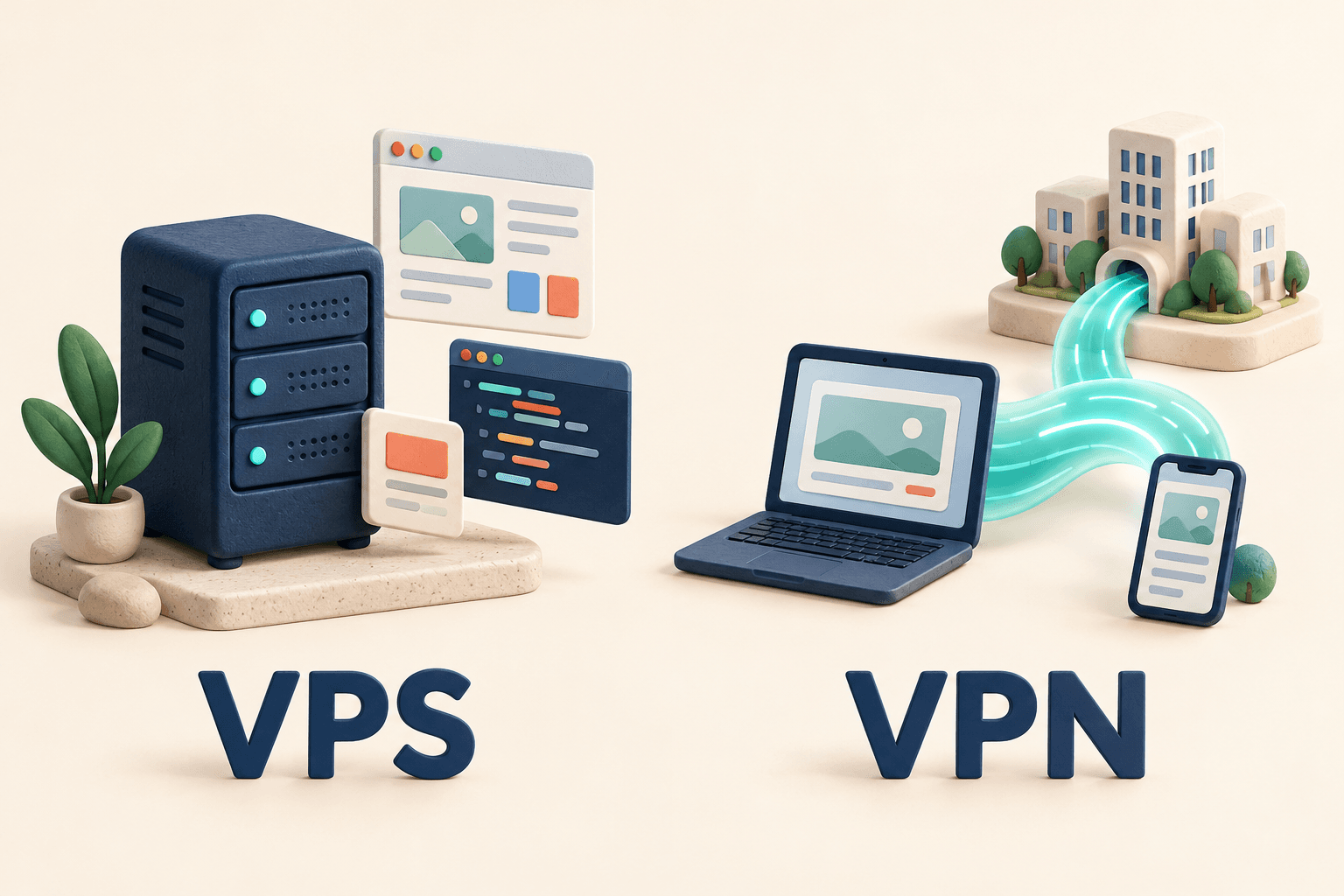
A VPS is a virtual server that runs programs; a VPN is a technology for establishing network connections. For a website, application or remote development environment, usually consider a VPS. For connecting to a company or home network, consider the corresponding VPN solution.
The names differ by one letter, but purchases serve very different purposes. Buying an ordinary VPS does not immediately give your phone a working VPN connection. The table and examples below clarify common confusion before ordering.
| Comparison | VPS | VPN |
|---|---|---|
| Full name | Virtual Private Server | Virtual Private Network |
| Main purpose | Runtime for websites, applications and jobs | Protected connection between devices or networks |
| Common uses | Blogs, applications, development, testing and scripts | Remote work, home-network access and specified network resources |
| Typical operation | Log into the server, install and configure software | Use a client or built-in networking, import settings or sign in and connect |
| Main considerations | System, CPU, RAM, disk, network and maintenance | Target, device support, access scope, stability and terms |
| Website hosting | Possible after deploying the website | The connection alone usually provides no website runtime |
VPN can mean the technology or a service using it. Company-supplied configuration, a self-hosted VPN and a commercial client subscription have different use and maintenance arrangements.
Think of a VPS as a remote computer in a data centre. You receive server resources, manage them over a network and install software. See virtual server basics.
For example, you might want to:
- Host a personal blog others can open anytime.
- Run your own application or scheduled script.
- Continue a project from different computers in a remote development environment.
- Install a self-hosted AI application from a tutorial.
These need a runtime, and a VPS is one option. Choose resources for the application; see VPS specifications and use cases.
On an ordinary self-managed VPS, operating system, software updates and backups are normally your responsibility. Managed plans may take over some tasks; check their scope. Activated server and usable application are different stages.
A VPN connects a device to another endpoint or network and protects data travelling through that connection. A common example is an employee connecting from home to company internal systems.
For home-device access while away, choose a suitable home-network VPN. Besides the client, it needs a corresponding endpoint and correct access configuration.
Commercial services commonly provide endpoints and clients: users sign in, select a location and connect. An enterprise administrator may assign accounts, verification and permissions. See VPN concepts.
Access after connection depends on configuration. Some route only company or home traffic through the VPN; others route more traffic through the endpoint. Connected does not mean every application follows the same network path.
You can deploy VPN software on a suitable VPS, with additional setup. First verify permitted use and that system and networking satisfy the software requirements.
WireGuard, for example, needs configuration at both ends in addition to installation. Its official quickstart covers interfaces, keys and peers. An empty server purchase does not configure them automatically.
If you want to manage your own endpoint, read setting up WireGuard on a VPS. At purchase, first decide whether you want that responsibility; you need not study every parameter immediately.
For a preinstalled-software plan, ask:
- Is only the program installed, or is working client configuration provided?
- Who handles updates, connection failures and configuration recovery?
- Which device, traffic and usage restrictions apply?
These tell you more than VPN in the product name.
Compare VPS or suitable application hosting. A VPN subscription usually does not provide a freely configurable environment for websites and databases.
If a tutorial calls for an Ubuntu VPS, choose its required system and resources, not a similarly priced VPN account.
Get the official connection method, client and account from the administrator. Buying another VPN or VPS normally does not grant access to company systems.
Check remote-access features already offered by your router, NAS or networking tools. A VPS may not be needed. Extra-server requirements depend on your solution and home network.
Start with a suitable practice VPS, learning login and simple programs. Read VPN tool requirements when ready. A short billing cycle can suit beginners; check renewals and cancellation first.
- Run a program or connect to a network? Write the purpose before choosing the product.
- What is delivered? Server credentials, software installation or VPN client account and configuration?
- Who maintains it? Which updates, settings and connection problems are covered?
- Total cost and limits? Renewal, traffic, device counts and separate charges.
- Existing accounts or devices? Check an employer-provided connection or home remote-access capability first.
No. SSH normally manages servers, runs commands or transfers files. Logging into a VPS does not automatically route other applications through it.
To manage the machine, follow connecting to a VPS from a phone without first building a VPN.
No. Browsers and apps do not reroute just because you bought a server. A site's observed exit address may change only when the solution actually connects and sends relevant traffic through that exit.
No. An extra endpoint may add detours and latency or improve access under some conditions. Results depend on location, endpoint, routing and destination, not just high-speed advertising.
You cannot conclude that. More configuration control also adds maintenance and update responsibility. Encryption has limits; websites can still identify signed-in accounts. Commercial services require assessing providers and terms too.
For websites and programs, choose a suitable runtime. For company, home or other specified networks, establish the connection solution and permissions first. Clear purpose before comparing prices helps prevent buying the wrong service.