
VPS Tutorials
When Should a Single VPS Split Its Architecture (2026): How to Layer Applications, Databases, and Object Storage
Many projects start out piling the web app, database, cache, files, and scheduled tasks onto a single VPS, and that is not wrong in itself. The real question is not why you didn't split from the start, but when continuing to pile everything on one machine stops paying off. This article breaks the problem down from four angles—resource contention, conflicting disk responsibilities, single points of failure, and granularity of scaling—to help you judge when to split the database first, and when to move files and object storage out on their own.
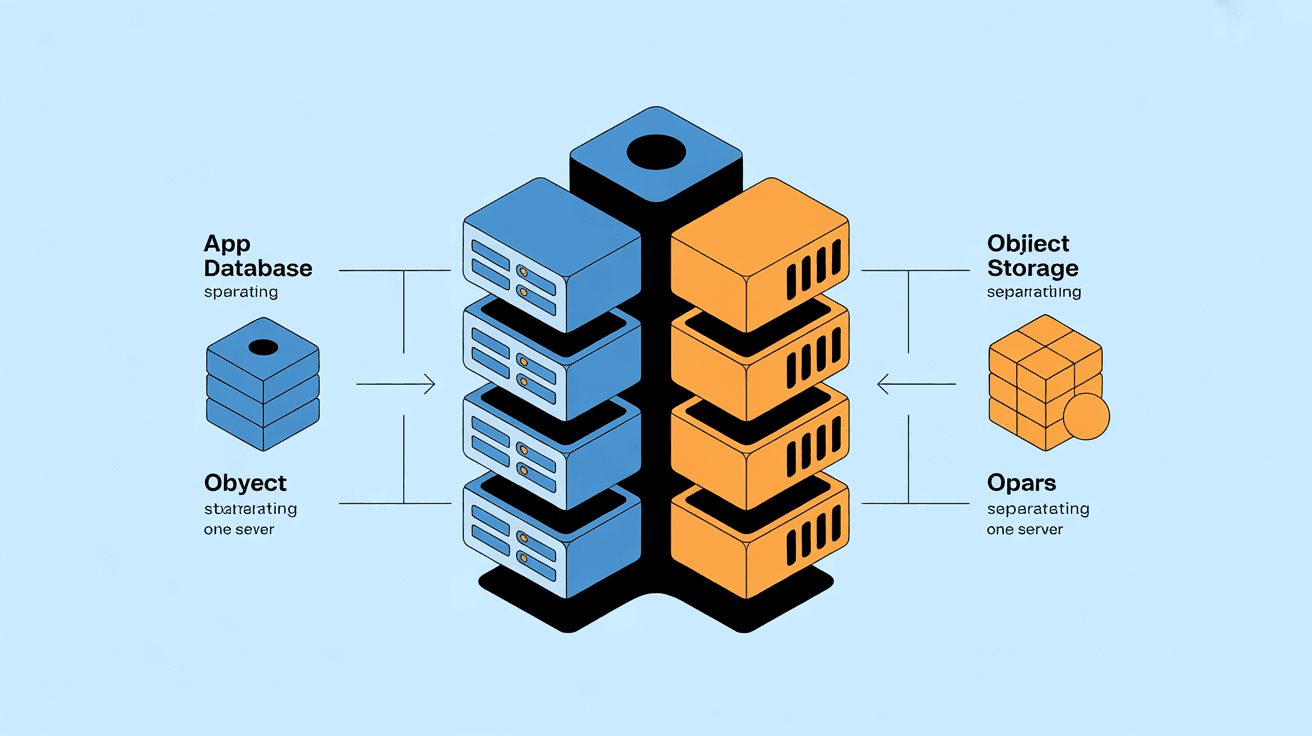
When many projects first start, the architecture is very simple:
- One VPS
- One web service
- One database
- Files stored on the local disk too
- Cache, scheduled tasks, and logs all piled onto the same machine
This is not actually a bad thing.
On the contrary, for most small projects and early production environments, a single VPS is often the most reasonable, lowest-complexity starting point.
The real question is usually not "why didn't we split from the start," but:
When does continuing to pile everything onto one machine stop being worth it?
If you split too early, what you get first is:
- Higher costs
- More operational complexity
- Longer request paths
- Harder troubleshooting
If you split too late, you may run into:
- The database and the application competing for CPU / memory
- The local disk holding the system, uploaded files, and backups all at once
- Growing risk of a single point of failure
- Every scaling event forcing you to upgrade the whole machine
This article is specifically about clarifying: when exactly should a single VPS split its architecture, which layers should be split first, and which ones should not be split too early.
If you only remember one sentence, remember this:
Most single VPS setups don't have a problem because "everything is piled on one machine," but because "clear resource conflicts and operational boundary problems have already appeared, yet nothing has been split."
In other words, a single machine is not a sin.
The real criterion is not:
- "Do mature teams all run multiple machines?"
but:
- Has your business shown clear signals that it is time to split?
- Small blogs, corporate websites, content sites
- Tool sites with modest daily traffic
- Projects with limited budget and limited operational capability on the team
- Applications still in the product validation stage
- The database and the application have started competing for resources
- The local disk runs the system and also carries large amounts of uploaded files and backups
- The application, scheduled tasks, cache, and logs interfere with each other
- The business cost of a single point of failure is starting to rise
So the core of this article is not "teaching you to become complex," but:
Teaching you to recognize when added complexity has started to deliver net benefits.
Many people's biggest misconception is equating "single machine" directly with "unprofessional."
It isn't.
- Simple deployment
- Short request paths, fast troubleshooting
- Low cost
- No cross-machine communication or consistency issues
- Suited to rapid iteration
If your site currently has:
- Low daily active users
- Small data volume
- Limited write pressure
- Acceptable tolerance for downtime
Then a single machine is very likely still the optimal solution.
This is almost the most common source of over-engineering.
Many projects introduce, before they have proven they really need to split:
- A dedicated database machine
- A dedicated cache machine
- A migration to object storage
- A multi-node application layer
As a result, the business hasn't taken off yet, but operational complexity has.
The most reasonable trigger for splitting is not "I think it should be more advanced," but clear resource conflicts and responsibility boundary conflicts.
This is the most common signal, and the one most worth taking seriously.
For example:
- When web request peaks arrive, database query latency rises noticeably
- The database eats a lot of memory, and application processes start getting squeezed
- As soon as a scheduled task runs, the whole site responds more slowly
If you have clearly seen:
- The database and the application competing for resources on the same machine
Then the database is usually the layer to consider splitting out first.
For example, a single VPS simultaneously holds:
- The operating system
- Database data files
- User-uploaded images
- Backup archives
- Log archives
At this point the problem is not just "space is almost full," but:
- Data with completely different performance patterns is crammed into the same layer
Databases need low-latency random I/O, while images and backups are better suited to independent storage or object storage; mixing them together easily drags each other down.
If your site being down for 5 or 10 minutes already causes obvious business losses, then you can no longer take "only one machine" for granted.
At this point splitting doesn't necessarily mean full high availability right away, but at least it means you should start considering:
- The boundary between data and application
- Recovery paths
- Which services can be separated out first
If you find that what you need to scale each time is:
- Database performance
- File storage capacity
- Application-layer concurrency
But right now you can only upgrade the whole VPS at once, that means your layers are already coupled too tightly.
Not all layers should be split together.
For most single VPS setups, a more reasonable order is usually:
Why the database first?
Because it is usually:
- The layer most likely to compete with the application for CPU / memory
- The layer most sensitive to disk jitter
- The layer most in need of a security boundary
If you already have:
- Slower queries
- Rising connection pressure
- The database and application competing for resources
Then the database is usually the first candidate for separation.
This layer doesn't necessarily have to become "a separate storage server"; often a more practical path is:
- Migrate user-uploaded files to object storage
- Migrate backups to object storage or off-site storage
- Hand static assets to a CDN
The value of doing this is:
- Relieving pressure on the system disk
- Lowering migration costs
- Preparing for a multi-machine application later
Only when you already:
- Truly have traffic pressure
- Need high availability
- Have the ability to handle session / cache / file consistency
Only then do multiple application instances and load balancing truly become worthwhile.
In other words:
Don't start with "multiple application nodes" right away; for many projects the layers that truly should be split first are the database and the file layer.
This is also where many people easily misunderstand.
Object storage is not "replacing the entire VPS file system," but helping you separate out file objects that are no longer suited to being tied to the local disk.
- User-uploaded images
- Attachments and downloadable files
- Backup packages
- Log archives
- Static assets
- Database data files
- System runtime directories
- Directories with heavy random read/write
- Application data that strongly depends on local file system semantics
So object storage is more:
- Part of architectural decoupling
rather than "migrate everything over and the layering is a success."
If you have already read the object storage article, you can directly inherit that judgment:
- First separate "file assets" from the "runtime system disk"
This is often one of the first steps from a single machine toward a clearer architecture.
This part is important.
Without monitoring, you have no idea where the bottleneck is.
Splitting directly at this point may just scatter unknown problems across more machines.
One more machine means:
- More configuration
- More complex releases
- Longer rollback paths
If even single-machine releases are still unstable for you, splitting usually increases the probability of incidents first.
Especially when the application layer is preparing for multiple instances, first ask yourself:
- Where do sessions go?
- How are uploaded files shared?
- Will Cron tasks run repeatedly?
- Is the cache consistent?
If these aren't clear, splitting will first bring functional errors rather than an architecture upgrade.
A multi-layer architecture means not only more machines, but also:
- More monitoring
- More backup strategies
- More failure points
- More cost
If the business scale hasn't reached that stage yet, splitting too early is often a net negative.
If you currently have only one VPS but already feel you are nearing the edge of splitting, you can follow the order below.
- Security hardening
- Automatic backups
- Basic monitoring
- Caching and CDN
If this step isn't done well, splitting later will only be more painful.
Focus on:
- CPU / memory
- Database connections
- Disk I/O
- Growth of uploaded files
- Response time and error rate
Don't split based on feel.
The usual priority is:
- Database
- Files / object storage
- Cache / queue
- Multiple application instances
Only when you already:
- Have a need for multiple nodes
- Have availability requirements
- Have a consistency plan
Only then does moving toward a more complex architecture start to have a reasonable cost-benefit ratio.
This is the most practical question.
Look at splitting the database first.
Look at object storage or an independent file layer first.
Look at multiple application instances and load balancing first.
Don't rush to add machines; first sort out the boundaries and the deployment process.
This step, more than splitting directly, determines whether things will go smoothly for you later.
This is the root of many people ultimately making their architecture heavy.
Truly good layering is not:
- The more machines, the more professional
but:
- Each layer carries clear responsibilities
- Each layer can scale independently
- When problems occur, boundaries are easy to identify
If after splitting you get:
- Harder deployment
- Harder troubleshooting
- Doubled costs
- No obvious business benefit
Then it means you haven't "succeeded at layering," but rather "complexity has run ahead of the business."
No. For many small projects and early production environments, this is a reasonable starting point. The key is not whether it's a single machine, but whether the single machine has already started showing clear conflicts.
In most cases, the database is more worth splitting first. Because it is more likely to compete with the application for resources, and it also needs an independent performance and security boundary.
Yes. It is a very common and practical way of layering that decouples file assets such as uploaded files, attachments, and backups from the local system disk.
When your monitoring is still unclear, the bottleneck hasn't been located, and deployment and consistency issues haven't been handled well, continuing to split usually only adds complexity first.
The real answer to when a single VPS should split its architecture is never "look at what big companies do," but whether you are already seeing clear resource conflicts, responsibility coupling, and scaling bottlenecks.
A more stable approach is usually:
- Make the single machine stable first
- Use monitoring to confirm the bottleneck first
- Split the most conflicting layer first
- The database usually comes first, then files and object storage; multiple application instances may not necessarily come earliest
In one sentence:
Splitting is not about looking more advanced, but about making resource boundaries clearer, scaling more precise, and failures easier to control.
If you are still hesitating about whether to split, ask yourself one question: what you are trying to solve—is it "a real resource conflict," or "an imagination of a complex future architecture"?