
VPS Tutorials
Does a VPS Need Object Storage (2026): Which Files Belong on Cloud Disks and Which on Object Storage
Many people buy a VPS and then habitually stuff every file onto the local disk, only starting to consider object storage once images, backups, attachments and logs pile up. The question isn't whether to jump on a new service, but which data is suited to being mounted and used like a hard drive, and which is better stored independently via API/HTTP. This article covers the essential differences between block storage and object storage, typical file categories, and breaks down WordPress, private cloud drives and small SaaS scenarios, plus common misconceptions, to help you decide when to keep using cloud disks and when to move files to object storage.
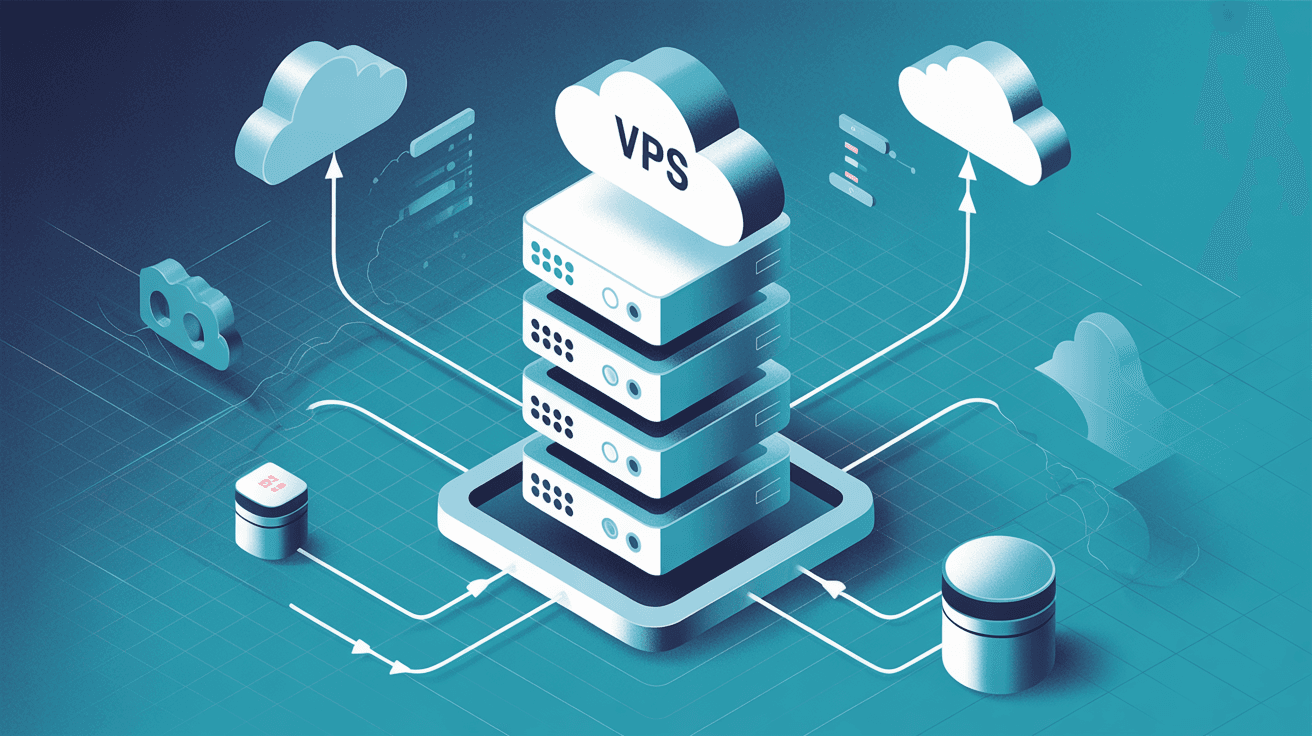
Many people, after buying a VPS, react by adding another cloud disk when space runs low, and keep stuffing files onto the server. Only when the site starts hosting lots of images, logs, backups and user uploads do they realize one thing: not all data should live on the VPS local disk.
At this point you hit a very common fork in the road:
- Keep expanding the VPS local disk / block storage (cloud disk)
- Move some files to object storage (S3, Spaces, R2 and the like)
Many people don't lack the ability to buy, they just don't know how to divide things up:
- Where should the database go?
- Should user-uploaded images go to object storage?
- Should backups go on a cloud disk or object storage?
- How should WordPress, Nextcloud, tool sites and small SaaS each choose?
This article is dedicated to answering that question: does a VPS really need object storage, and which files should go on cloud disks versus object storage.
If you only want to remember one sentence, remember this:
- Cloud disk / block storage is more like "a hard drive plugged into the server"
- Object storage is more like "a large file repository accessed via HTTP/API"
They don't solve the same problem.
| Item | Cloud disk / block storage | Object storage |
|---|---|---|
| How it's used | Mounted to the VPS, used as a local disk | Accessed via API / HTTP |
| What it suits better | Operating system, databases, application runtime directories | Images, videos, backups, archives, static assets |
| Latency characteristics | Lower latency, suited to frequent random reads/writes | Better suited to large-scale file storage and distribution |
| Is it like a normal file system | Yes | No |
| Typical examples | AWS EBS, DO Block Storage | AWS S3, DO Spaces, Cloudflare R2 |
So object storage is not a "more advanced hard drive" but a completely different way of storing data.
First, the most important principle:
Any data that needs frequent reads/writes like a local disk, depends on file system semantics, and pursues low latency should go on block storage first.
- The operating system and the applications themselves
- MySQL / PostgreSQL / Redis persistent data
- Directories needing frequent random reads/writes of small files
- Container runtime volumes, queues, cache spill directories
- Application directories that need POSIX file system behavior
Why? Because this data usually requires:
- Low latency
- High random read/write performance
- File locks, directory structures and permission control working normally
- Being usable directly by applications as a "local disk"
If you force this kind of workload into object storage, it's usually hard to use, or even outright incompatible.
Databases should almost always go on block storage or local SSD first, not object storage.
For a simple reason:
- Databases need lots of random I/O
- They need stable latency
- They need file system and transaction semantics to work together
- They need applications to access data files as if they were local disks
You can use object storage as the destination for database backups, but don't use object storage as the database data disk itself.
Object storage is best for data that doesn't need to be mounted as a system disk, but needs long-term retention, network access, and keeps growing.
- Website images, attachments, user-uploaded files
- Videos, audio, installers, export files
- Log archives, audit files
- Database backups, full-site backup archives
- Static asset distribution files
- Historical archives, cold data
These files share several traits:
- They usually exist as "file objects";
- They don't require frequent random rewrites like a local disk;
- They value scalability, low maintenance and long-term retention more;
- They often also want to hook up to a CDN or be accessed via direct links.
Because they have 4 natural advantages:
- Decoupled from the VPS lifecycle: when the server is migrated or rebuilt, you don't have to move the whole data disk
- Easier to scale: no worry about a single machine's disk filling up
- Better for multi-machine architectures: multiple application servers can share the same set of files
- Better for CDN: images, attachments and videos can go straight through edge caching
If your site has already started accumulating lots of images, attachments and export packages, it's usually time to consider object storage.
Many people think "they're all files anyway", so it doesn't matter where they go. This is the most common misconception.
In reality, different files should be viewed separately by purpose.
| File type | Better placed where | Reason |
|---|---|---|
| Database data files | Cloud disk / local disk | High-frequency random reads/writes, low latency required |
| Nginx / application config | Cloud disk / local disk | Runtime depends on the local file system |
| User-uploaded images | Object storage | Easy to scale, easy to distribute, CDN-friendly |
| Videos, installers, export files | Object storage | Large capacity, access is mainly downloads |
| Daily backup archives | Object storage | More cost-effective for long-term retention, and more independent |
| Application log hot data | Cloud disk / local disk | Frequent real-time writes |
| Log archives | Object storage | Suited to long-term retention and analysis |
| Static front-end build artifacts | Object storage / CDN | Better suited to distribution |
You'll find the real dividing line isn't "is it a file", but:
- Is it runtime data or distribution/archive data?
- Does it need local real-time reads/writes or network access?
- Is it bound to a single machine or do you want it decoupled from the machine?
Not every VPS must use object storage.
If you only have:
- A very small personal blog
- Not many images
- A small backup volume
- No multi-machine deployment plans
Then you can absolutely run the system on the VPS local disk first, and periodically sync backups off-site.
- User-uploaded files keep growing
- Images/attachments are already clearly crowding the system disk
- You want to decouple backups from the production machine
- You plan to go multi-machine, migrate, or scale elastically in the future
- You want files to be served directly through a CDN
- You don't want to move tens of GB of media files every time you migrate the VPS
If 2-3 of these appear, it's basically time to seriously consider object storage.
Recommended approach:
- WordPress program, database: on the VPS cloud disk
- Media library images: gradually migrate to object storage
- Database and full-site backups: sync to object storage
Benefits:
- Less pressure on the VPS local disk
- Images can go straight to a CDN
- No need to move the entire media directory first when migrating hosts
These scenarios need more caution.
- Programs and databases should still go on block storage first
- Object storage is better as a large-file backend, archive layer or extension layer
Not every private cloud drive solution should "go all-object from the start"; it depends on whether the application natively supports it and whether it affects file locking and sync logic.
Recommended approach:
- Application, database, queues: on block storage
- User-uploaded attachments, export files, log archives, backups: on object storage
This is the most common and most stable combination.
These scenarios should usually adopt object storage as early as possible.
For direct reasons:
- Large files
- Fast growth
- Strong distribution needs
- High value in working with a CDN
If all this data piles up on the VPS cloud disk, scaling, migration and disaster recovery will only get more painful.
Many people first consider object storage because they think it "might save money".
But the truly important advantages are often:
Your application servers can be rebuilt, migrated and replaced, but file assets aren't bound to a single machine along with them.
What you need to scale is:
- Compute capacity
- Storage capacity
- File distribution
These three can be optimized separately, instead of all being crammed onto one VPS.
Object storage is naturally better suited to:
- CDN
- Public/private access control
- Temporary signed links
- Cross-region distribution
This is especially valuable for images, attachments and downloadable files.
It can't.
Object storage is not a normal block device; many applications can't use it directly as a data disk the way they read/write a local file system.
Wrong.
For data like system disks, databases and container runtime volumes, block storage is usually still the priority. Object storage suits "file objects", not all runtime state.
Also wrong.
Object storage solves the storage method; it doesn't automatically mean your backup strategy is complete. You still need to consider:
- Version retention
- Cross-region replication
- Accidental deletion protection
- Recovery drills
It can be part of your backup system, but it won't automatically design your backup strategy for you.
This is the simplest approach, best suited to most individual site owners and small teams:
- Operating system
- Web service programs
- Database
- Cache
- Runtime configuration
- User-uploaded images
- Attachments and download files
- Videos, audio, large static assets
- Daily backup packages
- Log archives
- The VPS is lighter and easier to migrate
- Data growth is less likely to blow up the system disk
- Static file distribution is more sensible
- Backups and production environments are easier to separate
This layering approach is more likely to lead to sustainable operations than "stuffing everything onto one VPS".
Whenever you're torn, just ask yourself these 5 questions:
- Does this file need frequent reads/writes like a local disk?
- Is it a database, runtime state or critical system directory?
- Is it better suited to being accessed via HTTP / API?
- Will it keep growing and need to be decoupled from the server?
- Is it more like an "asset file/archive file" than a "runtime file"?
If the first two answers are "yes", lean toward cloud disks.
If the last three answers are "yes", lean toward object storage.
Not necessarily. Don't just look at unit price; also consider request counts, traffic, CDN, origin fetches and management costs. The real value is often architectural decoupling, not just price.
Yes. Keeping the database itself on block storage and the database backup files on object storage is a very common combination.
Not necessarily. If the media volume is small, you can skip it for now. But as soon as images/attachments clearly increase, or you're already planning migration, CDN or multi-machine, it's worth planning ahead.
For static sites and static asset distribution, yes; for dynamic application runtime directories, it's usually not recommended. It depends on whether the application natively supports it, rather than forcing a replacement for the local file system.
Whether a VPS needs object storage isn't about "whether the new technology is worth following", but about whether you've already hit real problems like file growth, migration hassle, insufficient backup independence, and inefficient static asset distribution.
The simplest way to judge:
- Databases, systems, application runtime directories → cloud disks / block storage first
- Images, attachments, backups, archives, static distribution files → better suited to object storage
What object storage really changes isn't just "where files go", but whether you can gradually move the VPS from a state of "everything stuffed onto one machine" to an architecture that's clearer, easier to migrate and easier to scale.
If you've already started asking "do I need object storage", chances are you're not far from actually needing it.