
VPS Tutorials
Does a Small Website Need Load Balancing (2026): When Adding It Only Adds Complexity
When small websites think about stability, they instinctively reach for load balancing, high availability, and multi-server deployment, but in reality the more common problem is that the single-server foundation isn't solid yet and the real bottleneck hasn't reached the point where horizontal scaling is needed. This article breaks things down from the angles of actual traffic for small sites, single-server optimization, availability requirements, and multi-server complexity, to help you judge when you should first do caching, CDN, and single-server scaling, and when load balancing is truly worth adopting.
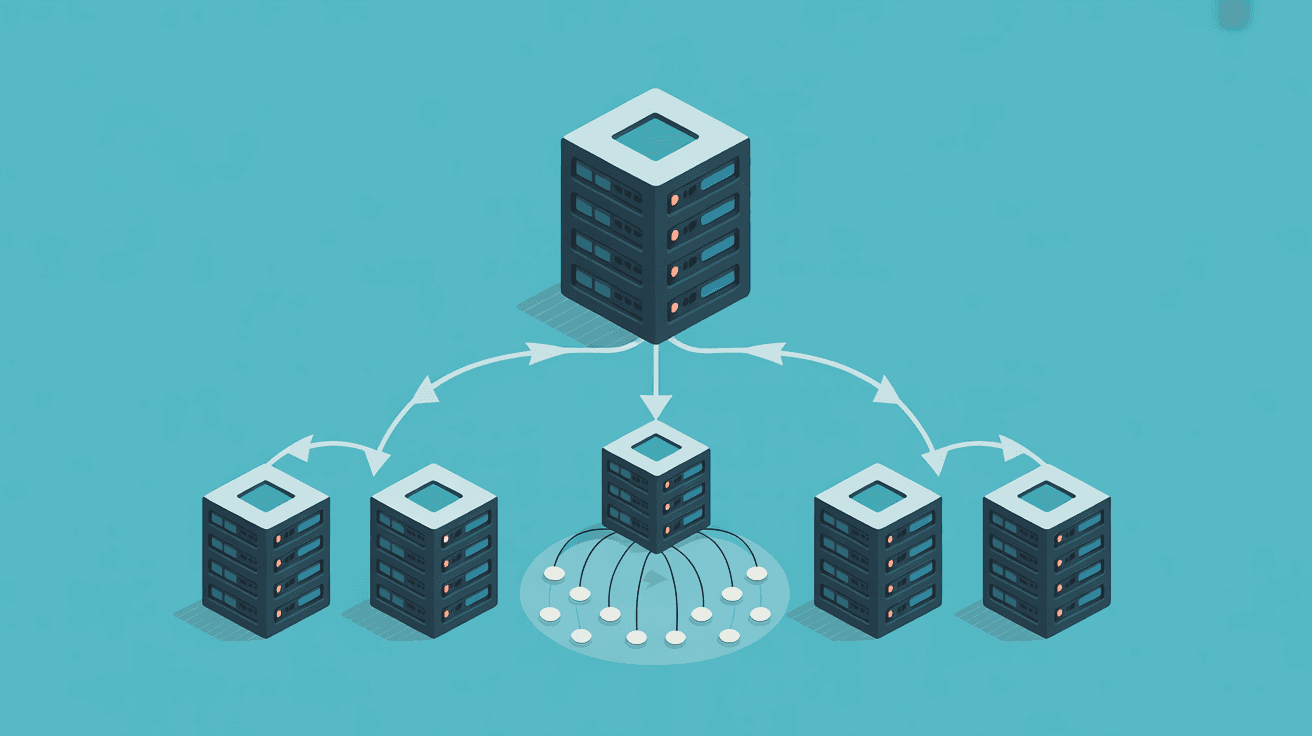
When people talk about website stability, a few words immediately pop into their heads:
- Load balancing
- High availability
- Multi-server deployment
- Failover
These terms all sound professional, and they are indeed common components in mature architectures.
But the problem is:
For most small websites, load balancing is often not "the first thing you should do," but "the thing that adds complexity if you do it too early."
What's more common in reality is:
- Daily traffic isn't high
- The real bottleneck is still in the database, caching, static assets, slow queries, or misconfiguration
- You still only have one VPS
- Once you force load balancing in, the first result is added cost, more operational surface, and harder troubleshooting
This article is specifically about making it clear: when a small website doesn't need load balancing at all, when it truly starts to have value, and what you should do first before that.
1. The Conclusion First: For Most Small Websites, Get Single-Server Running Smoothly Before Talking About Load Balancing
If you only remember one sentence, remember this:
For most small websites, prioritizing single-server optimization, caching, and CDN is more cost-effective than adopting load balancing too early.
What load balancing truly solves is the following problems:
- Single points of failure
- Traffic distribution across multiple servers
- Horizontal scaling under high concurrency
- Removing failed nodes and improving availability
If your actual situation is still:
- One small VPS
- Steady daily traffic
- Resources not yet truly maxed out
- Limited business loss from downtime
Then what you should do first is usually:
- Upgrade the single-server specs
- Turn on caching
- Hand static assets to a CDN
- Optimize the database and application configuration
Rather than directly introducing a new network layer.
Many people think of load balancing as a universal component that makes a website stable once and for all, but it actually solves a few very specific types of problems.
When you already have multiple application servers, load balancing can distribute requests to different nodes, avoiding one being maxed out while another sits idle.
If one machine fails, load balancing can switch traffic to healthy nodes, reducing the risk of a single point of failure.
Without load balancing, adding a second server doesn't automatically improve front-end access capacity; with it, multiple machines can truly work together.
In some scenarios, load balancing also handles:
- TLS termination
- Health checks
- Path forwarding
- Cross-region scheduling
These are all valuable, but the premise is: you have truly entered the multi-node and high-availability stage.
Because what many people encounter is not a "need for horizontal scaling" problem, but a "single-server foundation isn't solid" problem.
The website is slow, so they think:
- Should I adopt load balancing?
But the real problem is often:
- PHP-FPM / Node process count configured wrong
- MySQL slow queries not handled
- Caching not enabled
- All static assets served from the origin
- Images not compressed
- Server specs were too low to begin with
These problems won't automatically disappear even if you add load balancing.
If you currently don't have:
- Stable single-server monitoring
- A repeatable deployment process
- Clear application and data boundaries
- A basic caching strategy
Then adopting load balancing too early is most likely making a simple problem complicated.
In the following scenarios, it's usually not worth prioritizing load balancing.
This is almost the most typical "architecture for architecture's sake."
If the backend is only one machine, then adding a load balancing layer usually only gets you:
- One more entry point
- One more expense
- One more point of failure
- One more layer in the troubleshooting path
Rather than any real elasticity.
If your website is mainly:
- A corporate website
- A personal blog
- A showcase product page
- A tool documentation page
Then what affects the experience is often not that traffic can't be handled, but:
- Page assets are too large
- No caching
- Database queries are slow
The priority solution for these problems is not load balancing.
Multiple machines aren't as simple as "copying two servers."
Once you adopt load balancing, you'll soon face:
- How do sessions sync?
- Where do uploaded files go?
- Is the cache shared?
- Which tasks should run on only one machine?
If none of these are ready, multi-server load balancing may break the application first.
Many small websites haven't yet established:
- Backups
- Rollback
- Failure recovery
- Monitoring and alerting
Adopting load balancing directly at this point usually means "the high-availability shell arrived first, but basic operations haven't caught up."
This is the key point.
For example:
- Single-server vertical scaling is approaching its limit
- Peak traffic has clearly exceeded single-server capacity
- You truly need to spread requests across multiple nodes
At this point load balancing is no longer "optional decoration," but a foundational component for multi-server coordination.
If your website is:
- A paid service
- A critical enterprise system
- An order/payment pipeline
- Where downtime cost is clearly higher than infrastructure cost
Then when "single point of failure is unacceptable," load balancing starts to make sense.
At minimum including:
- Shared or externalized sessions
- Clear data storage boundaries
- File uploads not dependent on a local single disk
- Health check strategy
- Automated deployment capability
Without these, the benefits of load balancing will be swallowed by complexity.
This is the step most easily skipped.
If single-server configuration, caching, CDN, and the database haven't been seriously tuned yet, adopting load balancing directly is likely an expensive way to bypass the fundamental problems.
If you're still at the "should I adopt load balancing" stage, you should usually do the following first.
For small websites, the simplest and most effective scaling method is usually:
- 1 core to 2 cores
- 2G to 4G
- Regular disk to faster storage
This is much simpler than going straight to multi-server and load balancing, and easier to see results.
For many small websites, the real load pressure comes from:
- Images
- CSS / JS
- Download files
After handing these assets to a CDN, origin pressure often drops significantly right away.
Caching usually delivers value earlier than load balancing.
For example:
- Nginx / FastCGI Cache
- Redis
- Application-layer caching
- Database query caching approaches
If you really are going multi-server later, first sort out:
- Database
- Uploaded files
- Object storage
- Scheduled tasks
Sorting out these boundaries will be more critical than adding load balancing first.
Without monitoring, you can't even be sure why things are slow, let alone judge whether to adopt load balancing.
At minimum, watch:
- CPU
- Memory
- Disk
- QPS
- Response time
- Error rate
Many articles gloss over this part, but it's important for small websites.
The load balancer itself is often billed separately.
Plus:
- Multiple backend machines
- Data transfer
- Certificates
- Monitoring
The total cost is usually not just the price of "one more entry point."
Once you adopt load balancing, you have to start caring about:
- How to set health checks
- How backend nodes go online and offline
- How to avoid traffic hitting half-finished instances during releases
- Whether TLS terminates at the LB or at the origin
The problem path used to be:
- User -> single VPS
Now it becomes:
- User -> LB -> Node A / Node B -> Database / Cache / File system
As the chain gets longer, troubleshooting naturally gets harder.
If your system depends on:
- Local sessions
- Local files
- Single-server scheduled tasks
- Single-instance caching
Then multi-server load balancing will immediately expose a large number of problems "previously masked by the single server."
If you're currently hesitating about whether to adopt load balancing, you can judge in this order.
If the answer is still:
- Actually haven't monitored much
- Just occasionally feel it's slow
- Peaks haven't reached unacceptable levels
Then don't adopt it yet.
- If it's a performance problem, look at caching, CDN, and single-server scaling first
- If it's an availability problem, then consider multi-server and load balancing
When there's no second machine, many "load balancing needs" are actually still false needs.
If sessions, uploads, caching, and task scheduling are all still tied to a single machine, handle those first.
This is a very realistic question.
If your business stopping for 10 minutes has very limited impact, then what you may need more is:
- Backups
- Rollback
- Fast recovery
Rather than immediately adopting a high-availability architecture.
If your website is still at a small-scale stage, I recommend this route more:
- One reliable-quality VPS
- Basic security hardening
- Automatic backups
- Basic monitoring
- CDN
- Caching
- Database optimization
- Image and static asset optimization
- Externalize the database or manage it independently
- Stop tying uploaded files to the local disk
- Prepare session and task logic for multi-node compatibility
By this step, load balancing is a natural progression, not forcing growth.
If you're still at the single-server stage, you can first read these two:
- Does a VPS Need Object Storage (2026): Which Files Should Go on Cloud Disk, Which Should Go on Object Storage
- What to Do When a VPS Is Throttled (2026): How to Identify CPU, Disk, and Network Throttling
In most cases, not much. With only one backend machine, load balancing usually doesn't bring real elasticity, only an extra layer of cost and complexity.
Q2: My small website doesn't get much traffic, but I'm very afraid of downtime. Should I just adopt an LB?
Not necessarily. In many cases, doing backups, monitoring, fast recovery, and single-server stability well first is more practical than adopting load balancing too early.
When you already need multiple application nodes, availability is already a clear business requirement, and the application itself is ready for multi-server operation, load balancing starts to truly deliver value.
It's not "not having load balancing," but introducing complex architecture too early before the single-server foundation is solid, turning a simple problem into a complex one.
Load balancing is certainly not a bad thing, but it's also not the default answer for small websites.
The thinking that truly suits small websites is usually:
- Get the single server running smoothly first
- Do caching and CDN first
- Clarify data and file boundaries first
- Only introduce load balancing when you truly enter the multi-server and high-availability stage
In one sentence:
For small websites, load balancing isn't "the earlier the more advanced," but "it only has value when it's time to use it."
If you're still agonizing over whether to adopt load balancing, it's very likely that the first thing you should do is not buy an LB, but first confirm: have you really pushed your single server to its limit?