
VPS Tutorials
OpenProject on a VPS: Docker, HTTPS, projects and recovery
Use a matching OpenProject Compose release with private PostgreSQL and cache. Configure projects, roles, mail, collaboration and consistent backups, then rehearse upgrades and restoration.
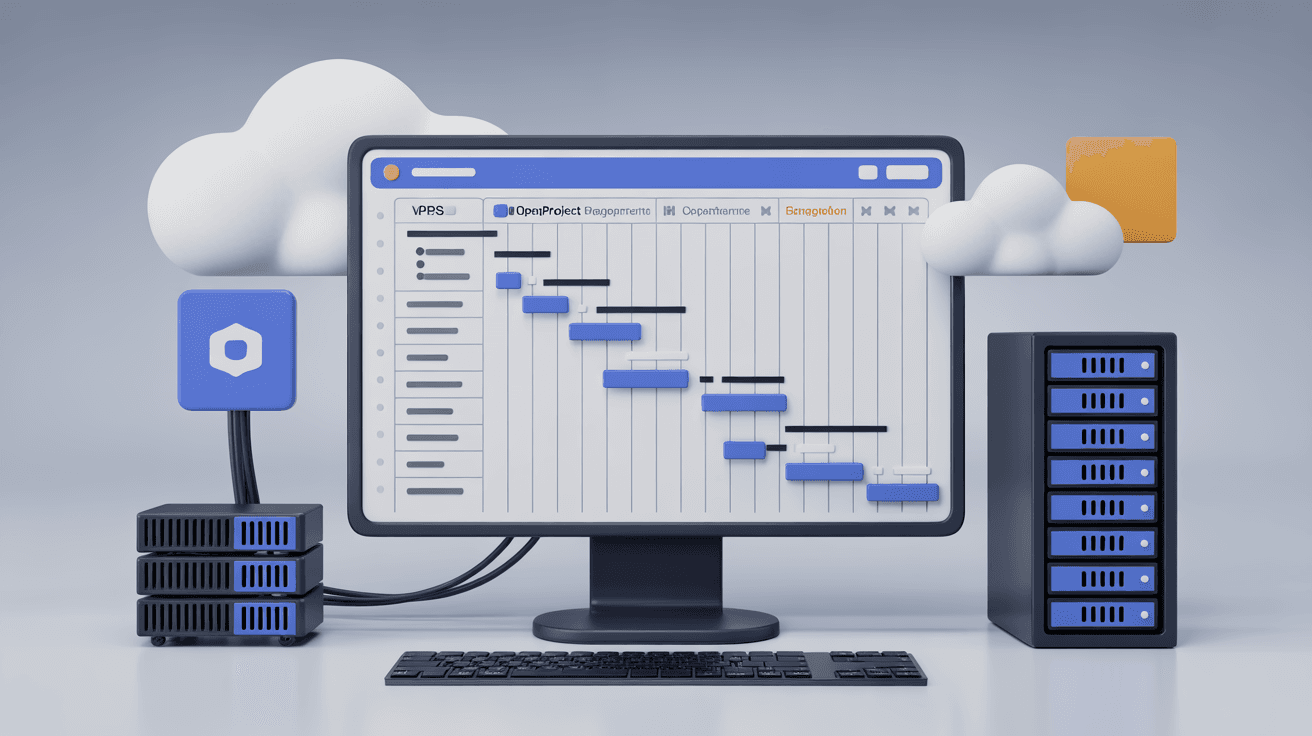
OpenProject brings projects, work packages, boards, Gantt charts, time tracking, wiki content and meetings into one managed workspace. Self-hosting gives a team control of project records and access, while also making it responsible for updates, files, mail and recovery. Feature availability can depend on the edition and installed integrations.
This Ubuntu 24.04/Compose guide uses the official PostgreSQL-based layout. Follow a matching release template; service names, cache choices and variables change between versions.
| Use | CPU | RAM | Disk | Planning note |
|---|---|---|---|---|
| Test/demo | 2 vCPU | 4 GB | 50 GB SSD | Few users and limited background work |
| Small team | 4 vCPU | 8 GB | 100 GB NVMe | SMTP and independent backups |
| Many projects | 8 vCPU | 16 GB+ | 200 GB NVMe+ | Evaluate separate storage/database and supported search |
Point working A/AAAA records for pm.example.com at the VPS. Publish only required SSH/80/443; databases, cache, search and internal administration stay private. Budget attachments, exports, logs, WAL and backups using capacity planning. These are estimates, not user-count guarantees.
sudo apt update
sudo apt install -y ca-certificates curl git openssl
curl -fsSL https://get.docker.com | sudo sh
sudo usermod -aG docker "$USER"
newgrp docker

sudo mkdir -p /opt/openproject
sudo chown -R "$USER":"$USER" /opt/openproject
cd /opt/openproject
Review the installer or use supported packages. Avoid latest, record application/database/cache identities and keep only password-free templates in Git. Protect the server's .env with chmod 600.
git clone https://github.com/opf/openproject-docker-compose.git compose
cd compose
cp .env.example .env
chmod 600 .env
Select a tested release branch/commit before copying its environment example. The official stable/17 template reviewed here uses services db, cache, proxy, web, worker, cron and seeder, with Memcached. Redis is not a required component of that layout. See the release template. Retain its seeder and persistence setup.
The original settings sketch is:
OPENPROJECT_HOST__NAME=pm.example.com
OPENPROJECT_HTTPS=true
OPENPROJECT_SECRET_KEY_BASE=replace-with-a-long-random-secret
DATABASE_URL=postgres://openproject:change-a-long-password@postgres/openproject
OPENPROJECT_RAILS__CACHE__STORE=memcache
openssl rand -hex 64
openssl rand -base64 48
Adapt it to the selected template. In stable/17, use SECRET_KEY_BASE, not the sketch's unforwarded OPENPROJECT_SECRET_KEY_BASE. Set POSTGRES_PASSWORD and the same password in DATABASE_URL, whose database host is db, not postgres. The sample connects as the PostgreSQL administrator; provision a suitable restricted application/migration role before production if your operations policy requires it, and update the URL and backup identity consistently.
Set OPENPROJECT_HOST__NAME=pm.example.com, OPENPROJECT_HTTPS=true, PORT=127.0.0.1:8080, an independent COLLABORATIVE_SERVER_SECRET and the supported external collaborative URL. Choose named volumes or dedicated reviewed PGDATA/OPDATA host directories; do not reuse an unrelated host PostgreSQL directory from the example. For fresh stable/17 instances, select its documented PostgreSQL 17 baseline and pin a patched digest. Existing data requires a separate database migration.
Keep the template's Memcached settings. A variable written in .env only affects the application when Compose forwards it; inspect the x-op-app environment mapping. Preserve private keys and consistent values across web, worker, cron and seeder.
docker compose config
docker compose pull
docker compose up -d
docker compose ps
Inspect rendered secrets privately, or use config --quiet for syntax. Wait for successful initialization/seeder completion. The original diagnostic's postgres service name must be replaced with db in this template:
docker compose logs --tail=200 web
docker compose logs --tail=200 worker
docker compose logs --tail=200 cron
docker compose logs --tail=200 postgres
For restarts, inspect the actual database URL, stable secret, hostname and volume ownership. Keep the data volume.
Complete first-run administrator setup privately and replace any initial credentials before inviting users. Confirm the final HTTPS URL, then:
- Create the organization/team/project structure and owners.
- Define work-package types such as tasks, defects, milestones, risks and changes.
- Set workflows and role rights for closure, deletion and time entries.
- Enable the supported wiki, boards, Gantt, time and document modules you need.
- Save a project template with tested fields and permissions.
Give external clients limited roles and integrations their own API credentials. Ordinary members do not need global administration.
sudo apt install -y nginx certbot python3-certbot-nginx
sudo nano /etc/nginx/sites-available/openproject
server {
    listen 80;
    server_name pm.example.com;
    client_max_body_size 100m;
    location / {
        proxy_pass http://127.0.0.1:8080;
        proxy_set_header Host $host;
        proxy_set_header X-Real-IP $remote_addr;
        proxy_set_header X-Forwarded-For $proxy_add_x_forwarded_for;
        proxy_set_header X-Forwarded-Proto $scheme;
        proxy_read_timeout 300s;
    }
}
sudo ln -s /etc/nginx/sites-available/openproject /etc/nginx/sites-enabled/openproject
sudo nginx -t
sudo systemctl reload nginx
sudo certbot --nginx -d pm.example.com
The upstream proxy should publish only private 8080 for host Nginx. For collaborative editing, additionally configure HTTP/1.1 and WebSocket Upgrade/Connection handling at the outer Nginx; its standard HTTP-only location may otherwise leave ordinary pages working while collaboration fails. Use a connection-upgrade map in the http context and pass the resulting header in the location. Verify the release's /hocuspocus route and external wss URL end to end.
Use one gateway on 80/443 and test certificate renewal. Caddy is another suitable entrance. For loops, CSRF or generated HTTP links, check the public hostname, HTTPS setting and X-Forwarded-Proto from the trusted proxy.
Configure SMTP host, port, login, password and sender through the supported settings. Test a real message to the administrator, including inbox/spam/bounce handling. Use SPF/DKIM/DMARC for the sending domain; PTR matters for the actual outbound mail server, not automatically for a VPS using an external SMTP provider. Check time, TLS mode and the provider's 587/465 or other documented submission port rather than assuming 25 must be opened.
docker compose ps
docker compose logs --tail=200 worker
docker compose logs --tail=200 cron
Workers/cron process notifications, files, reporting and cleanup. For pending jobs, inspect OOM, database locks and cache connectivity. Save failure details before attempting recovery; do not flush queues merely to remove a backlog.
Separate project administrators, members, reporters and read-only guests. Limit external customer/vendor/auditor roles; project membership does not justify unrestricted global permissions.
- Give each integration a dedicated user/token with the needed project scope.
- Store tokens in CI secrets, outside repositories and logs.
- Use deliberate timeouts, retries and idempotency.
- Rotate tokens and remove departed users/retired integrations.
Verify imported work-package fields, states and relationships in a test project before using production batches.
Attachments, recordings and exports grow continuously. Start with durable local volumes, and consider object storage only after checking your release/edition's documented support and testing file migration with retained originals.
- Measure web, worker and database CPU/RAM.
- Inspect attachment space, WAL and container logs.
- Investigate slow queries and locks before database tuning.
- Adjust supported caches, workers or search only after measurement.
More workers can increase OOM instead of improving response time.
Save PostgreSQL, attachments, plugins, .env, Compose, stable keys and image identities. The original database sketch uses older service/account assumptions:
mkdir -p /opt/openproject/backups
docker compose exec -T postgres pg_dump -U openproject openproject | gzip > /opt/openproject/backups/openproject-$(date +%F).sql.gz
docker compose cp web:/var/openproject/assets /opt/openproject/backups/assets-$(date +%F)
cp .env docker-compose.yml /opt/openproject/backups/
docker compose config > /opt/openproject/backups/compose-$(date +%F).yaml
For the reviewed stable/17 defaults, the database export is docker compose exec -T db pg_dump -U postgres openproject; change the account if you provisioned another role. Use pipefail, restrictive permissions, unique timestamps and tested gzip/checksums. Stop web/worker/cron writes while aligning database and attachment copies. Include the actual Compose filename and all secret/configuration files.
Confirm paths with docker compose ps and private docker compose config. Encrypt .env and keys, and retain offsite copies. Monthly restore drills should use an isolated same-version project, disabled real mail/integrations and checks of login, projects, packages, files, API and reports.
- Record application, PostgreSQL, cache and plugin identities.
- Validate database/file/configuration backups and digests.
- Test login, work packages, boards, Gantt, files and mail against the target release.
- Stop writes, pull the target application images and run the new release's seeder/migration procedure.
- Verify tasks/API before reopening access.
The original sequence is retained for reference:
docker compose exec web bundle exec rake db:migrate
docker compose pull
docker compose up -d
docker compose logs --tail=200 web
Do not run its migration against the old image before pulling the target. The stable template provides a seeder: run that selected new image's documented initialization/migration procedure during maintenance, then start web/worker/cron. A downgraded image must use matching pre-upgrade database/files, not a migrated production database.
Check Nginx, private 8080, web/db logs, readiness and correct DNS. Adjust proxy_read_timeout for measured long reports, while investigating the underlying slow operation.
Verify hostname, HTTPS/proxy settings and browser cookies/cache. Keep the public URL consistent through all proxy layers.
Check client_max_body_size, application limits, disk and ownership. Test local storage separately if an object-store integration fails.
Inspect SMTP, worker, cron, cache and database connectivity. Restarting only the web process does not restore an independent worker.
- Web, worker, cron, database and cache function; seeding/migrations succeeded.
- HTTPS, URL, forwarding and uploads are tested.
- Project/external roles, tokens and supported administrator MFA/identity integration are verified.
- SMTP, resets, notifications and scheduled jobs pass real tests.
- Database, files, configuration, plugins and images have offsite recovery copies.
- A timed isolated restore has succeeded.
- Versions are deliberate, with work packages/boards/Gantt/files/API checked after upgrades.
Start from one reliable project template, then add integrations and capacity against measured demand.
Further reading: