
VPS Tutorials
Navidrome on a VPS: music, Docker, HTTPS and safe backups
Deploy Navidrome with read-only music, persistent state and Caddy HTTPS. Prepare tags and clients, test supported permissions and FFmpeg, distinguish mirrors from backups and restore the matching version before upgrades.
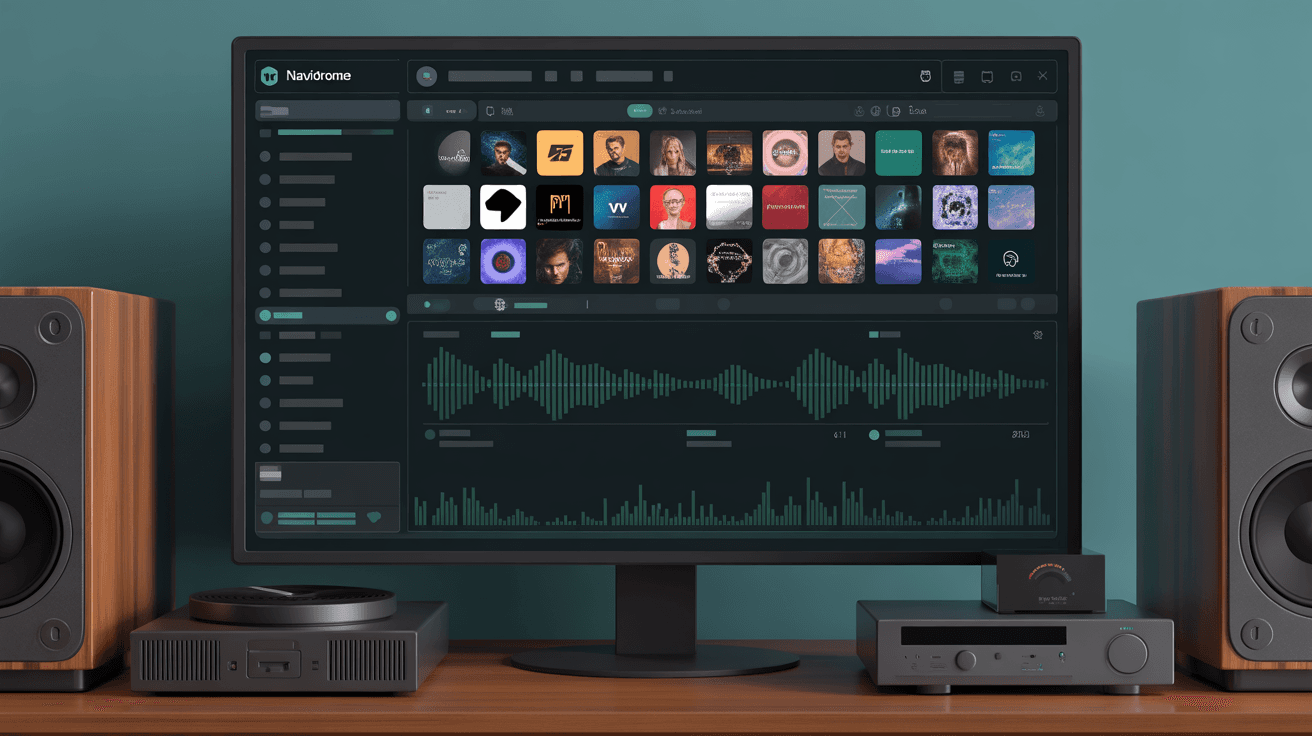
Navidrome is a lightweight music server for browser and compatible Subsonic/OpenSubsonic clients. It scans tags, organizes albums/playlists and can transcode audio for phones or other players. Keep your sharing within applicable music rights and provider terms; private hosting does not create redistribution rights.
This Ubuntu 24.04, Docker Compose and Caddy layout keeps music read-only and application state writable. A VPS still needs database/file backups, access controls and bandwidth planning.
| Use | CPU | RAM | Disk | Starting approach |
|---|---|---|---|---|
| Personal listening | 2 vCPU | 2-4 GB | 40 GB SSD | Separate music disk or synchronized object-store copy |
| Household library | 2-4 vCPU | 4 GB | 80 GB+ | Local cache and offsite copies |
| Multiple users/transcoding | 4 vCPU+ | 8 GB+ | 160 GB+ | Measure single-core, storage and network demand |
These are budgets, not performance guarantees. Point working A/AAAA records for music.example.com at the VPS, allow needed administration/80/443 and keep 4533 private. Navidrome expects a readable filesystem: object storage requires synchronization or a suitable mounted filesystem, with latency, request and egress costs considered. See VPS sizing.
sudo apt update
sudo apt install -y ca-certificates curl openssl
curl -fsSL https://get.docker.com | sudo sh
sudo usermod -aG docker "$USER"
newgrp docker

sudo mkdir -p /opt/navidrome/{data,music,backups}
sudo chown -R "$USER":"$USER" /opt/navidrome
cd /opt/navidrome
Review the root installer or use supported packages. Check actual file ownership against the container UID, rather than assuming your shell user is UID 1000. Avoid latest; record an exact supported tag/digest before upgrades.
Create .env:
TZ=Asia/Shanghai
ND_SCANSCHEDULE=1h
ND_LOGLEVEL=info
ND_SESSIONTIMEOUT=24h
ND_BASEURL=
Asia/Shanghai is an example time zone, not a requirement. Choose your IANA zone. The scan/session/base-URL settings are version-specific; the initial administrator is created during onboarding, not by these variables.
services:
  navidrome:
    image: deluan/navidrome:0.58.0
    user: "1000:1000"
    restart: unless-stopped
    environment:
      ND_SCANSCHEDULE: ${ND_SCANSCHEDULE}
      ND_LOGLEVEL: ${ND_LOGLEVEL}
      ND_SESSIONTIMEOUT: ${ND_SESSIONTIMEOUT}
      ND_BASEURL: ${ND_BASEURL}
      ND_MUSICFOLDER: /music
      ND_DATAFOLDER: /data
      TZ: ${TZ}
    ports:
      - "127.0.0.1:4533:4533"
    volumes:
      - ./data:/data
      - ./music:/music:ro
The 0.58.0 image is an older example. Review your chosen release's changes before replacing it; keep /data writable and music read-only. Match the configured UID/GID to actual mounts.
docker compose config
docker compose pull
docker compose up -d
docker compose ps
docker compose logs --tail=200 navidrome
Use an SSH tunnel to private 4533 for first-account setup before making the site accessible. Large initial scans take time: inspect logs and disk I/O instead of restarting repeatedly.
- Use consistent UTF-8 filenames.
- Set Album Artist, Album, track/disc numbers and year.
- Keep disc numbering consistent and identify Various Artists compilations explicitly.
- Use
cover.jpgor supported embedded artwork. - Keep temporary downloads, duplicate backups and unfinished archives out of the production library.
Start with a small subset in /opt/navidrome/music, check album grouping/artwork/order, then import the rest. Edit tags in the source library and rescan; the server's music mount remains read-only.
sudo apt install -y caddy
sudo nano /etc/caddy/Caddyfile
music.example.com {
    encode gzip zstd
    reverse_proxy 127.0.0.1:4533
    header {
        Strict-Transport-Security "max-age=31536000; includeSubDomains"
        X-Content-Type-Options "nosniff"
    }
}
sudo caddy validate --config /etc/caddy/Caddyfile
sudo systemctl reload caddy
curl -I https://music.example.com
Use one gateway on 80/443. Test certificate renewal and apply HSTS/includeSubDomains only where HTTPS works. Clients use the final HTTPS URL and their own credentials. OpenSubsonic features such as lyrics/bookmarks depend on both server and client support. If using a URL subpath, match ND_BASEURL and proxy/client paths. See Caddy.
- Use ordinary playback accounts and restrict administrator membership; disable any unnecessary registration mechanism in the selected deployment.
- Test supported library/playlist visibility; a private playlist does not itself isolate all music files.
- Use long unique passwords and remove unused accounts.
- Restrict administration through VPN or supported access controls.
- Avoid unrestricted sharing that can exhaust bandwidth or violate sharing permissions.
Never expose /data through a static file server; it contains user/library state and potentially sensitive settings. Review login failures and traffic. Extra browser authentication at the proxy may break music clients: test their API requests or use a compatible VPN/access design.
docker compose exec navidrome ffmpeg -version
Check the actual FFmpeg version before selecting transcode commands. If absent, use a supported/custom image rather than installing it into an ephemeral running container. FLAC/ALAC or high-bitrate conversion consumes CPU; choose client-appropriate output format/bitrate and test simultaneous streams.
Distinguish network throughput, slow music reads and FFmpeg CPU saturation. Avoid needlessly frequent scans; a stable library may use daily or deliberate post-import scans. Put application state/artwork on SSD and music on suitable capacity storage. Confirm remote mounts are complete before scanning, so temporary unavailability is not mistaken for deleted files.
Save /data, original music, Compose and .env. Originals managed elsewhere still need independent checksums and offsite protection.
mkdir -p /opt/navidrome/backups
tar -czf /opt/navidrome/backups/navidrome-data-$(date +%F).tar.gz data
cp docker-compose.yml .env /opt/navidrome/backups/
rsync -a --delete /opt/navidrome/music/ backup-host:/srv/music/
Run the data archive while Navidrome is stopped or use an explicitly supported consistent SQLite backup method. The rsync --delete line is a mirror, not versioned protection: it propagates deletions and removes destination-only files. Rehearse with --dry-run, verify the destination, and retain snapshots/versioned copies separately. Protect configuration secrets and record the actual Compose filename.
At least monthly, restore /data to an isolated matching-version instance and test users, playlists, favorites and scan state against a safe music copy. Include covers/originals and verify checksums. See restore drills.
Record Navidrome/FFmpeg versions, configuration and music paths. Copy /data to a separate test setup; verify database and scans before maintenance:
docker compose pull
docker compose up -d
docker compose logs --tail=200 navidrome
docker compose ps
Stop further writes if migration or client authentication fails. Restore the old image with matching /data in isolation; changing the image alone may not undo a database migration. Do not delete the data volume, which contains accounts, playlists and playback history.
Check Caddy, container readiness, private 4533, DNS and firewall. Inspect docker compose logs navidrome for ownership/database errors.
Check /music readability, mounted source availability and UID/GID. Review Album Artist/disc tags and duplicates before rescanning; do not repeatedly wipe the database.
Check CPU, I/O, egress and FFmpeg logs. Test original-format playback or a lower bitrate before increasing resources.
Verify HTTPS URL, base path, credentials and proxy logs. Extra proxy login, unsupported client API behavior or TLS errors may block access; test before resetting passwords. Preserve correct Host/cookies and any connections used by the client.
- Version is deliberate, with persistent
dataand music mounts. - Domain, HTTPS and client access are tested.
- Administrator/playback accounts and registration/access boundaries are verified.
- Album tags, covers, compilations and multi-disc scans are correct.
- FFmpeg, mobile playback and concurrent streams are tested.
/data, originals, configuration and versions have offsite copies.- An isolated restore is tested and timed.
Begin with read-only music and one client, then expand after scans and playback are reliable.
Further reading: