

Clash Verge
TUN in Clash Verge and sing-box: UDP, DNS, versions and game latency
Configure TUN permissions, DNS and UDP forwarding, account for sing-box version changes, recover interrupted connectivity and measure the actual game route.
Please wait while we load the content.
Category articles1 articles
Find Clash Verge configuration and troubleshooting guides. Check the client and core version, then look up the section on rules, system proxy settings, or TUN mode.
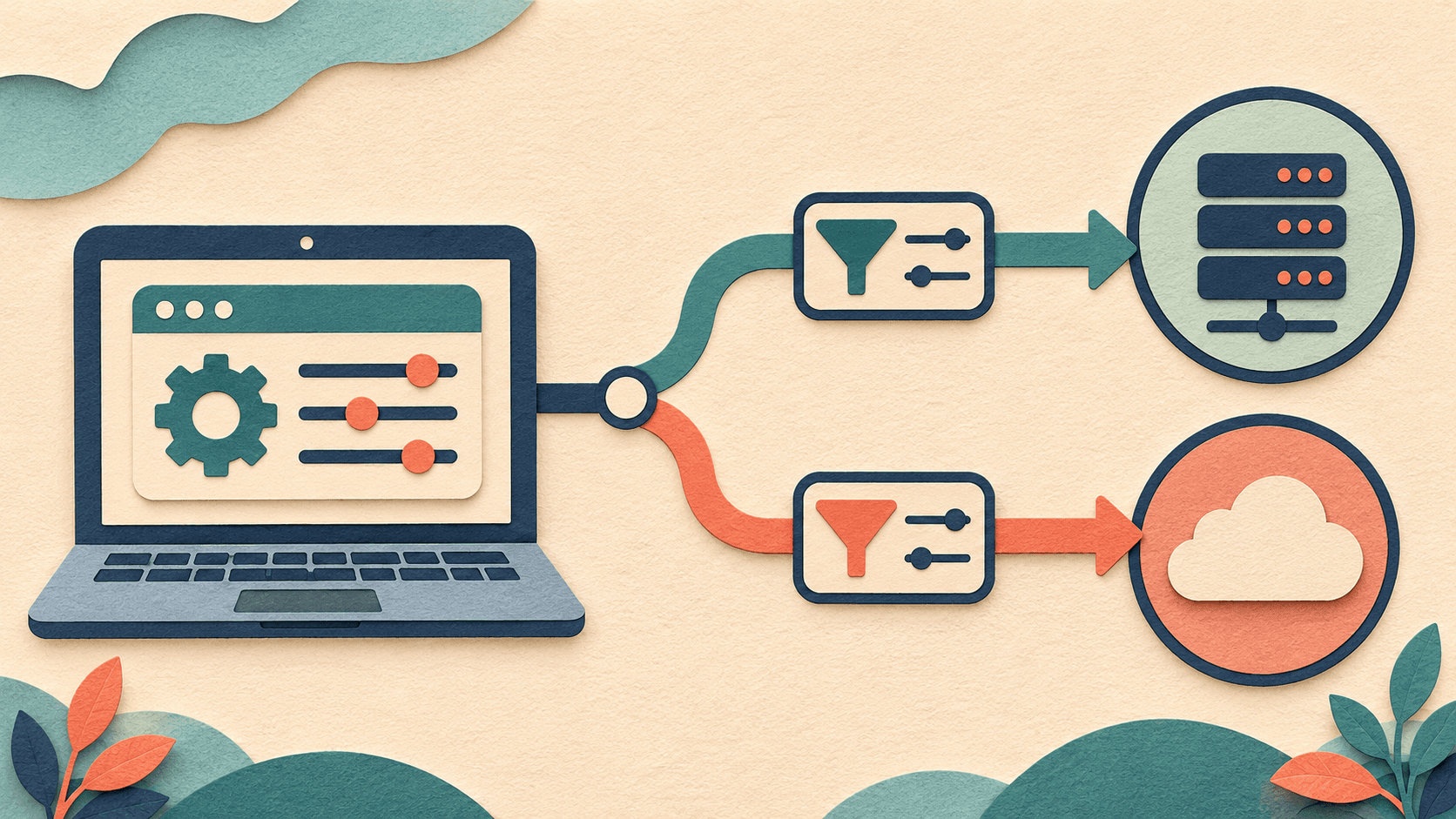
These guides cover Clash Verge setup and network troubleshooting. Identify the local client, the remote proxy service, and the rules that route traffic. Each plays a different role. A “connected” indicator tells you only part of what’s happening.
The original Clash Verge project was archived on November 3, 2023. Clash Verge Rev is a successor project. Before following a guide, check which project you installed, its client and core versions, and whether you’re on Windows, macOS, or Linux.
This category keeps its original name and articles. Older screenshots and settings apply to the releases covered in those articles. For current installation or upgrade steps, use the documentation for the project you’re running.
Importing a configuration, matching rules, using the system proxy, and enabling TUN mode affect different parts of the setup. Note the error and the applications it affects. Then check the relevant setting and change one thing at a time so you can tell what made a difference.